Updates
Settings → Updates compares MAC stack and Mango SDK versions across all nodes.
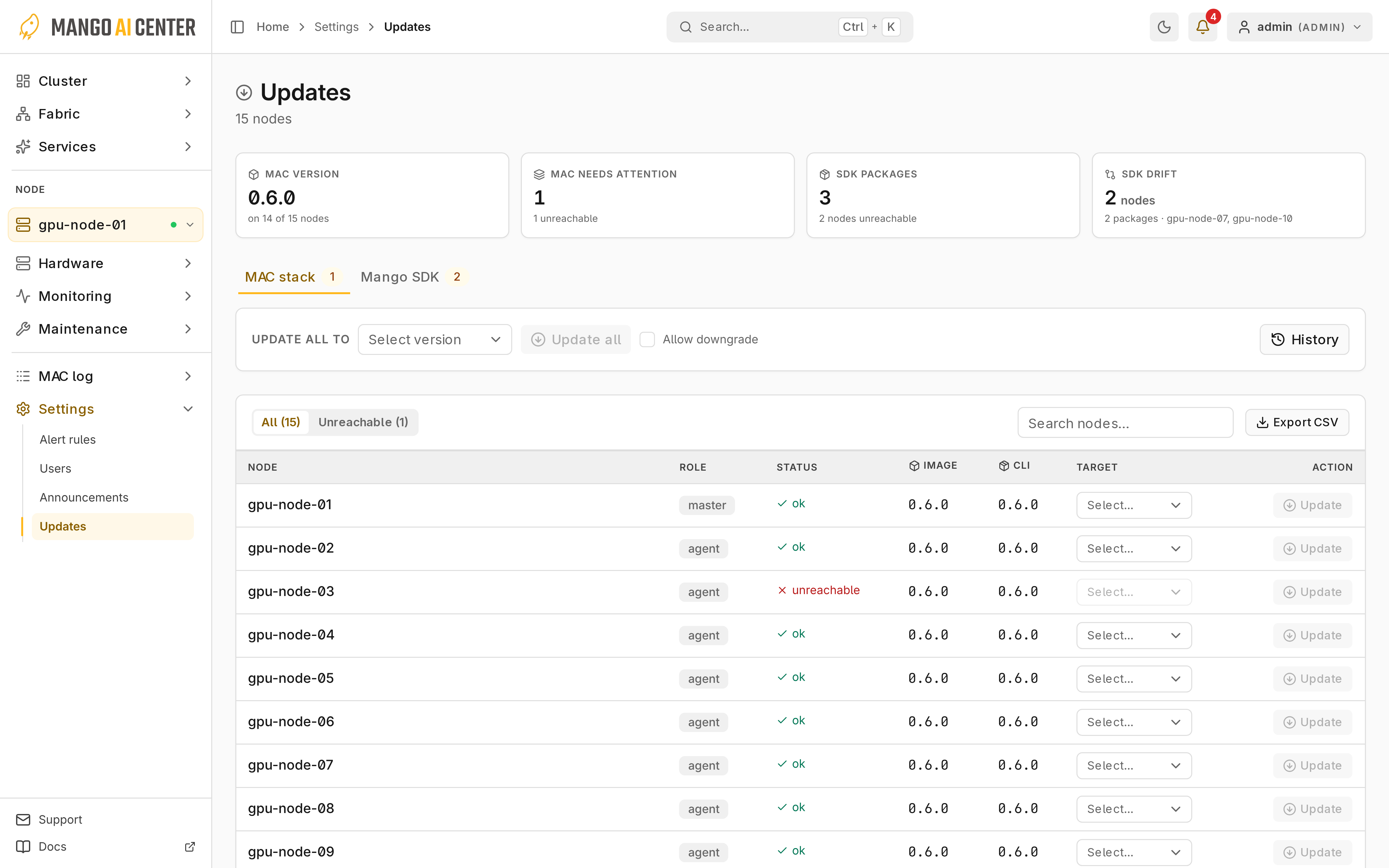
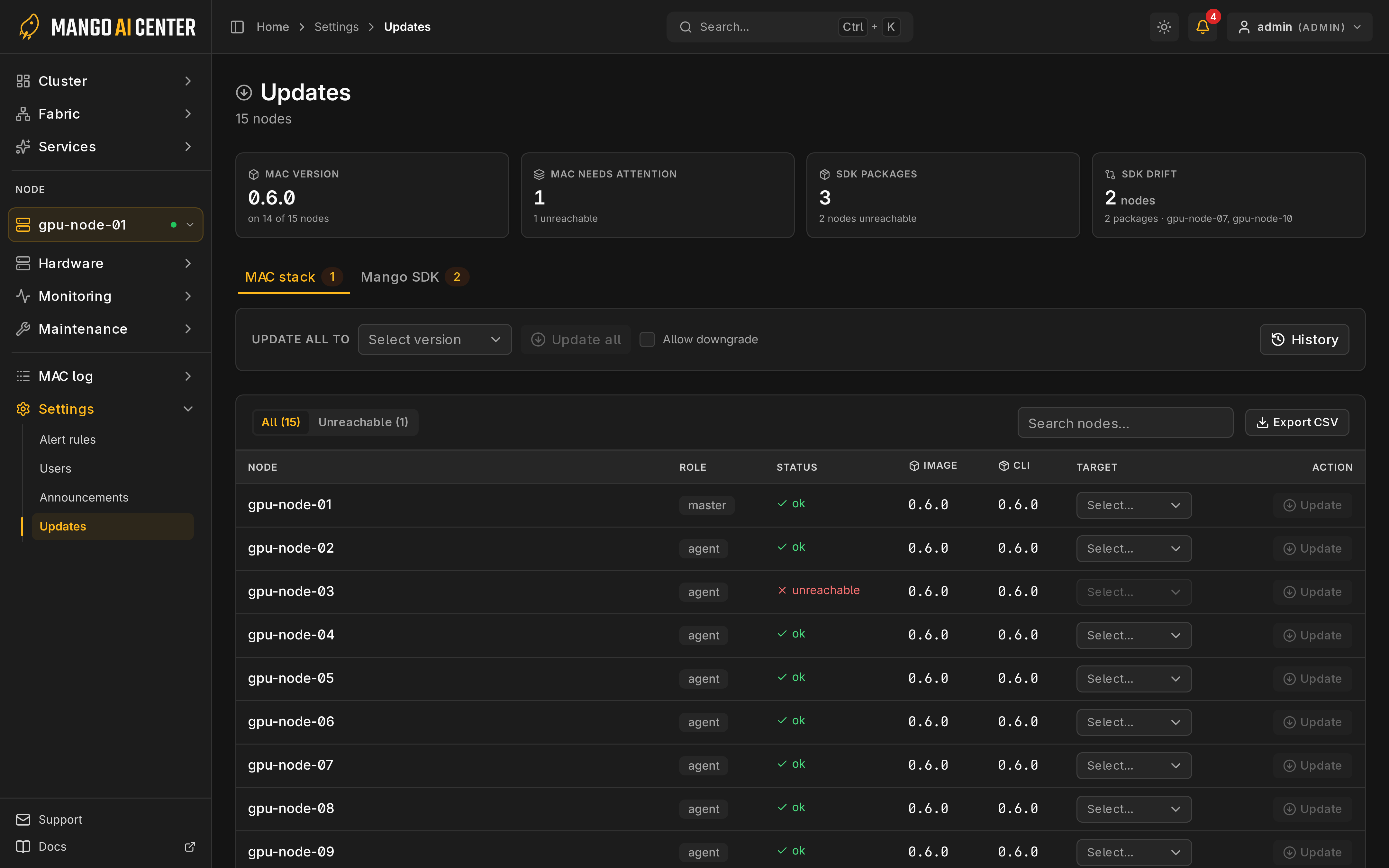
MAC Stack
Outdated marks an image that differs from the cluster; Drift marks an image that
differs from the host CLI. To update (requires admin):
- Find nodes with search or filters.
- Select a target version, or choose Update all to.
- Confirm the scope and version.
(retry lagging) updates only nodes behind the cluster; downgrades need Allow downgrade. Agents update first, and a failed agent is rolled back. The master updates last and is never rolled back; if it fails, update again. Cancel update starts no further nodes, and nodes already updating finish before another update can start.
Image updates leave the host CLI and container settings unchanged (Upgrading, container settings).
Mango SDK
Packages compares agents with the most common version; Nodes shows each node's packages and latest jobs.
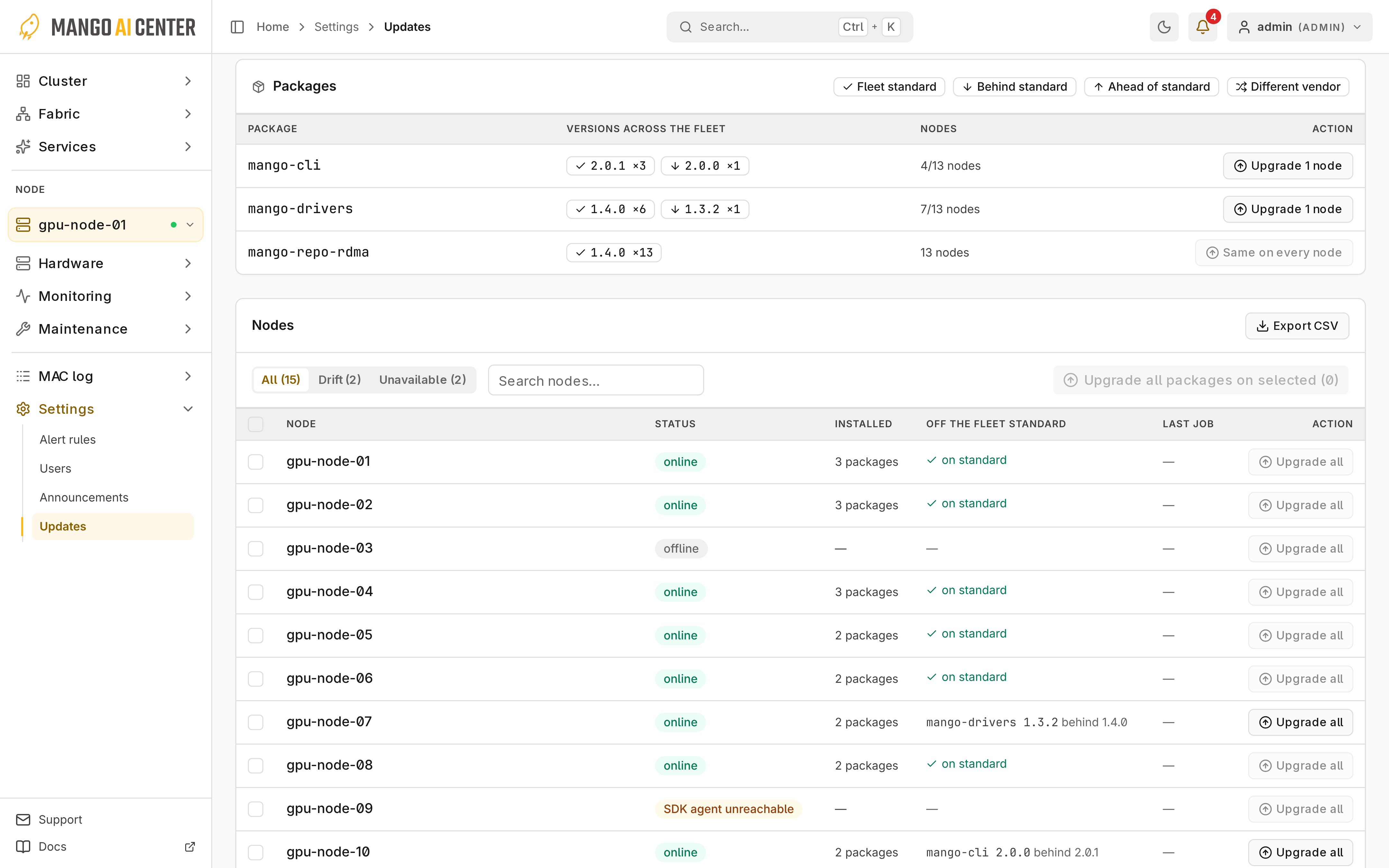
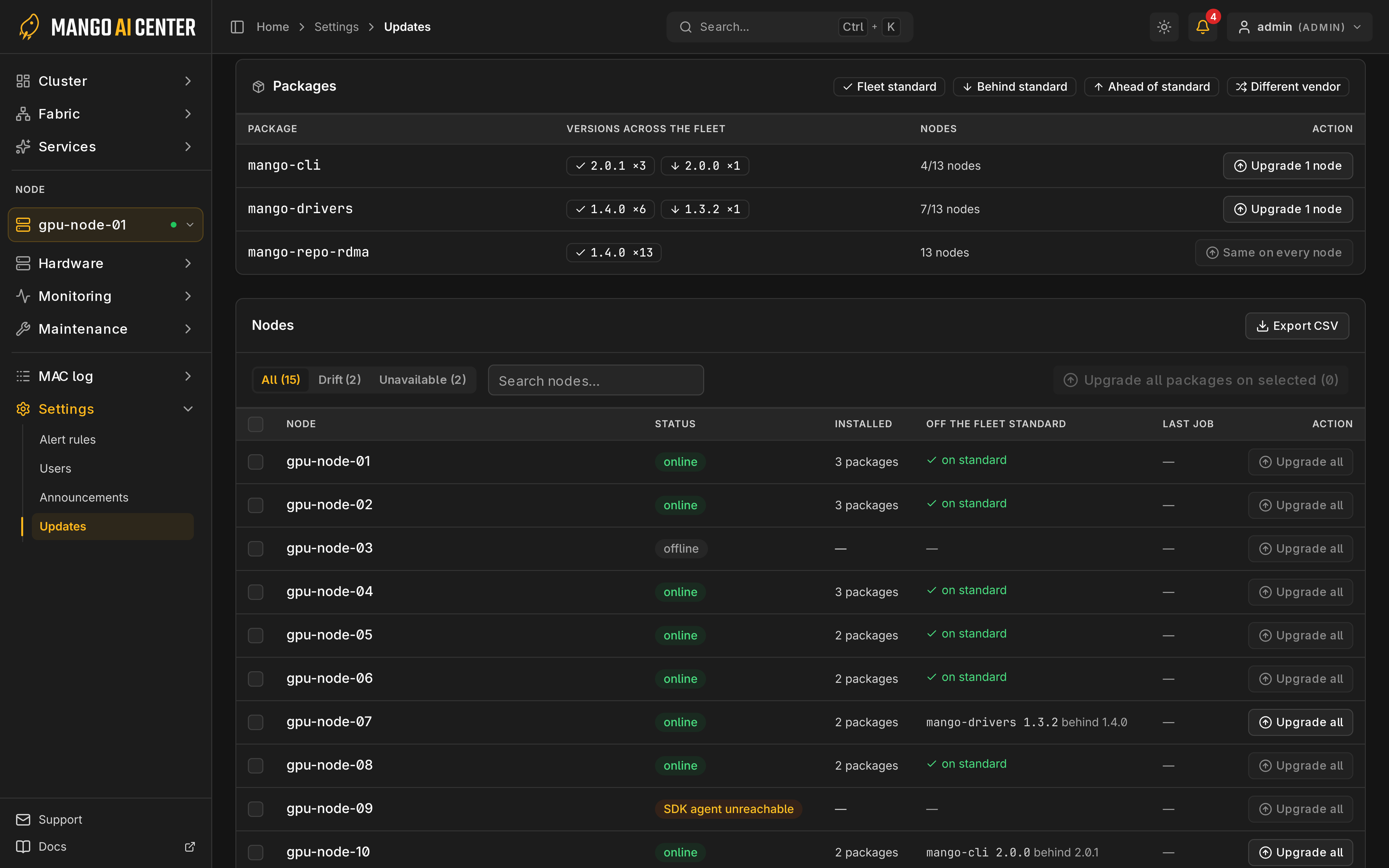
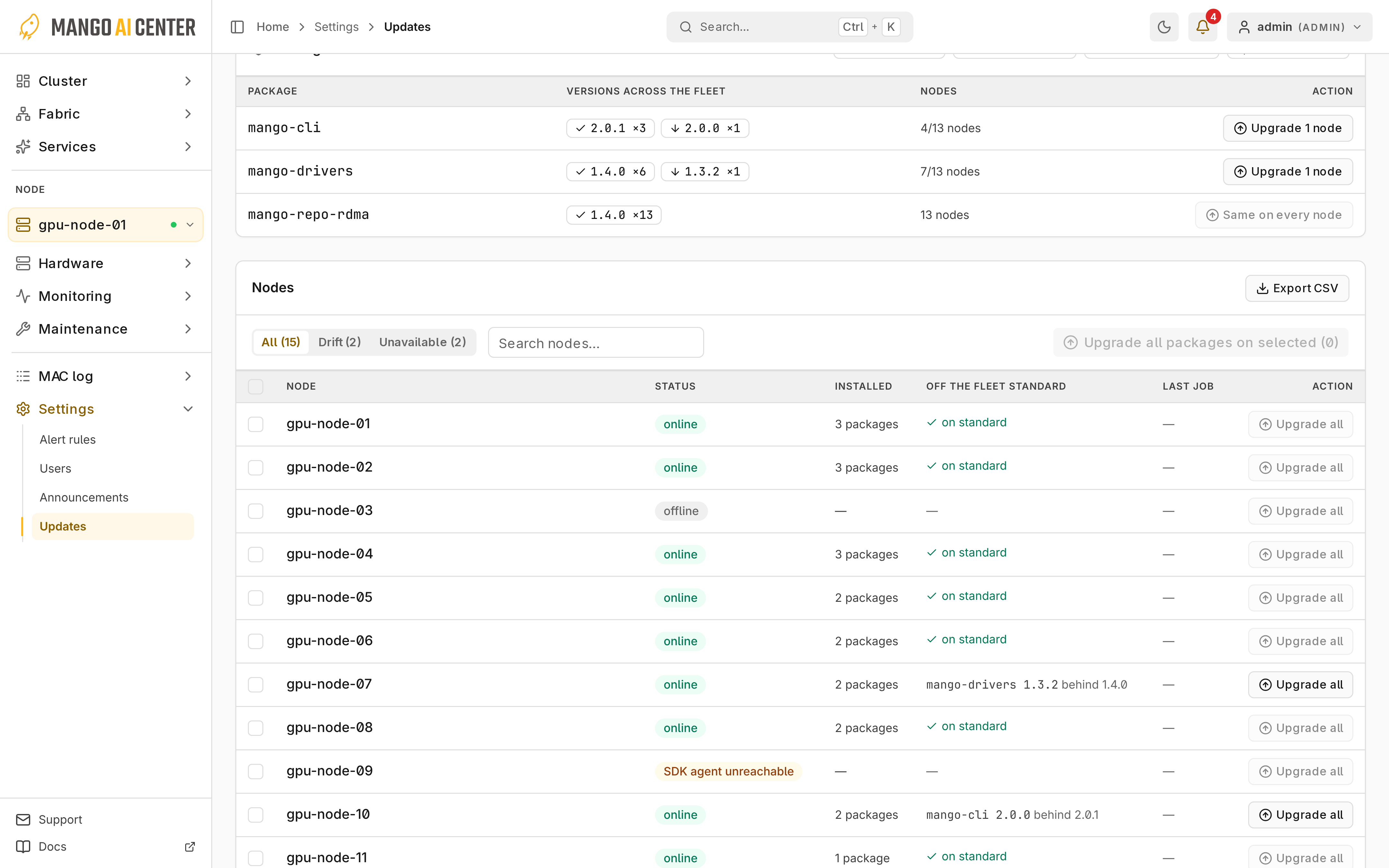
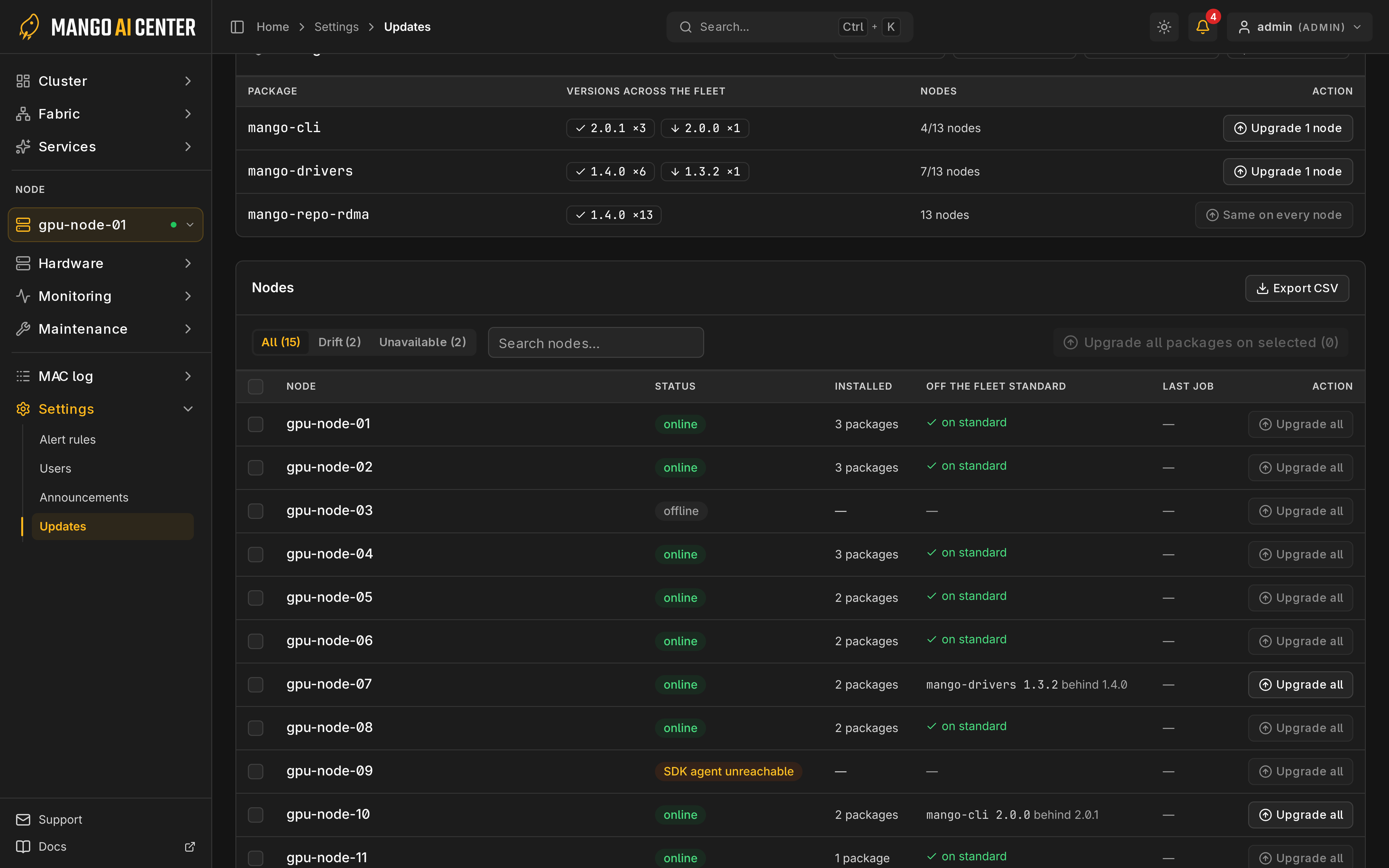
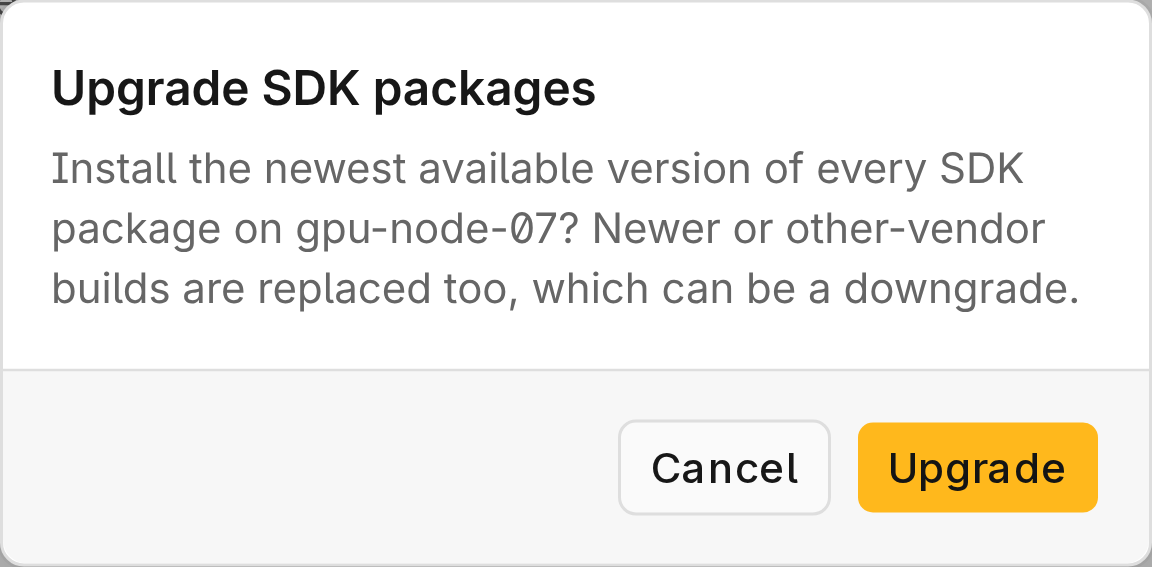
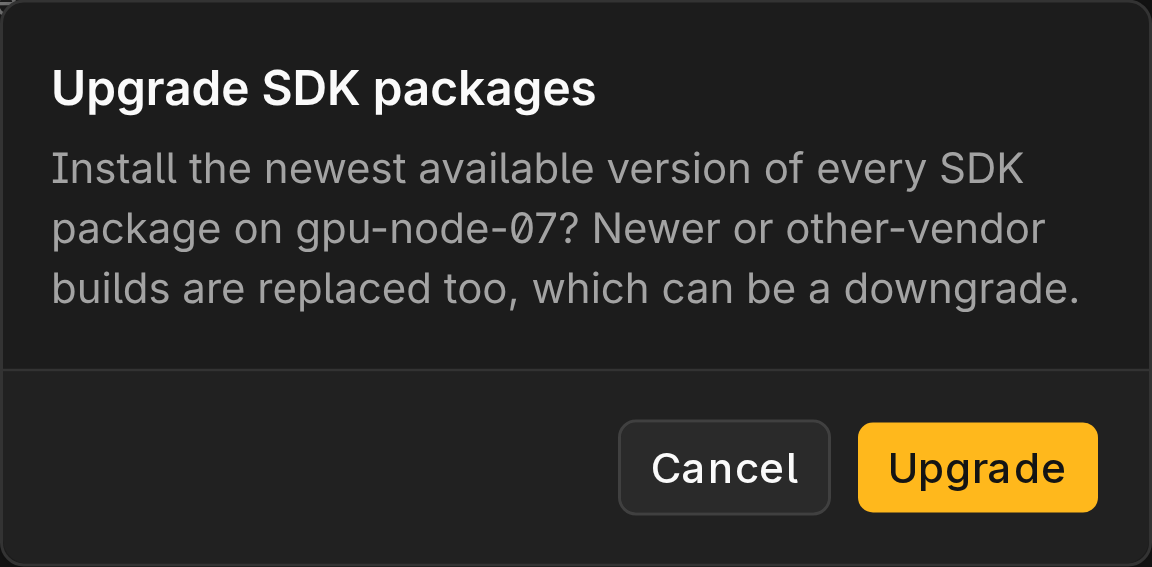
Operators and admins can upgrade one package, or select idle nodes and choose Upgrade all packages on selected. Upgrades install each source's newest version, so check sources in Software first.
Verify an Update
Check per-node results in History, then run mac test.
If a job shows Status unavailable or times out, check the node before retrying.