Alert rules
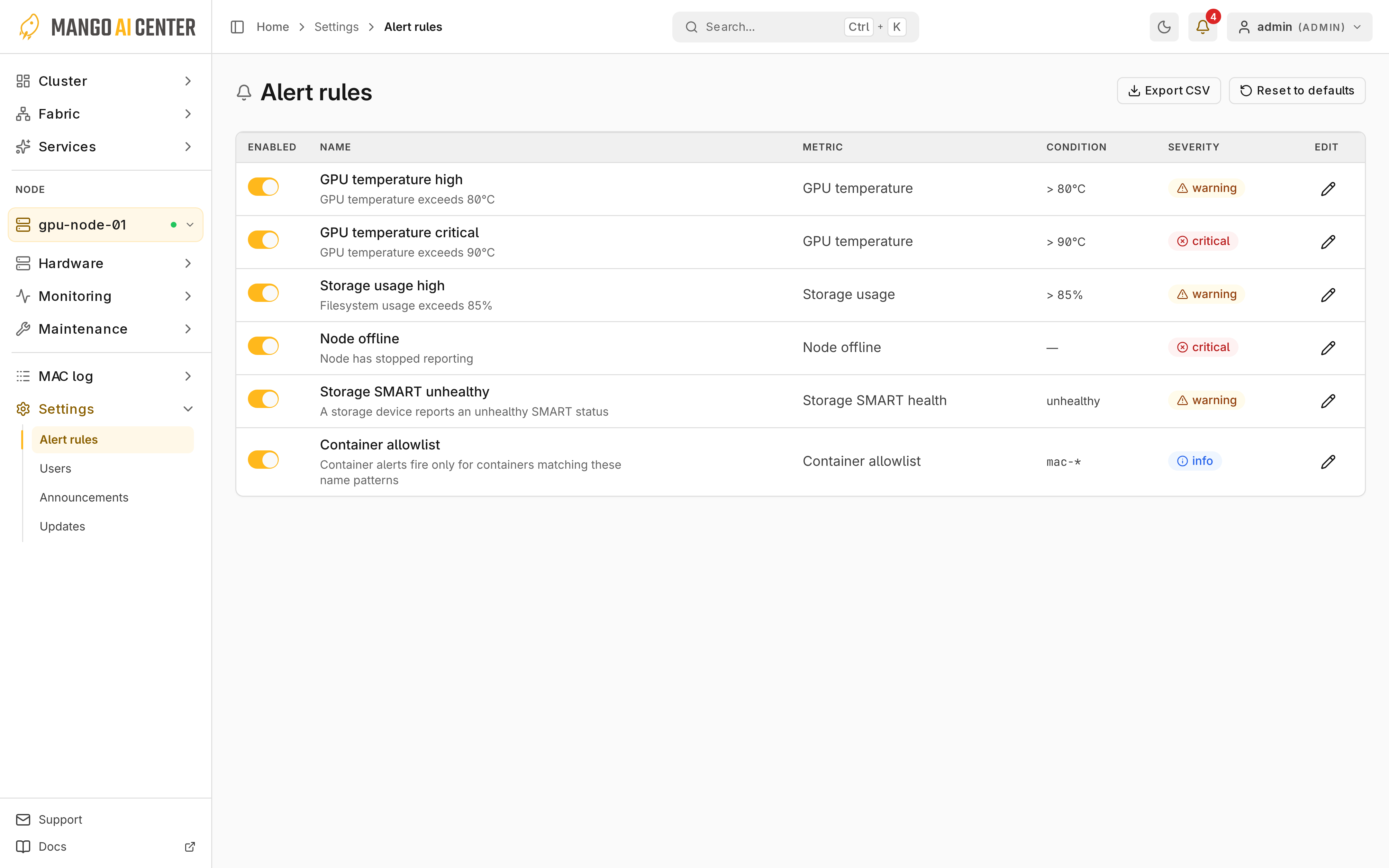
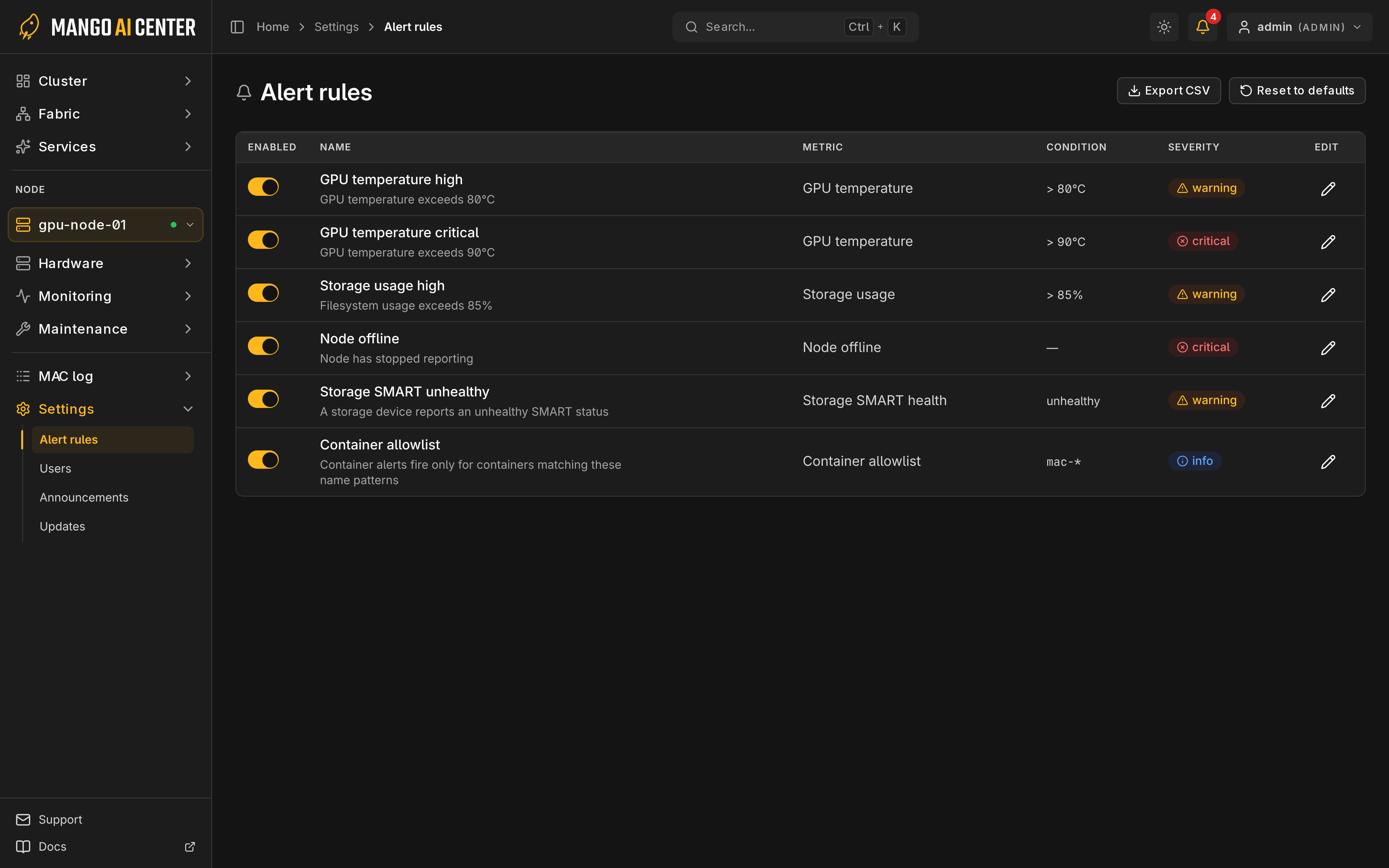
Settings → Alert rules manages built-in rules. operator and admin can enable,
disable and edit them.
Catalog
Threshold rules cover GPU temperature, CPU, memory, storage, SMART health and clock skew. Toggle rules cover node, container, BMC, ECC, GPU, network, fabric link, error-log and version-drift conditions. Upgrades add new rules and keep your edits.
Clock skew warns above 30 seconds; sync the master and agents with NTP or chrony.
GPU Temperature
| Vendor | Sensor | Warning | Critical |
|---|---|---|---|
| NVIDIA | Core | above 80°C | above 90°C |
| AMD | Junction/hotspot | at or above 95°C | at or above 100°C |
Edit Conditions
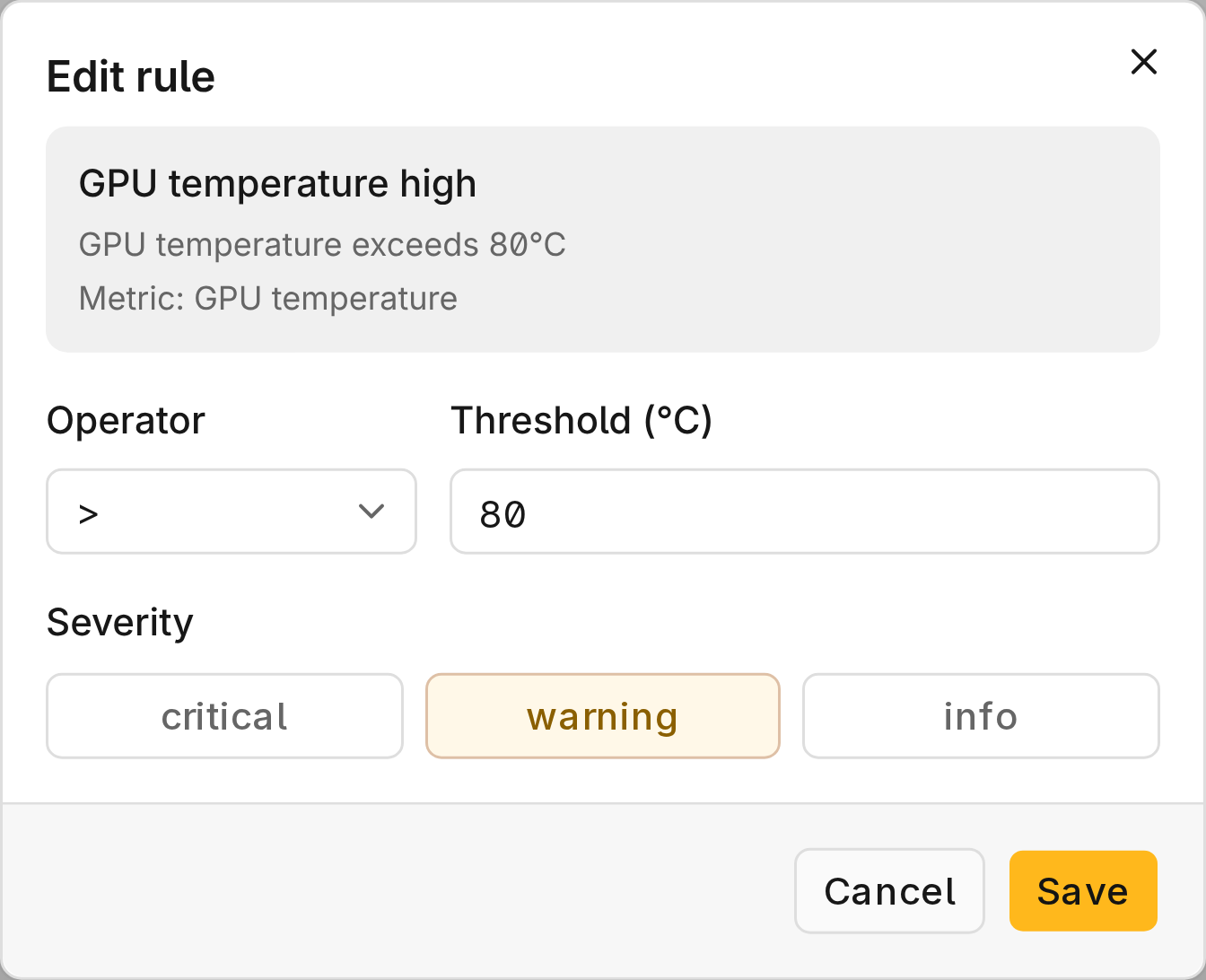
Open a rule's edit control. Set an operator and a number for a threshold rule, or a
severity (critical, warning or info) for a toggle rule.
Container Allowlist
When enabled, only containers matching its glob patterns (default mac-*) raise
container alerts.
Export and Reset
Export CSV saves the rules. Reset to defaults restores every built-in rule. If an expected alert is missing, check whether its rule is disabled.