LLMBoost
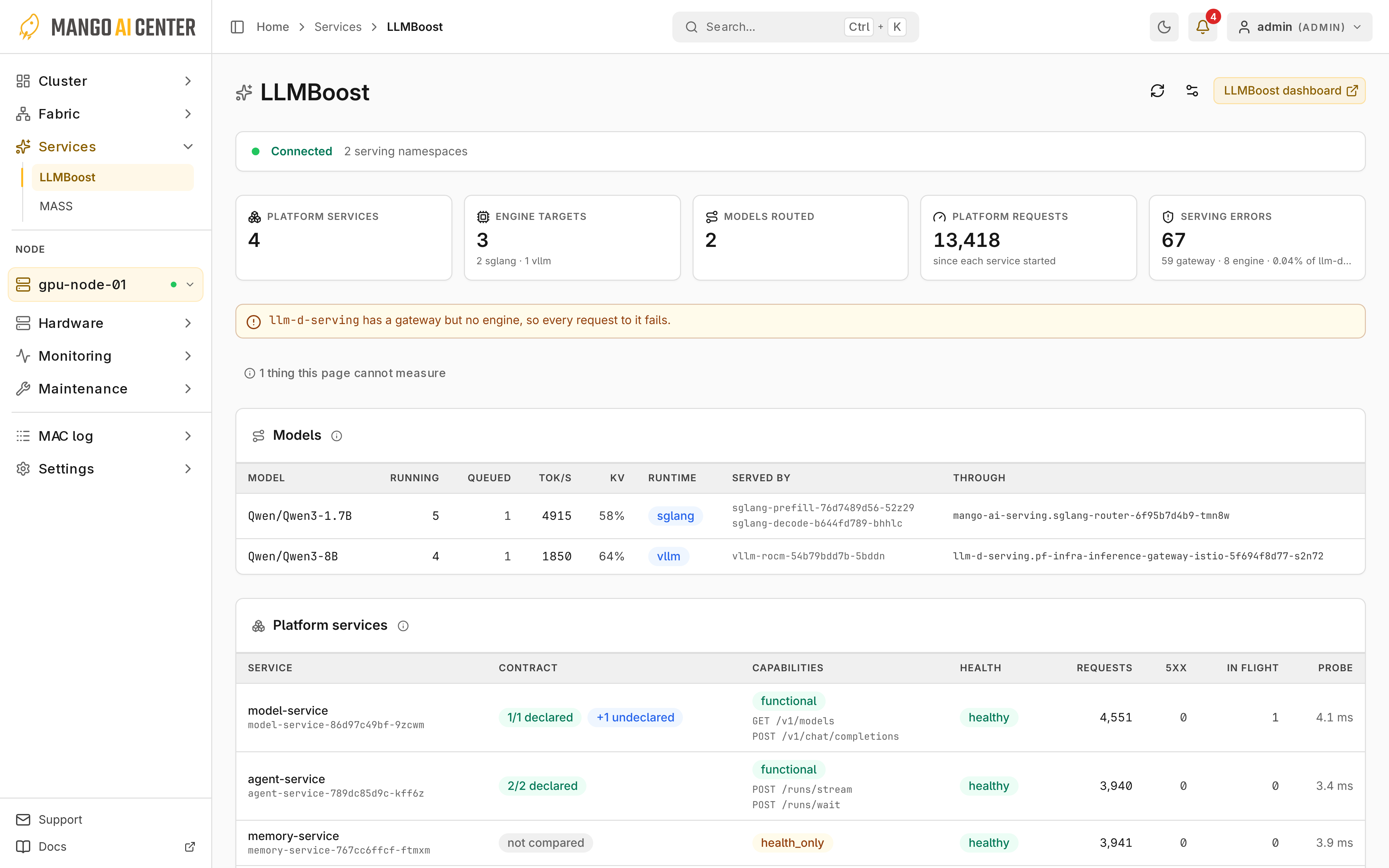
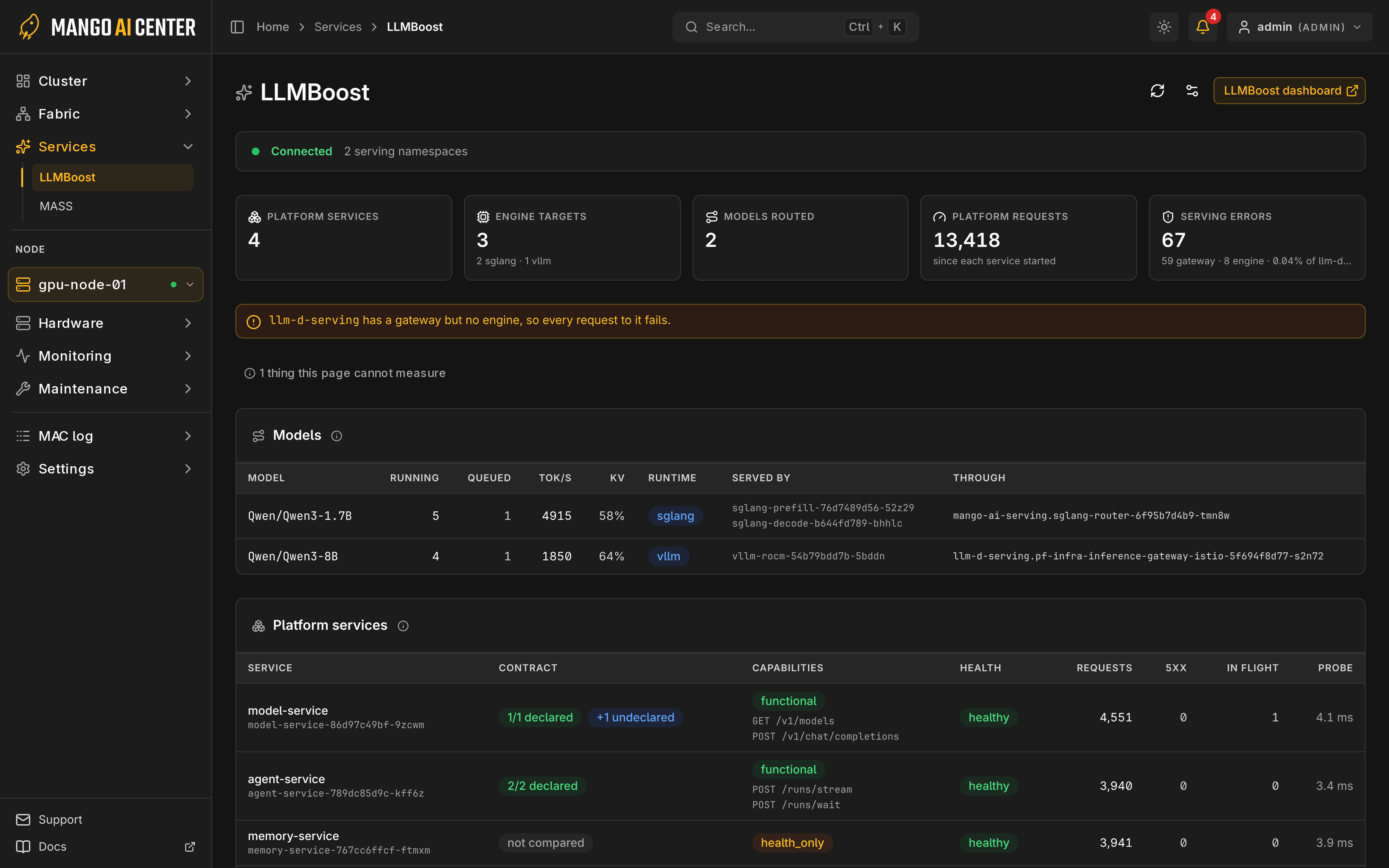
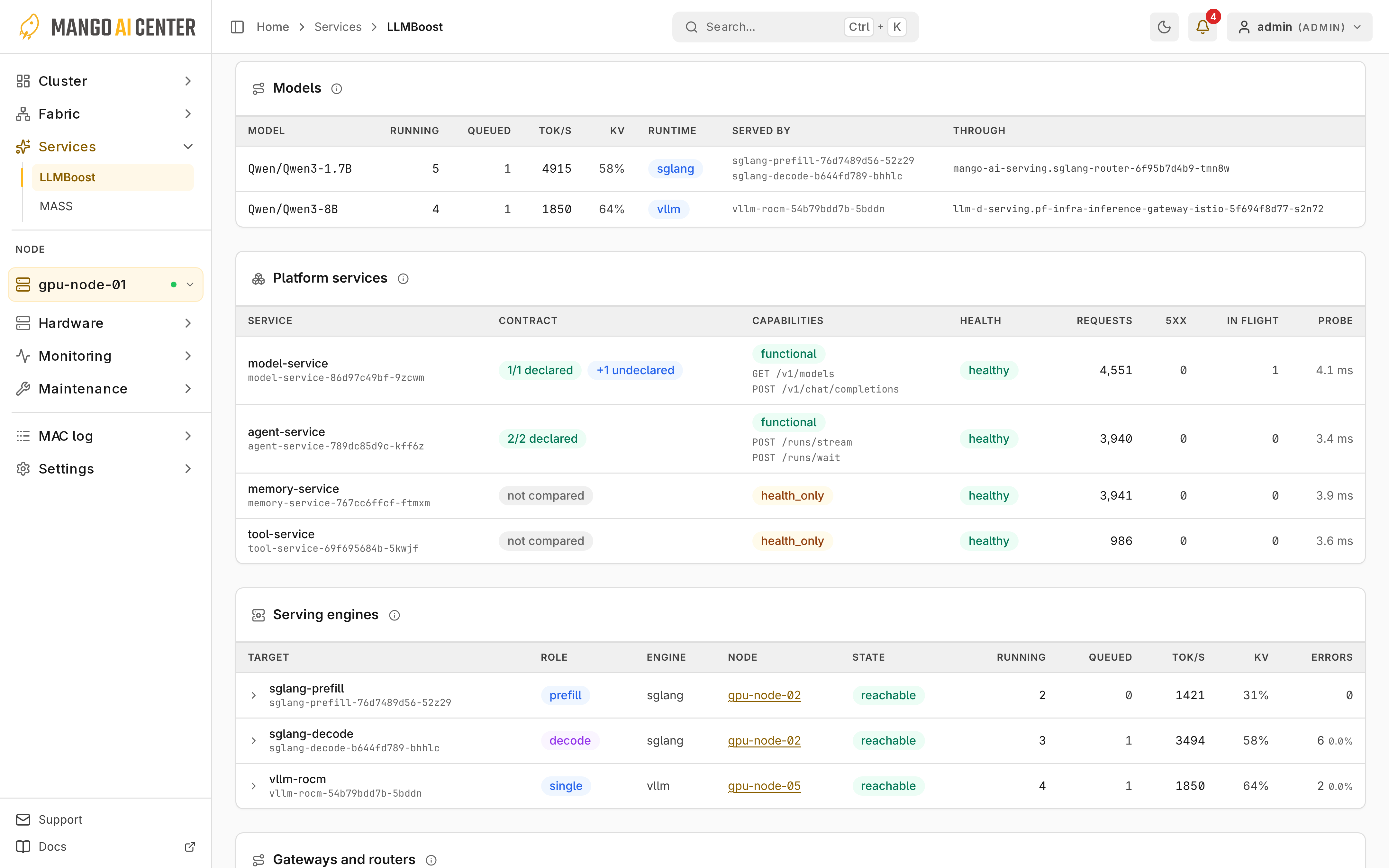
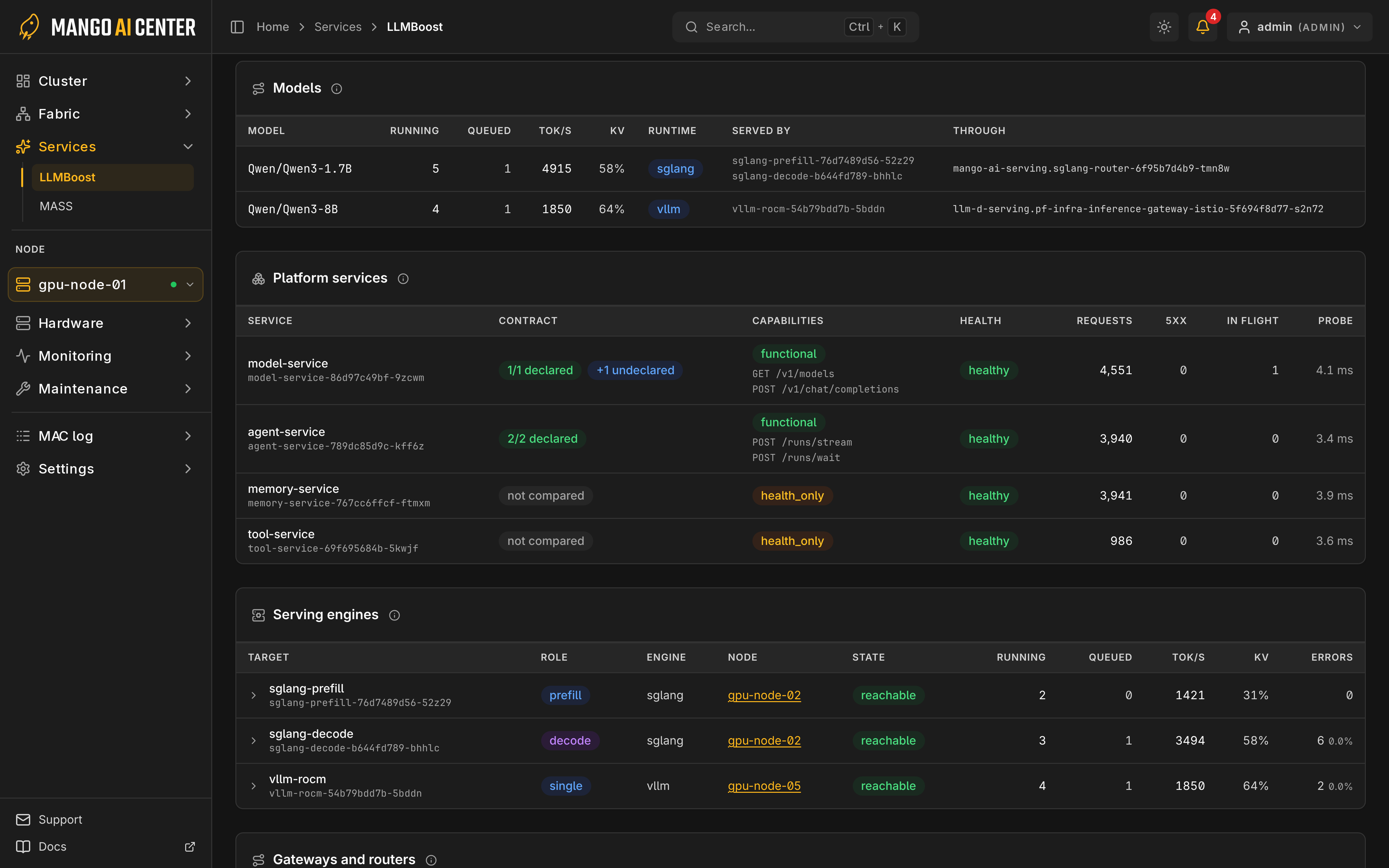
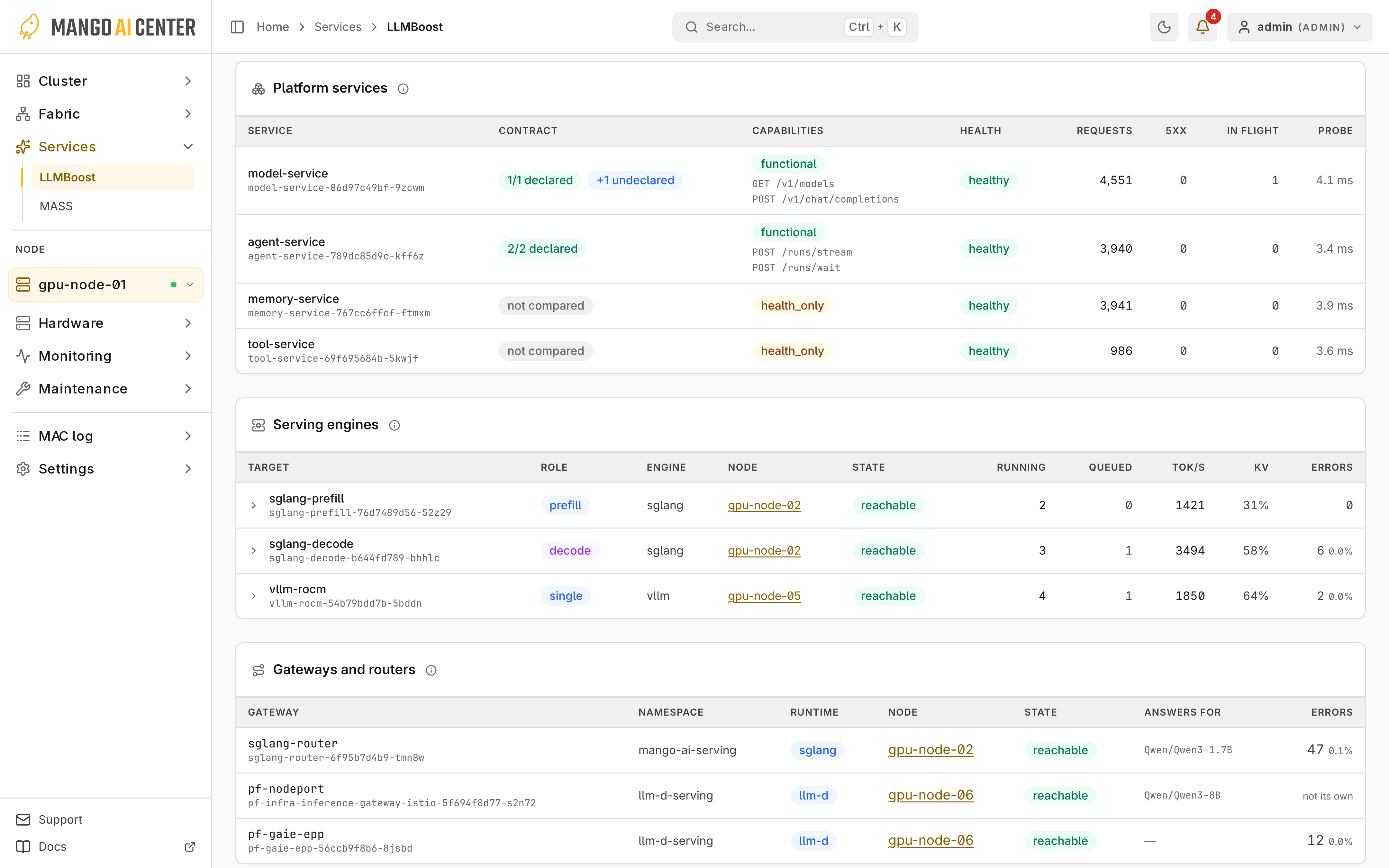
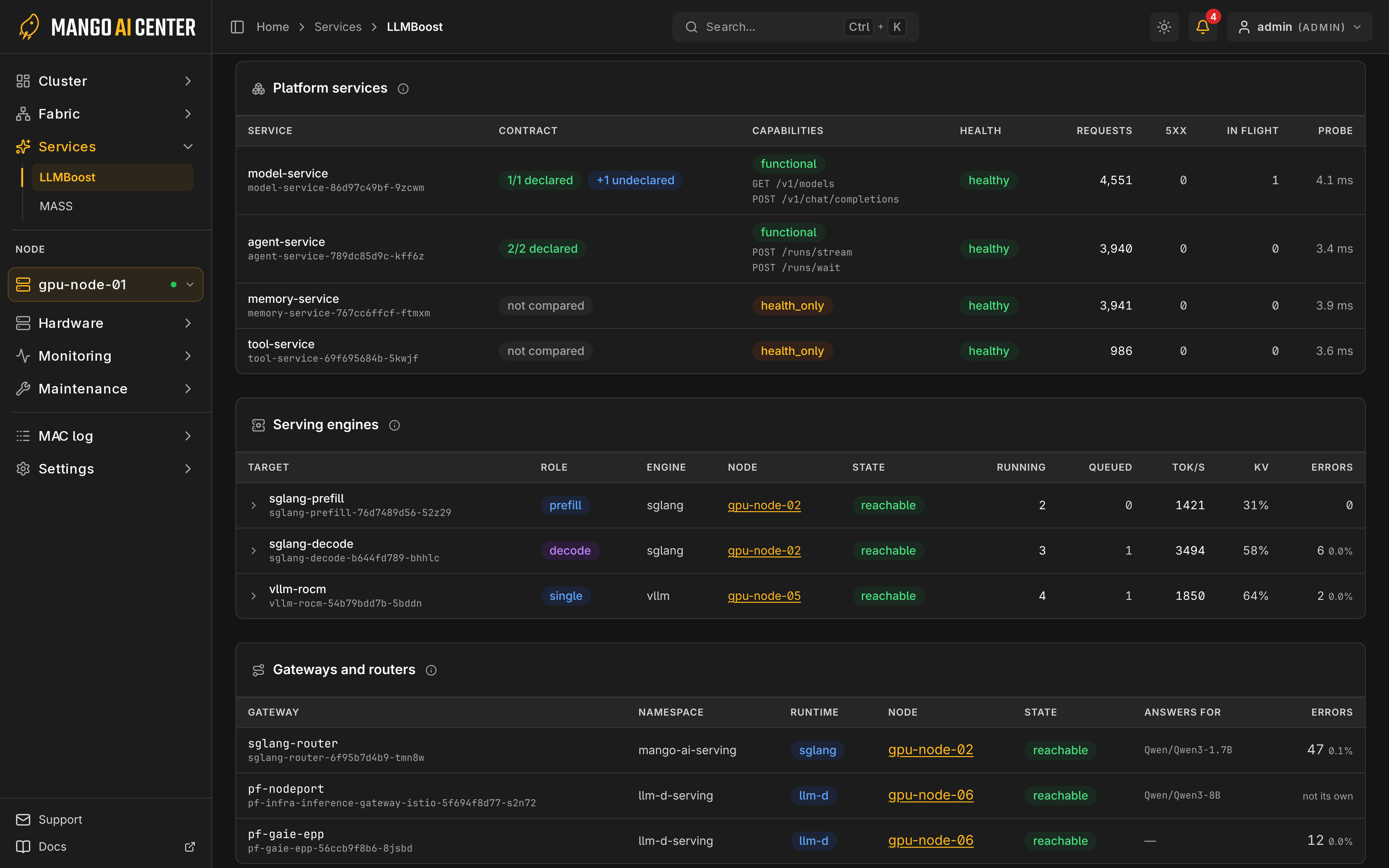
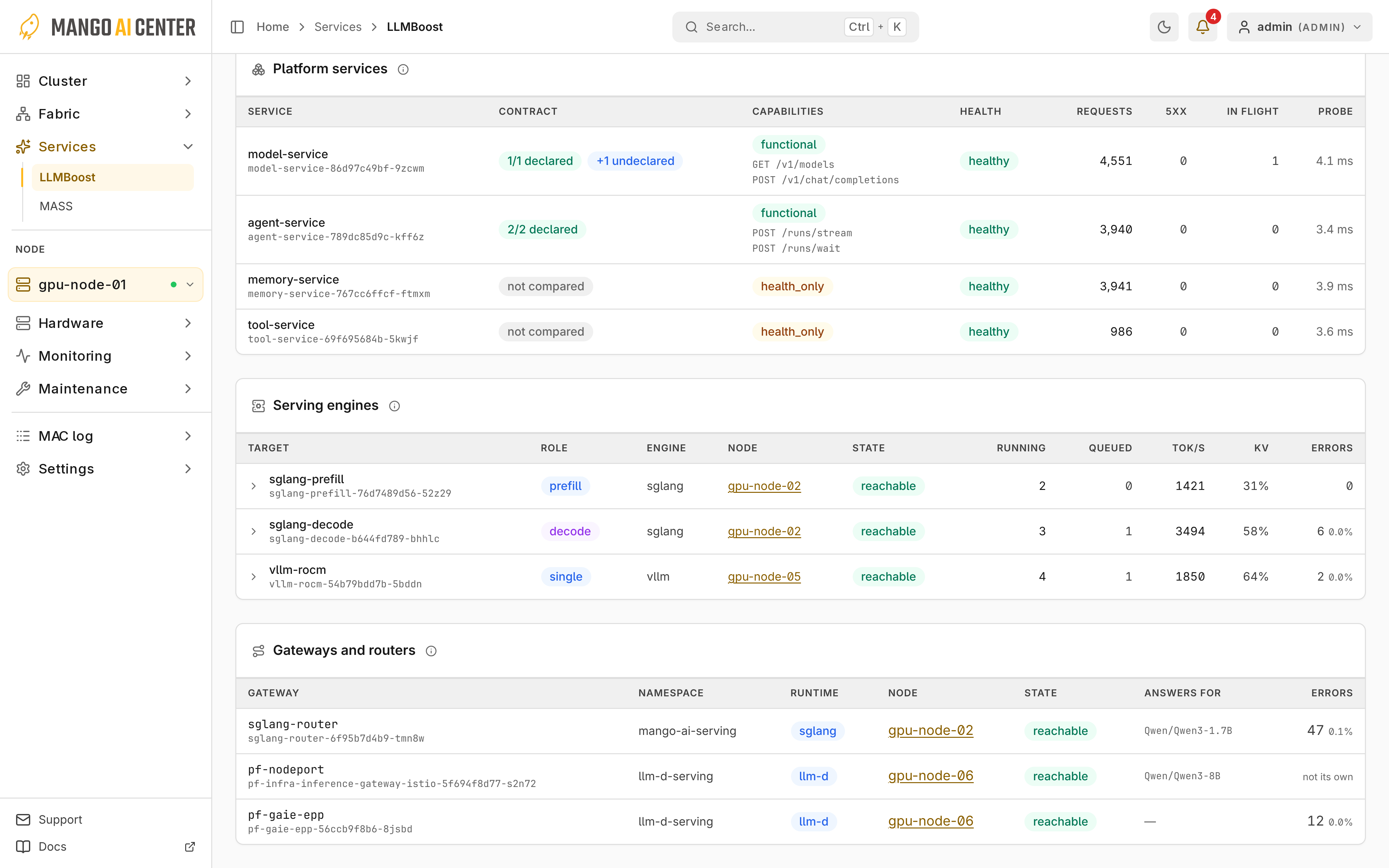
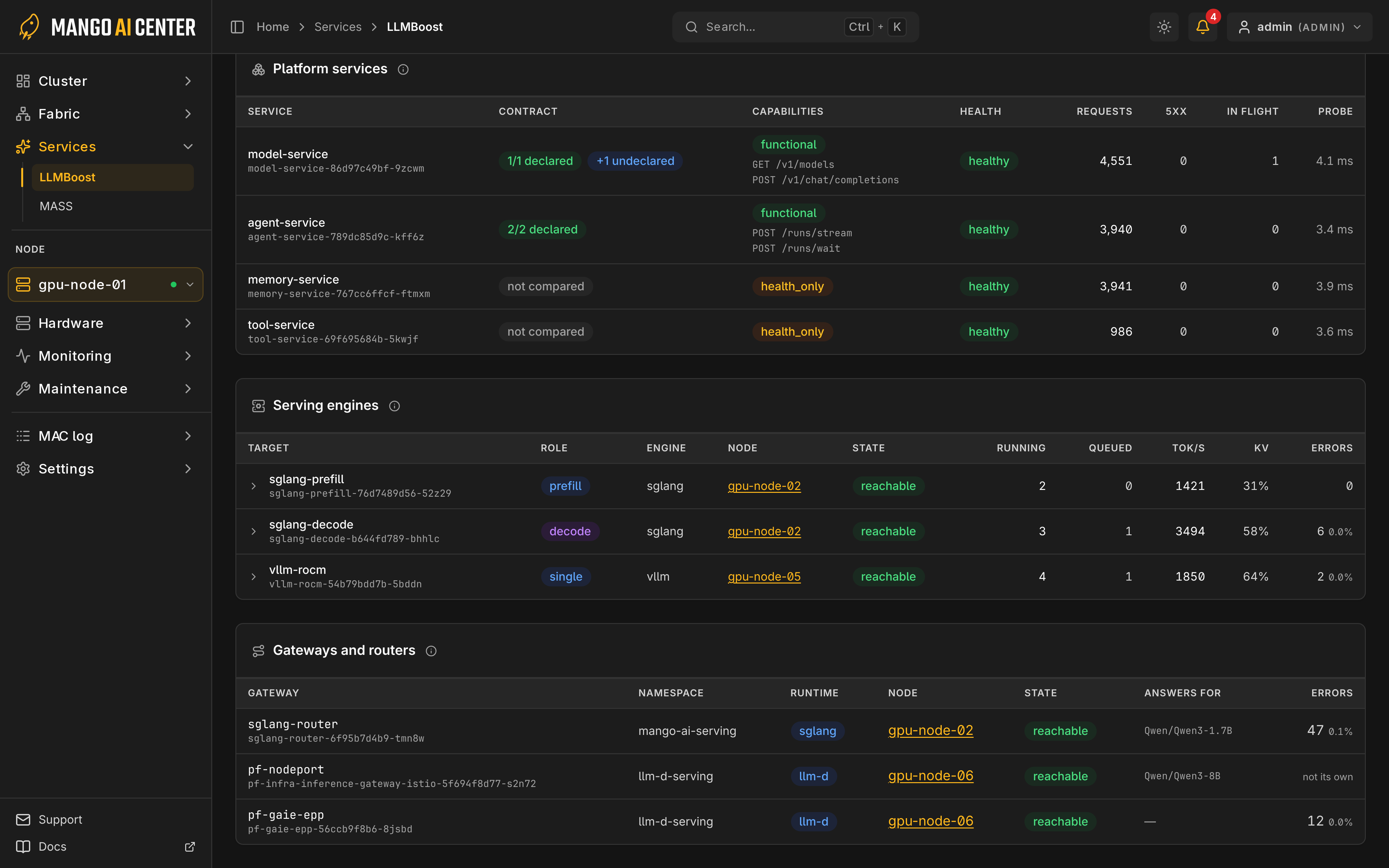
Services → LLMBoost shows inference services, models, engines and gateways.
Configure Discovery
-
As an administrator, connect Kubernetes with an endpoint and ServiceAccount token, or a kubeconfig. Set CA certificates in TLS options.
-
If No pod access appears, apply the installed RBAC add-on from a machine that administers the serving cluster and read its token:
kubectl apply -f /etc/mango/mac/k8s/mac-llmboost-rbac.yamlkubectl -n mac-system get secret mac-observer-token -o jsonpath='{.data.token}' | base64 -dEnter the decoded token in the form or
K8S_API_TOKEN. Keep the token private. -
Optionally enter namespaces, separated by commas. If both namespace lists are empty, MAC discovers serving namespaces itself.
The add-on grants access to mango-ai-os and mango-ai-serving; for other namespaces,
apply its reader/proxy roles and bindings there. Form settings override environment values
until restart; Revert to environment clears them. Host targets set on the master are
added to Kubernetes discovery; see
LLMBoost Auto-Discovery.


Read the Dashboard
manual means form settings are in use; stale means recent polls failed. A target-cap warning means discovery is incomplete.
Metric History
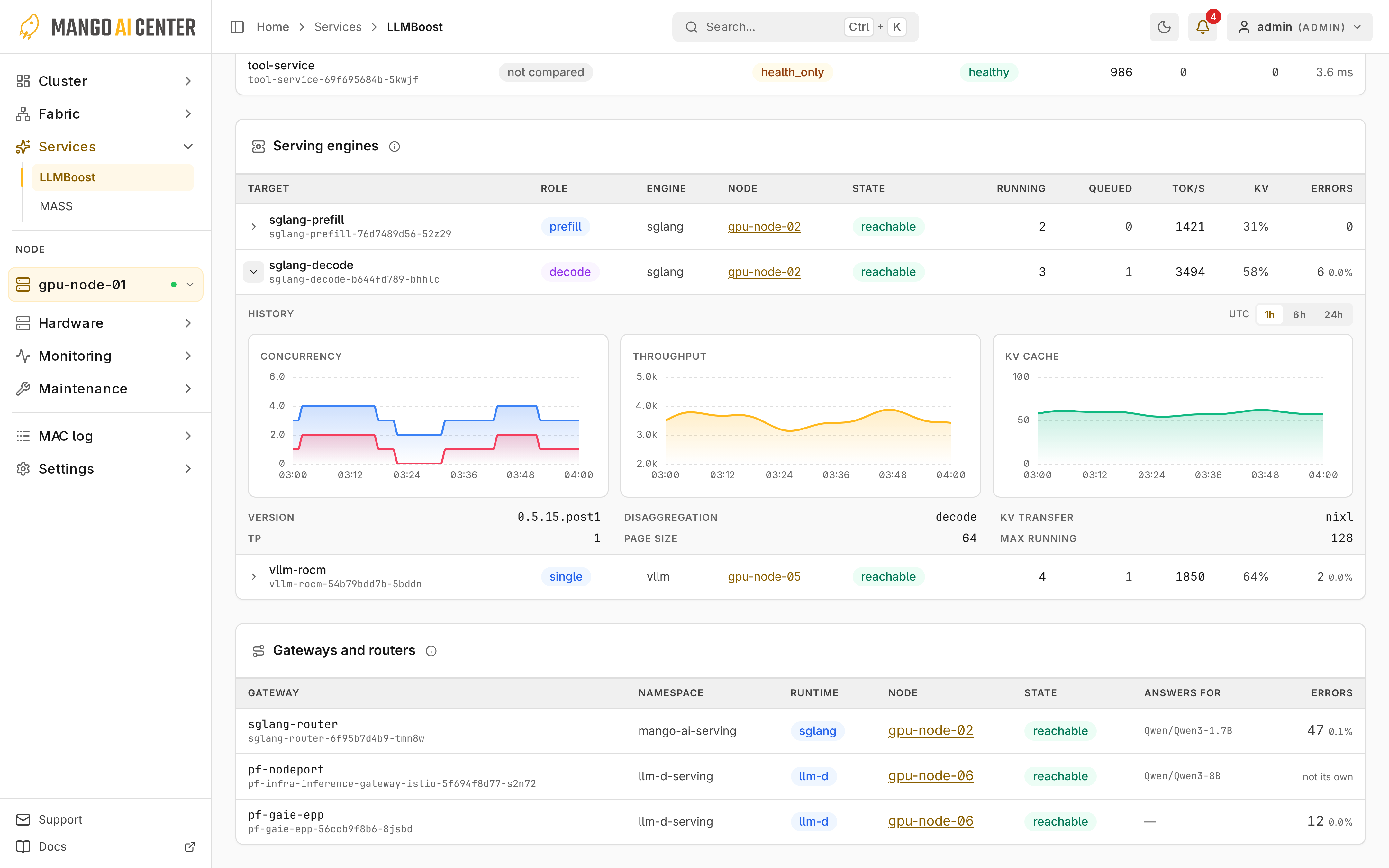
Expand a serving engine to see its metric history.
Availability
Deploy, scale and pause services in LLMBoost. For connection errors, see LLMBoost Troubleshooting.