Cluster overview
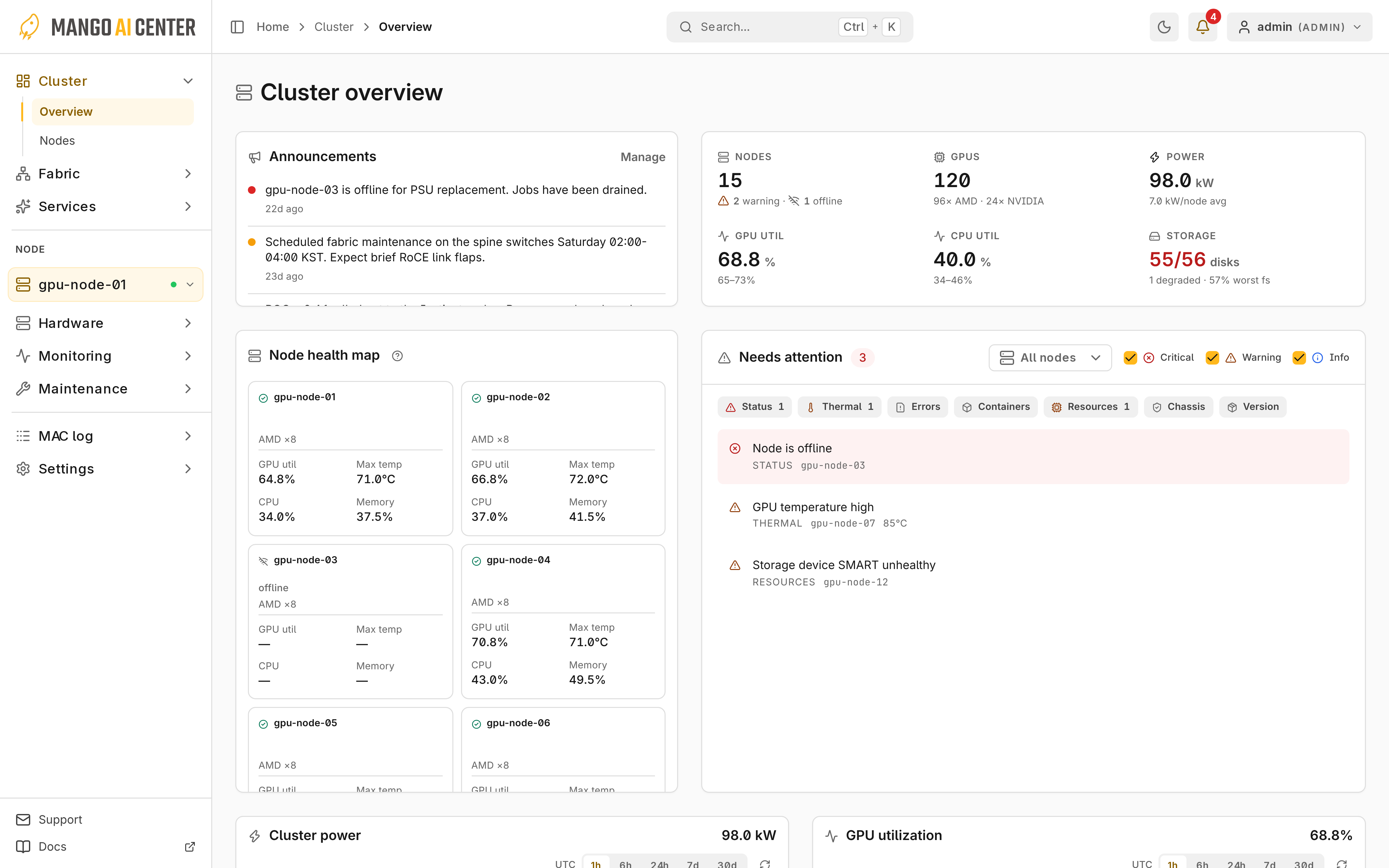
Cluster → Overview shows metrics for all nodes, node health, issues, announcements, and connected storage.
Summary and Node Health
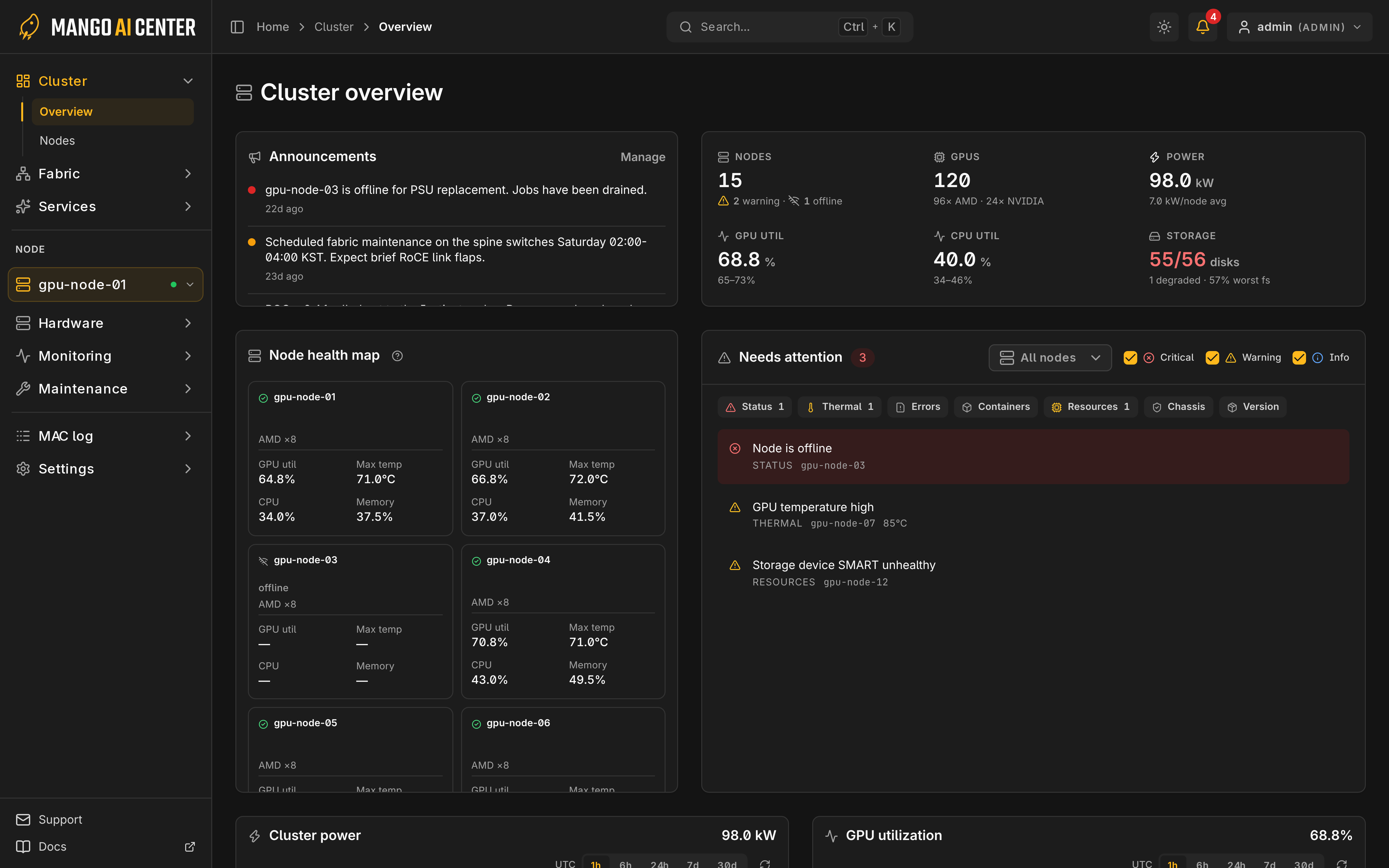
Node colors are green (healthy), amber (warning), red (error) and gray (offline); dashes mean no reading. Click a node to filter Needs attention, and click again to clear.
Needs Attention
Filter issues by severity and node. Compare version drift in Updates.
Operators and admins can clear reviewed critical error-log alerts; cleared shows them again. A recurring fault raises the alert again. Some figures are missing or stale means some backend data is incomplete.
Other Cards and Refresh
Active announcements appear here. LLMBoost throughput, MASS capacity, and power and GPU trend cards share one time range.