Software
Maintenance → Software shows the selected node's platform software and MangoBoost packages. To compare and upgrade all nodes, use Updates; for DPU firmware, see DPU Firmware Update.
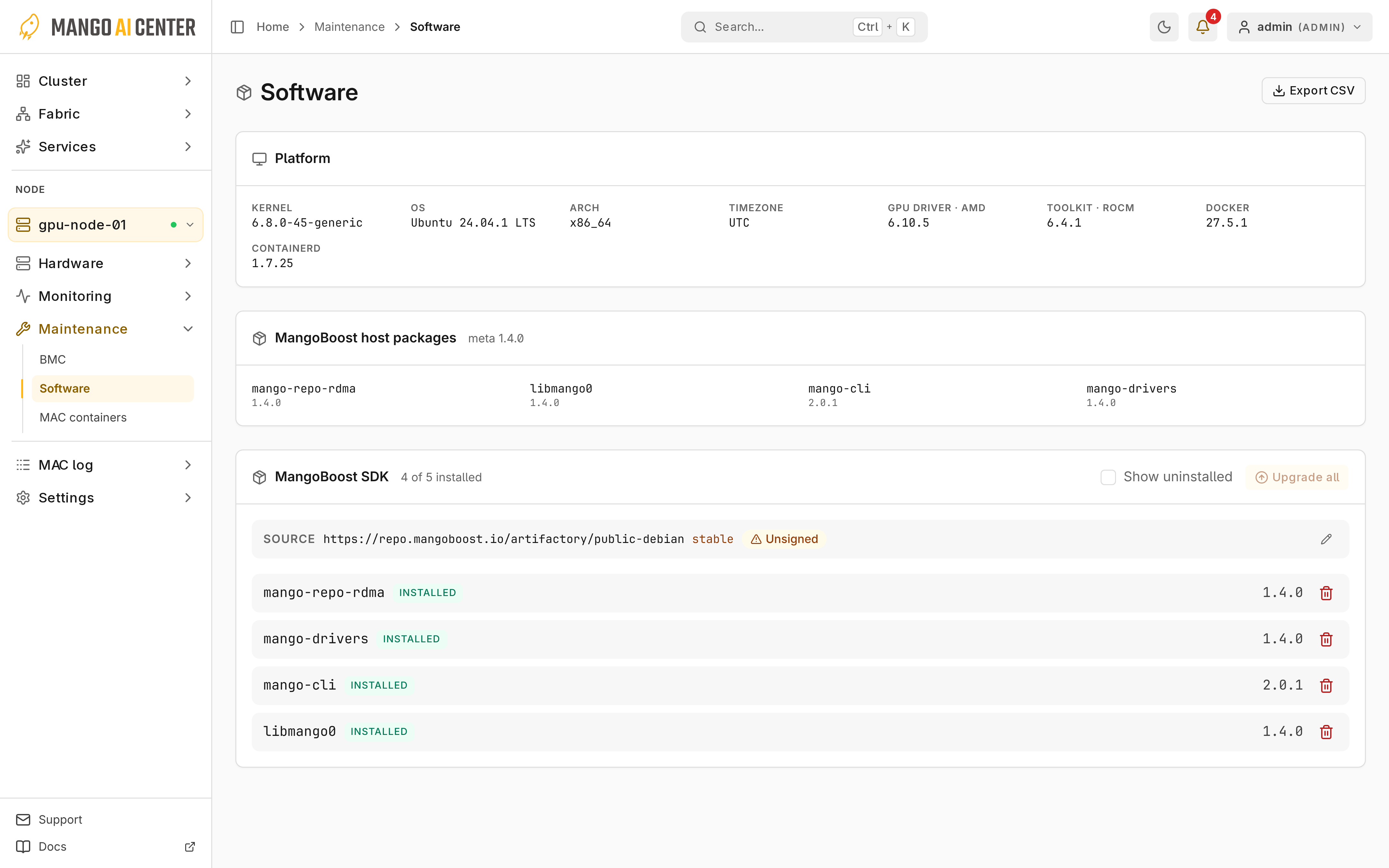
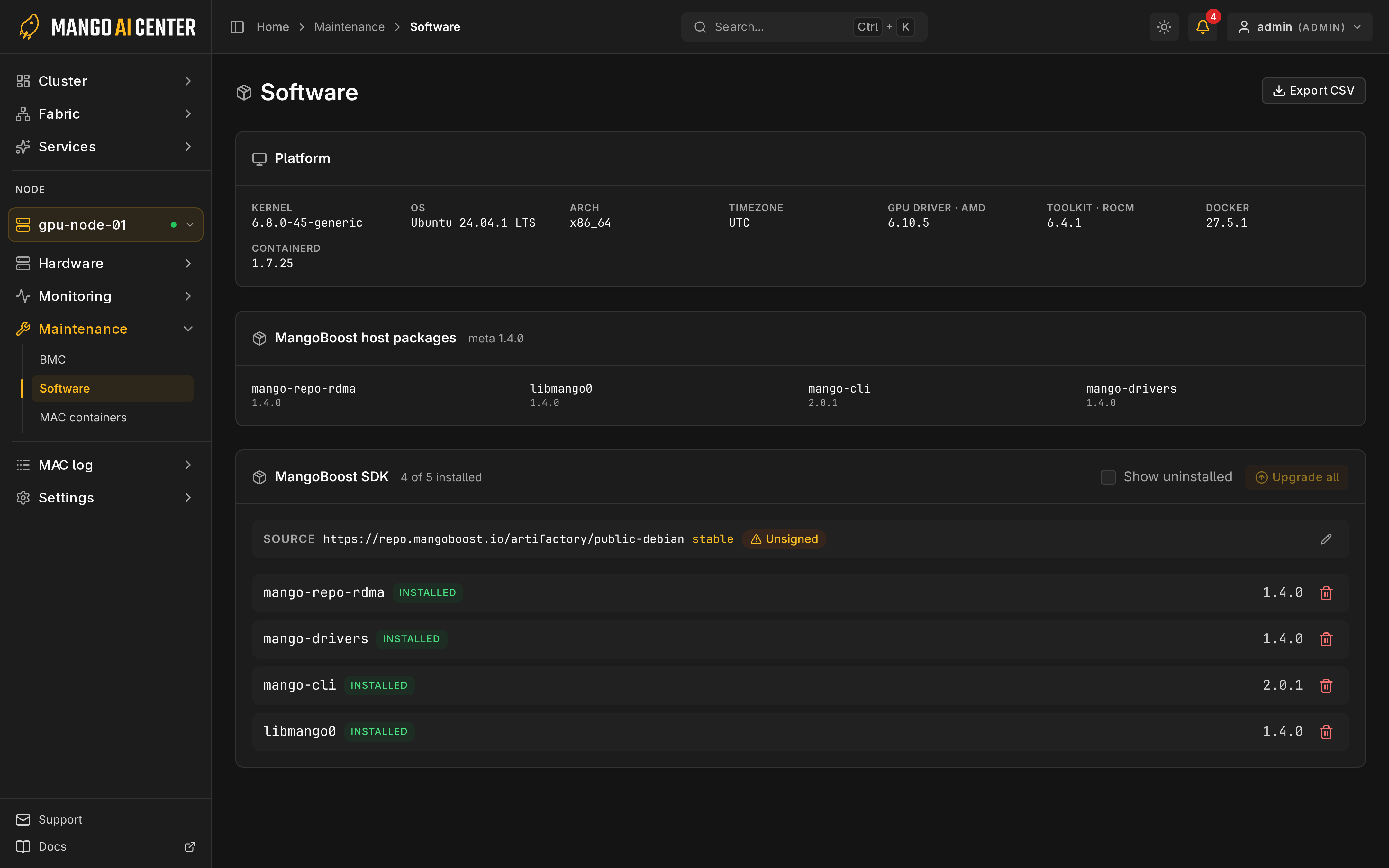
Platform Inventory
The platform card shows OS, kernel, GPU driver, Docker and containerd versions. Show versions lists SDK packages that differ from the most common version.
SDK Packages and Sources
On the MangoBoost SDK card, operator and admin can install, upgrade and remove
packages. Upgrades install the newest version in the node's source, set in Edit sources.
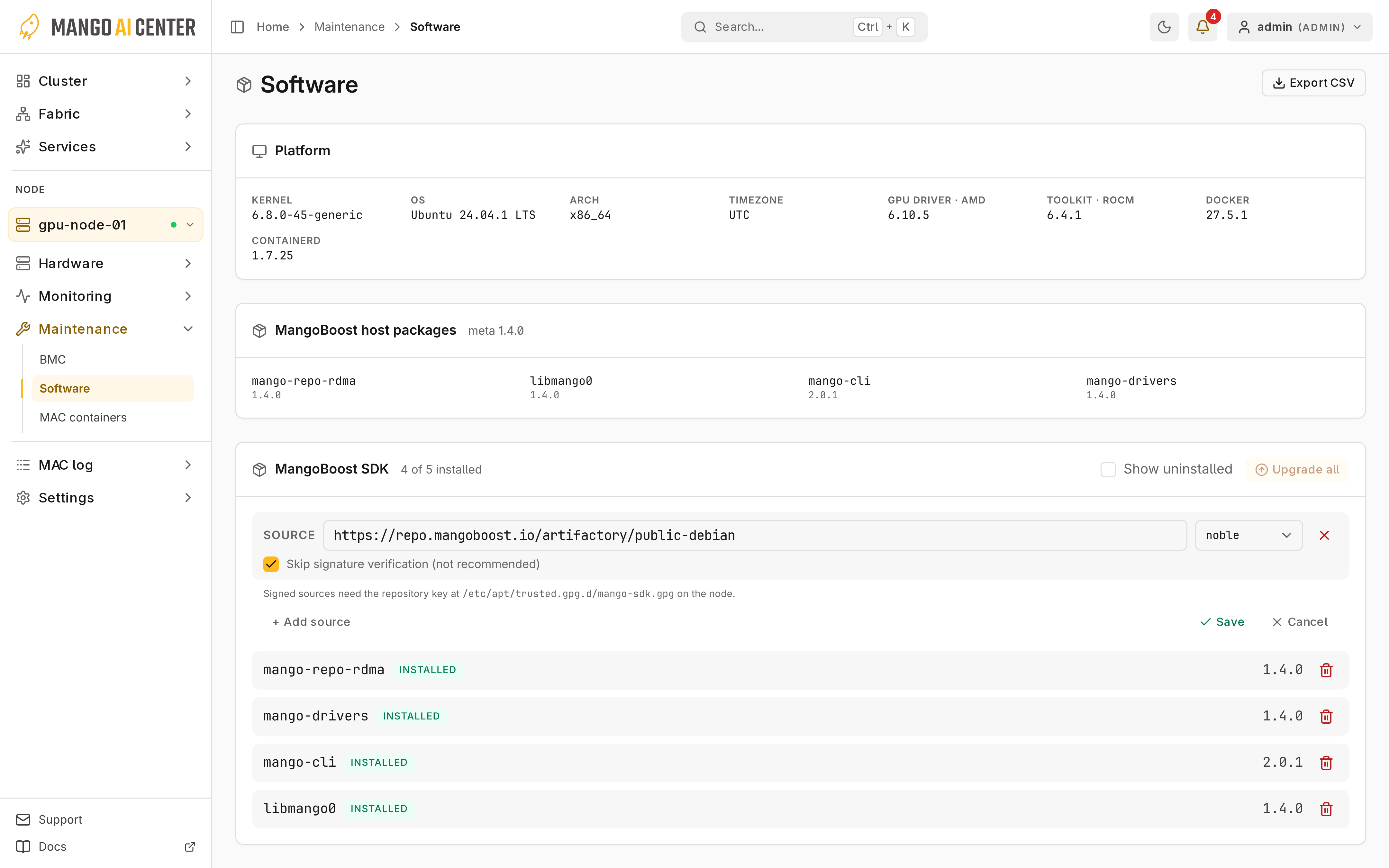
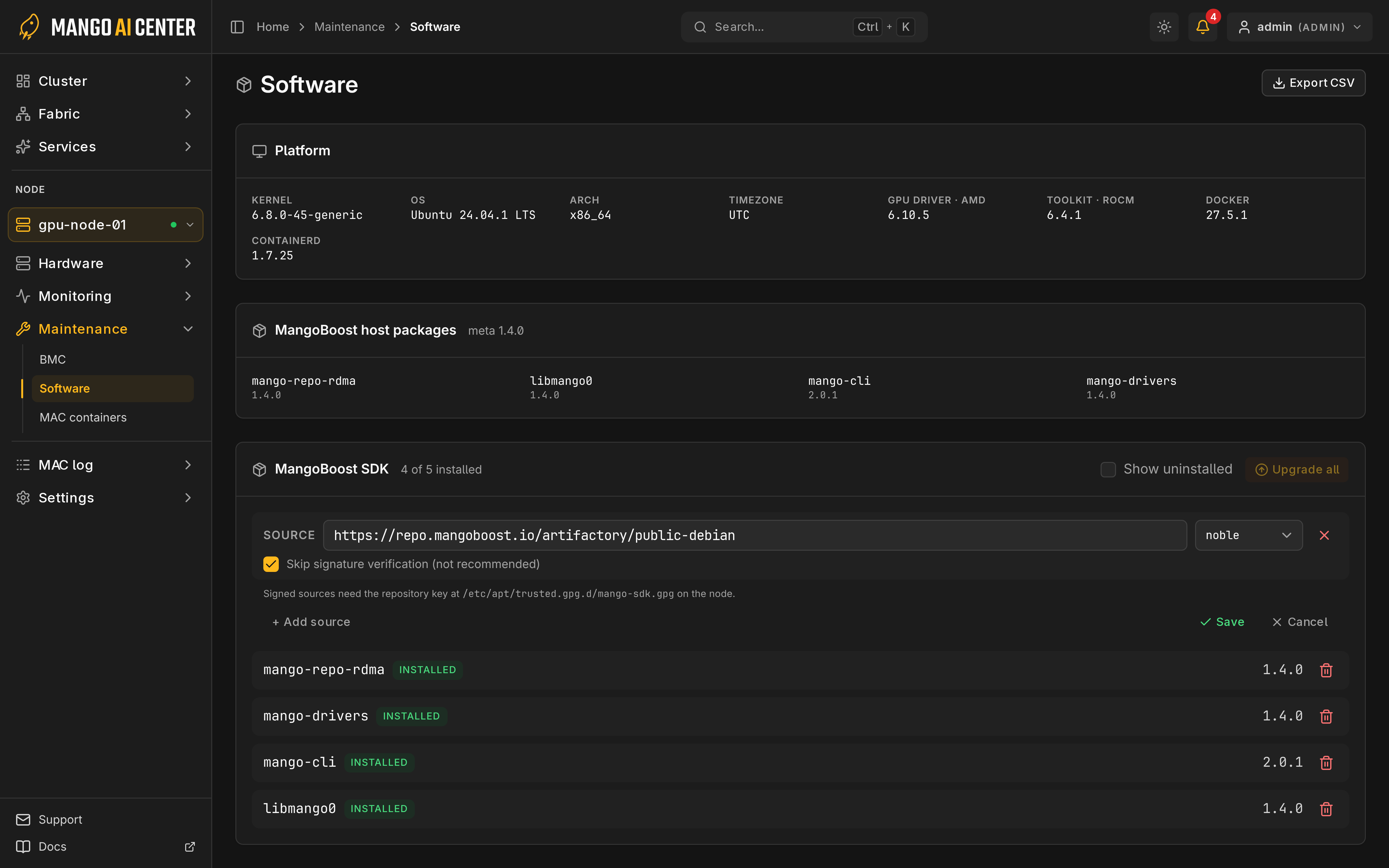
Upgrade all can downgrade a newer build; check source versions first. If a job's status is unknown, check the node before retrying.
Repository Files and Signing
If a job fails with No SDK source version available, set the source in Edit sources.
It manages /etc/apt/sources.list.d/mango.list or mango.sources on Ubuntu and
/etc/yum.repos.d/mango-sdk.repo on RHEL-family hosts, not the installation guide's
mango-sdk.sources.
To verify signatures, set MAC_SDK_REPO_KEY_URL on the master to the signing-key URL.
Export
Export CSV saves the reported software.