BMC console
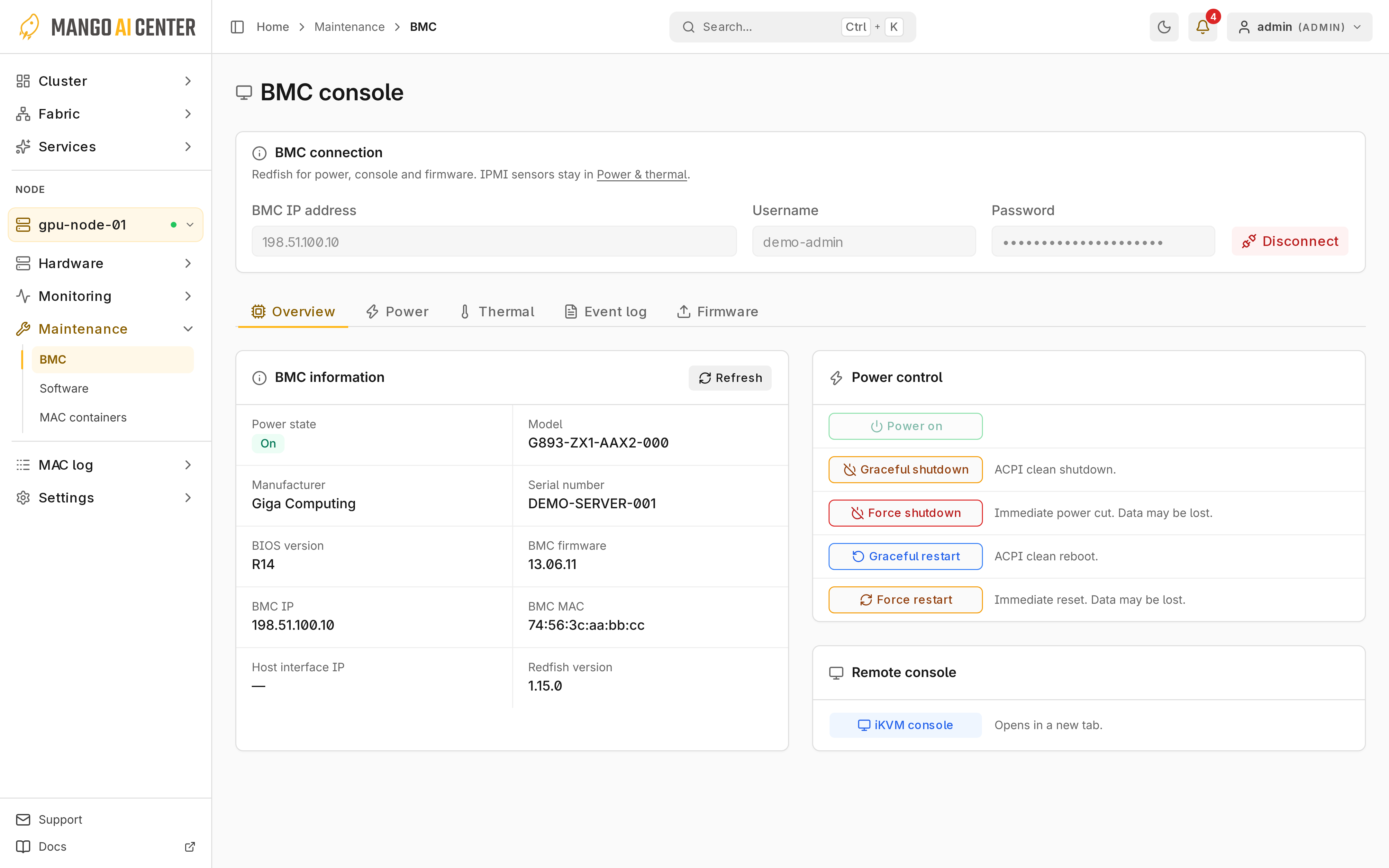
Maintenance → BMC manages the selected node's BMC through Redfish. Console access
requires operator or admin; power actions require admin.
Connect
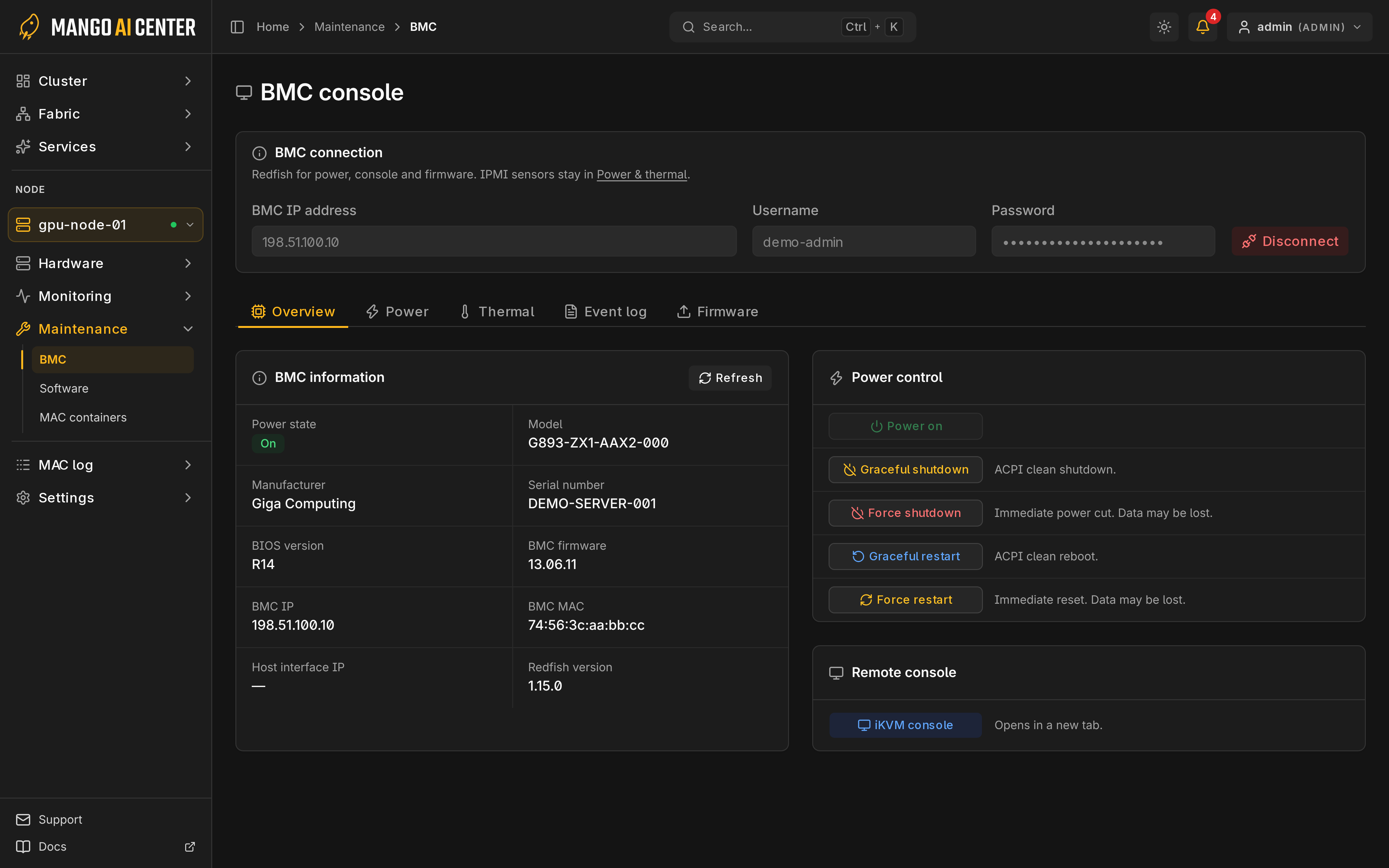
Check the BMC IP address even if it is prefilled, enter the BMC username and password, and select Connect. Available tabs depend on the BMC. The credentials stay in this browser tab until you select Disconnect.
Power Actions
Run power actions from Overview. Force shutdown and Force restart cut power or reset the system, so unsaved data may be lost; the graceful actions ask the OS to shut down or reboot. Check running workloads and any RNIC or Kubernetes notices first, and verify the host state afterward.
Remote console
Remote console opens an iKVM viewer in a new tab for boot and BIOS access. Only the MAC
user who opened it can use it. It closes when you select Disconnect, sign out, lose the
operator or admin role, or leave it unused for 25 minutes.