Updates
The Cluster → Updates page is the single, cluster-scoped surface for managing the MAC stack version across every node. It merges what used to be two separate widgets — the read-only MAC Versions table (formerly on the Software page) and the Cluster Update panel (formerly on the Containers page) — into one fleet table, so you act on version drift exactly where you see it.
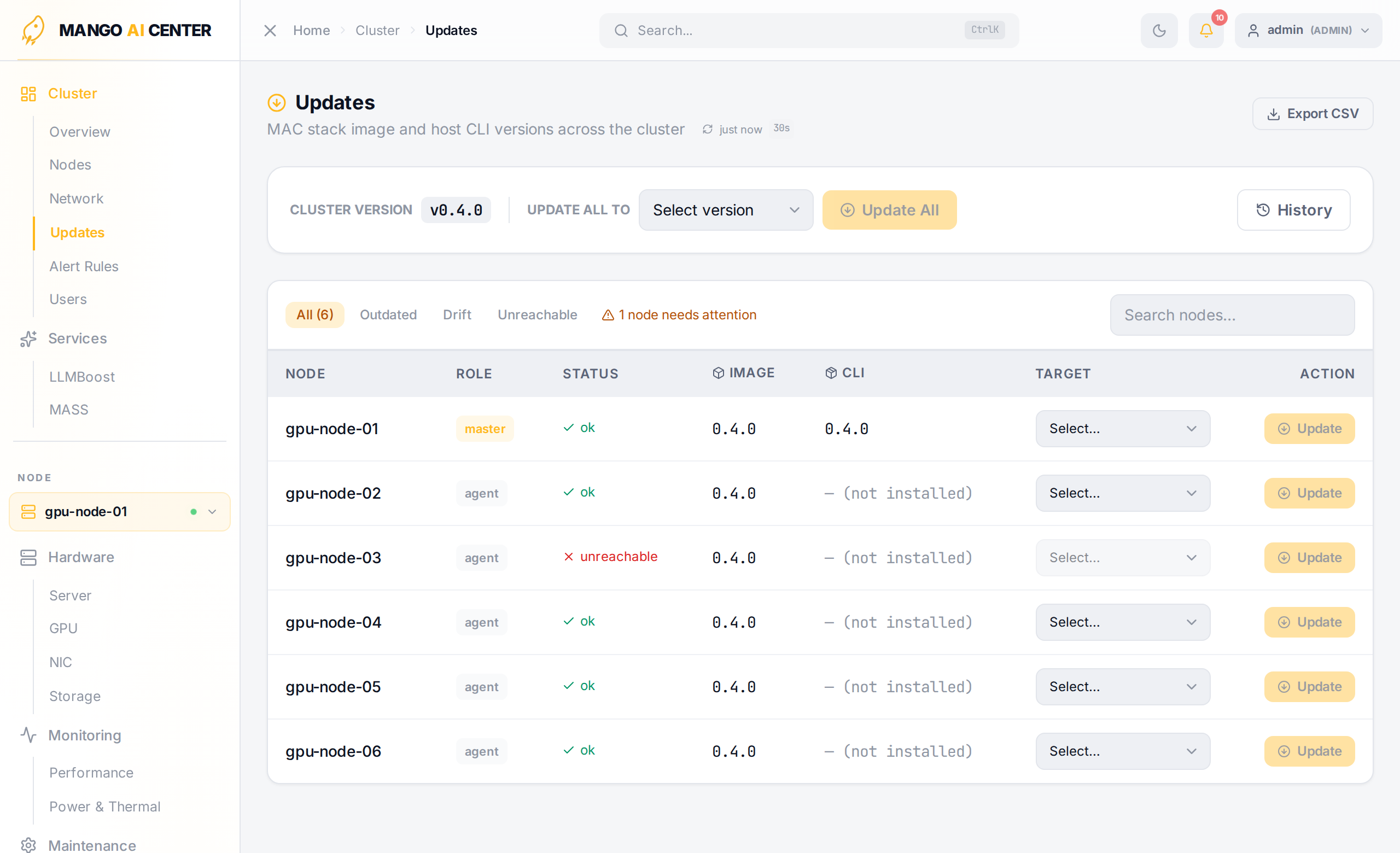
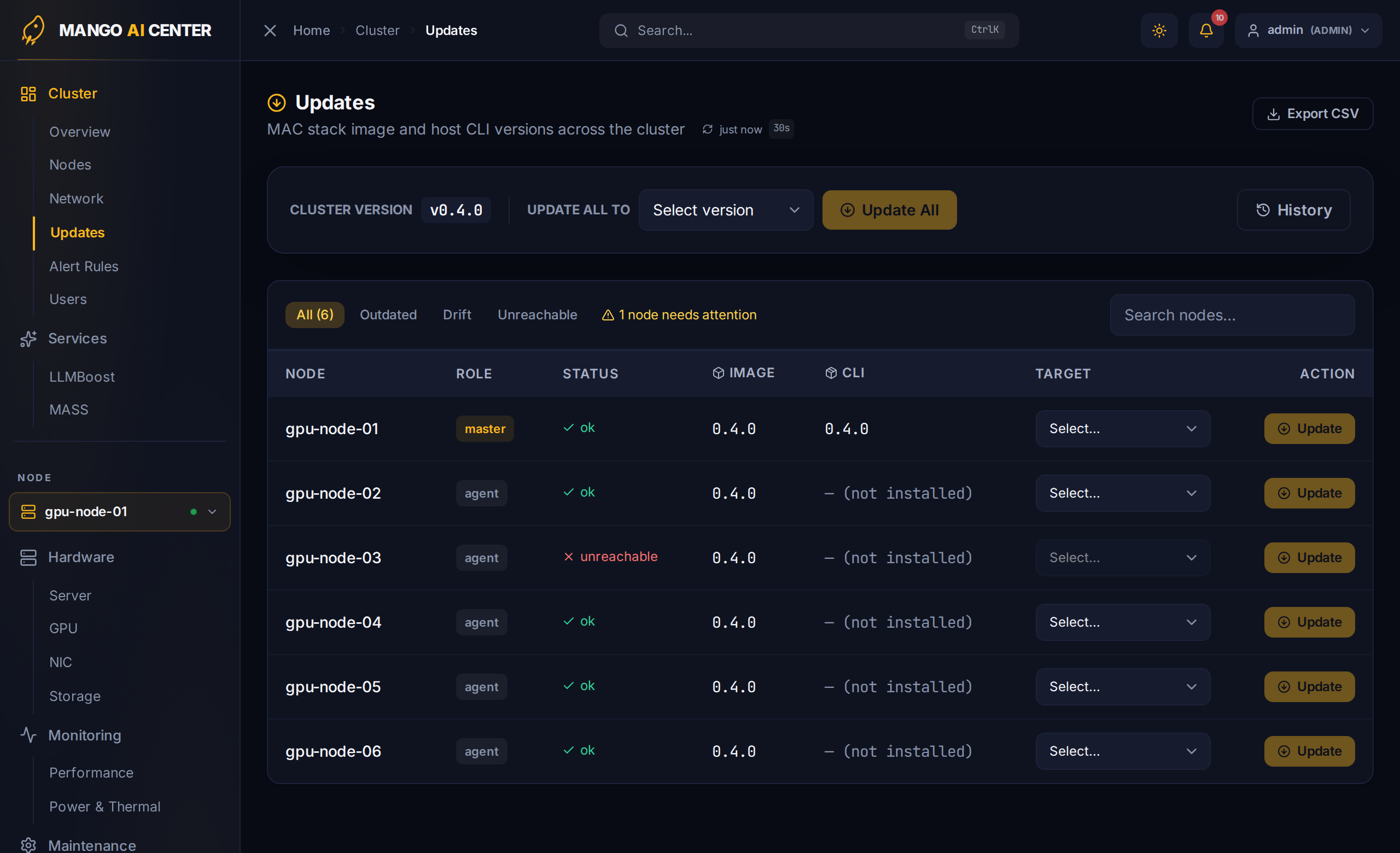
Cluster Version
The header shows the cluster's nominal current version and an Update All To version picker. Choosing a target and starting an update rolls every eligible node to that version in one coordinated job.
Fleet Table
One row per registered node, showing its role (master / agent), the running container-image version, the installed host CLI version, and a status derived from those:
| State | Meaning |
|---|---|
| OK | Image matches the cluster's current version |
| Outdated | Image version lags the cluster current version |
| Drift | The running image and the installed host CLI disagree |
| Unreachable | The agent did not answer |
A filter bar (All / Outdated / Drift / Unreachable) and a search box narrow the table. Each row has its own target-version selector and Update button, so you can roll a single node without touching the rest of the fleet.
Rolling Update Progress
When an update is running, each node reports live progress through these states:
pending → pulling → updating → health_check → updated
If a node fails its post-update health check, the job marks it failed and rolls it
back to the previous version (rolled_back), so a single bad node does not take down
the fleet. A Cancel button (with a confirmation dialog) stops an in-flight job.
History and Export
- History — a drawer listing past update jobs with their per-node outcomes.
- Export CSV — dump the current fleet table (versions and status per node) for documentation and audits.
See Also
- Software — the software inside each node (drivers, toolkits, SDK packages).
- Containers — per-node container inspection and control.
mac test— the login-less CLI health check you can run after a fleet upgrade.