Alert Rules
MAC ships with a fixed set of alert rules covering node, hardware, container, software,
and log conditions. Each rule can be enabled or disabled, and threshold-style rules expose
their operator and threshold for editing. Writes are restricted to admin and
operator; viewer sees the page in read-only mode.
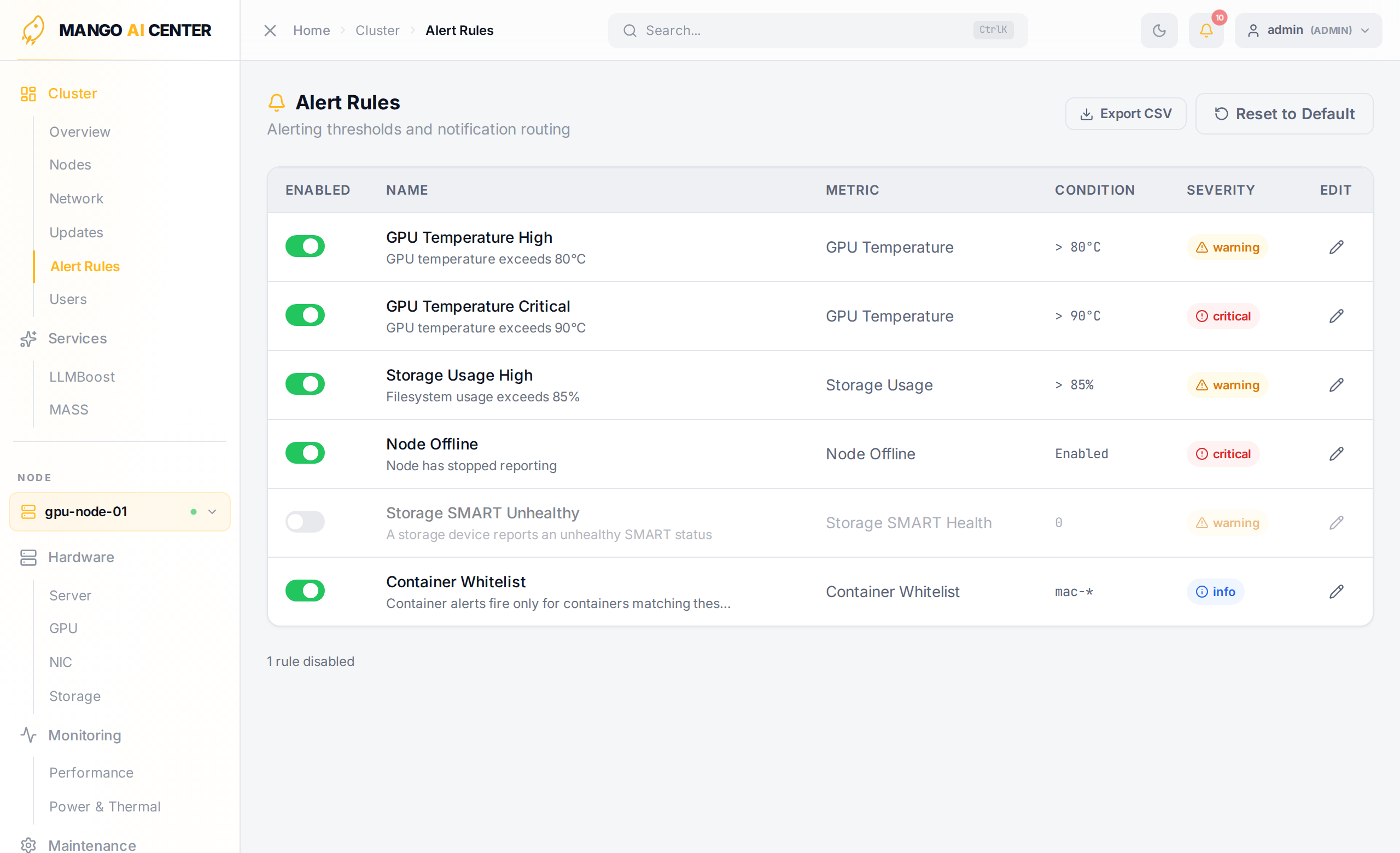
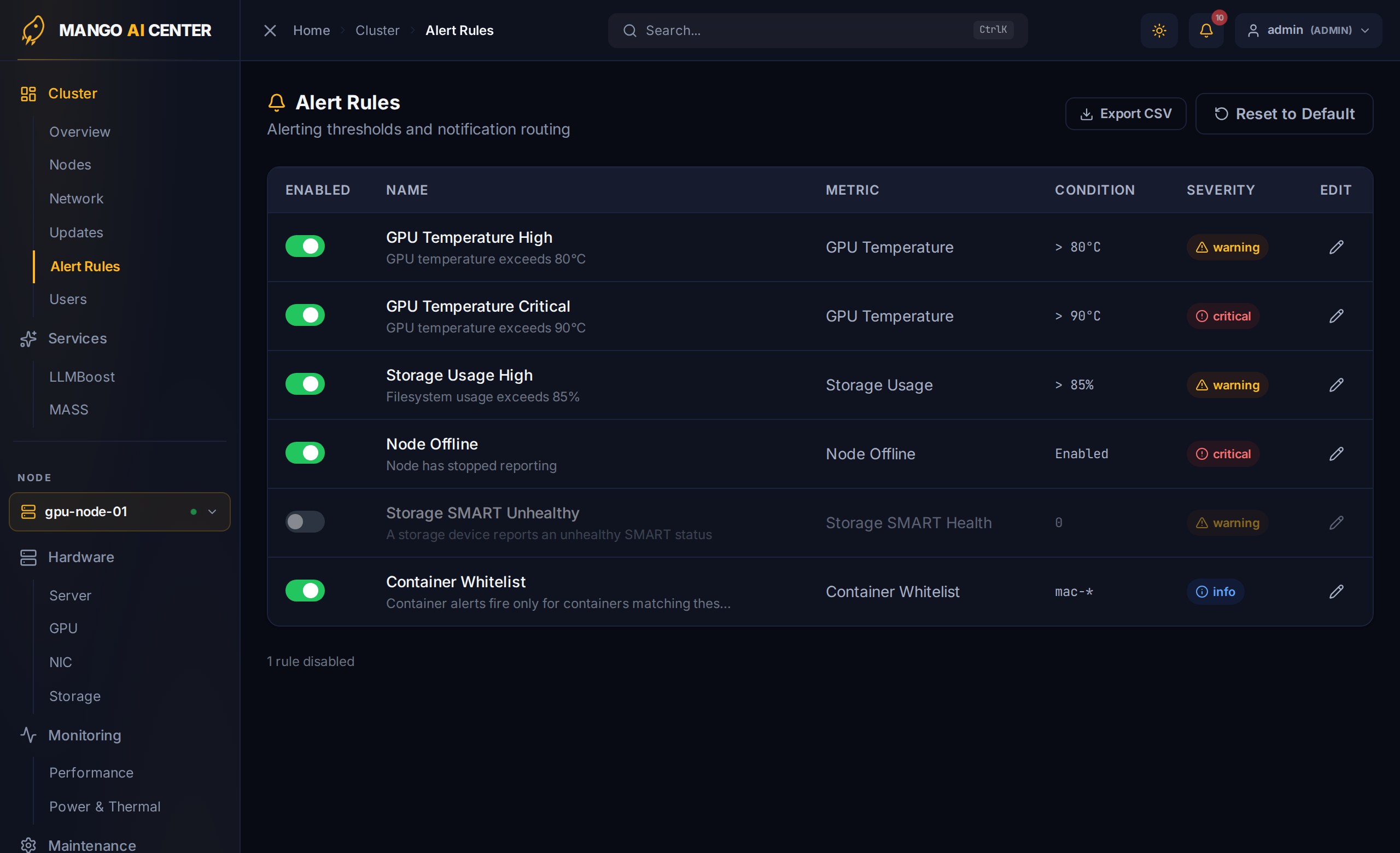
Columns
| Column | Notes |
|---|---|
| Enabled | Toggle the rule on/off (admin/operator only) |
| Name | Rule name and one-line description |
| Metric | The metric the rule watches (e.g. GPU Temperature, Node Offline) |
| Condition | Threshold expression (> 90 °C) for threshold rules, or Enabled / Disabled for toggle rules |
| Severity | critical / warning / info |
| Edit | Opens the edit modal (admin/operator only) |
Built-in Rules
The seed set covers three categories:
Threshold rules (operator + threshold are editable):
- GPU Temperature Critical / GPU Temperature Warning
- CPU Overload — CPU utilization above the threshold
- Memory Overload — memory utilization above the threshold
- Storage Nearly Full — any filesystem above the threshold
- Storage SMART Unhealthy — SMART health check failure
Toggle rules (on/off only):
- Node Offline — agent unreachable
- Node Rebooting — node observed in a rebooting state
- Container Dead / Restarting / Unhealthy / Exited
- Software Version Drift — software versions differ across nodes
- Critical Error Logs — kernel panic, OOM, hardware errors, GPU Xid
Filter rule (edits a pattern list):
- Container Whitelist — not an alert itself, but a filter that scopes which containers
the four Container alerts above monitor. When enabled, only containers whose names
match one of its glob patterns (default
mac-*) can raise container alerts; everything else is ignored. This keeps unrelated workloads on a node from firing container alerts. Its effect is also reflected on the Containers page.
Editing a Rule
Click the pencil icon to open the edit modal. Threshold rules expose three fields:
- Severity —
critical/warning/info - Operator —
>,<,>=,<=,==,!= - Threshold — numeric value (with a unit hint such as
°C,%,W)
Toggle rules expose only the severity. The Container Whitelist filter rule instead
opens a pattern-list editor where you add or remove glob patterns (e.g. mac-*,
gpu-*) that define which containers are monitored. Rule name, description, and metric
type are not editable — they are part of the built-in catalog.
Page Actions
- Export CSV — download every rule (name, description, metric, operator, threshold, severity, enabled, category, scope, timestamps) for documentation and audits.
- Reset to Default — restore every rule to its factory state. A confirmation dialog protects against accidents. Admin/operator only.
The footer shows how many rules are currently disabled (e.g. 3 rules disabled) so you
can quickly tell whether anything is muted before triaging an outage.