DPU Firmware Update
FW update on Hardware → NIC writes a firmware image to a MangoBoost DPU and resets the card to load it without rebooting the server.
A wrong image can leave the card needing hardware recovery, which MAC does not provide. Use the image MangoBoost recommends for the card model and port configuration.
Before You Start
- You need the
operatororadminrole, and the node must be Online. - If FW update is disabled, hover over it for the reason.
- Stop workloads that use the card; all its ports go down during the reset.
- RHEL-family hosts need an RPM-capable SDK agent image.
- If the dialog shows the card is managed by an
AutomaticKubernetes RNICNicFirmwareTemplate, update it from one place only.
Check the Deployed Firmware
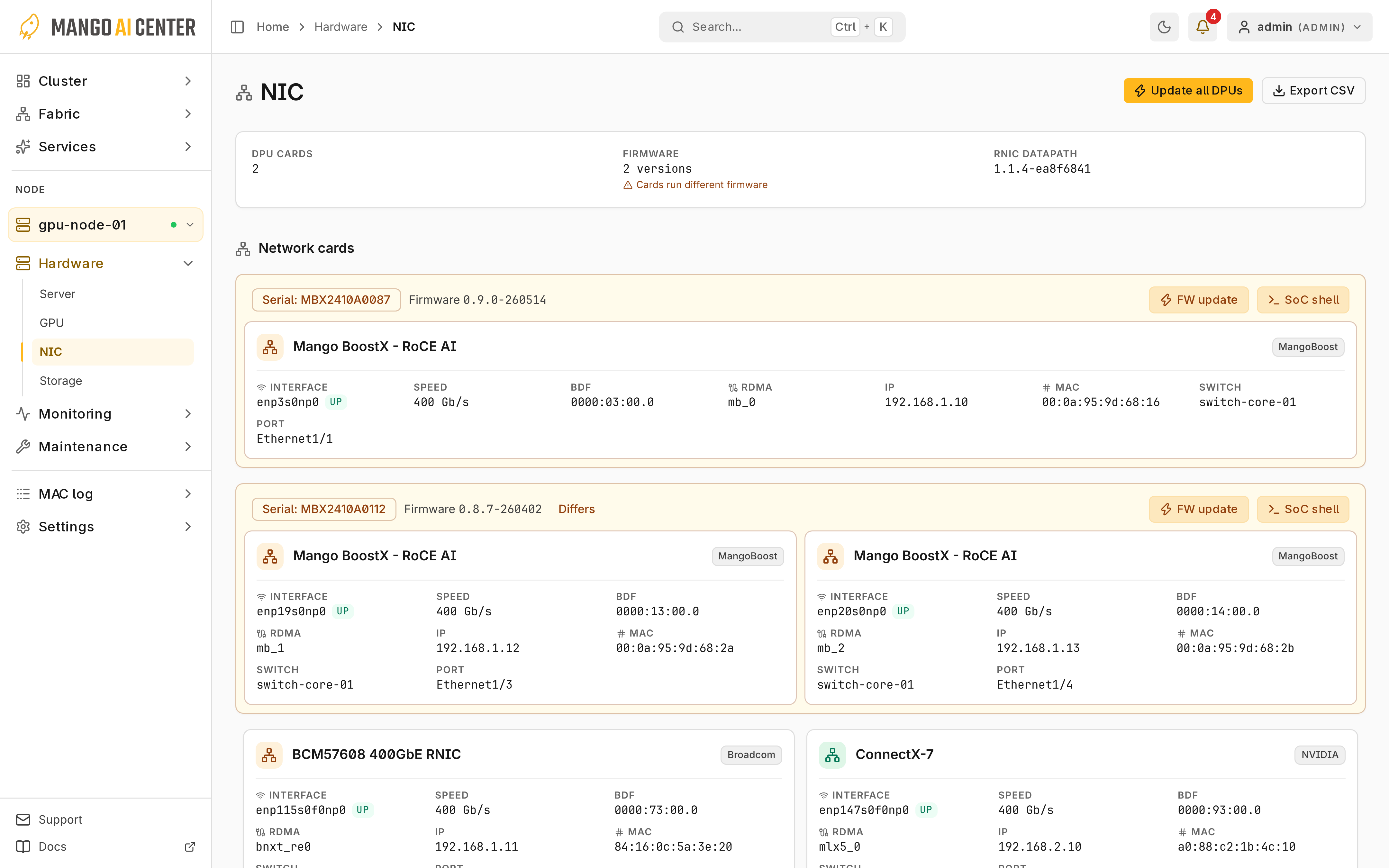
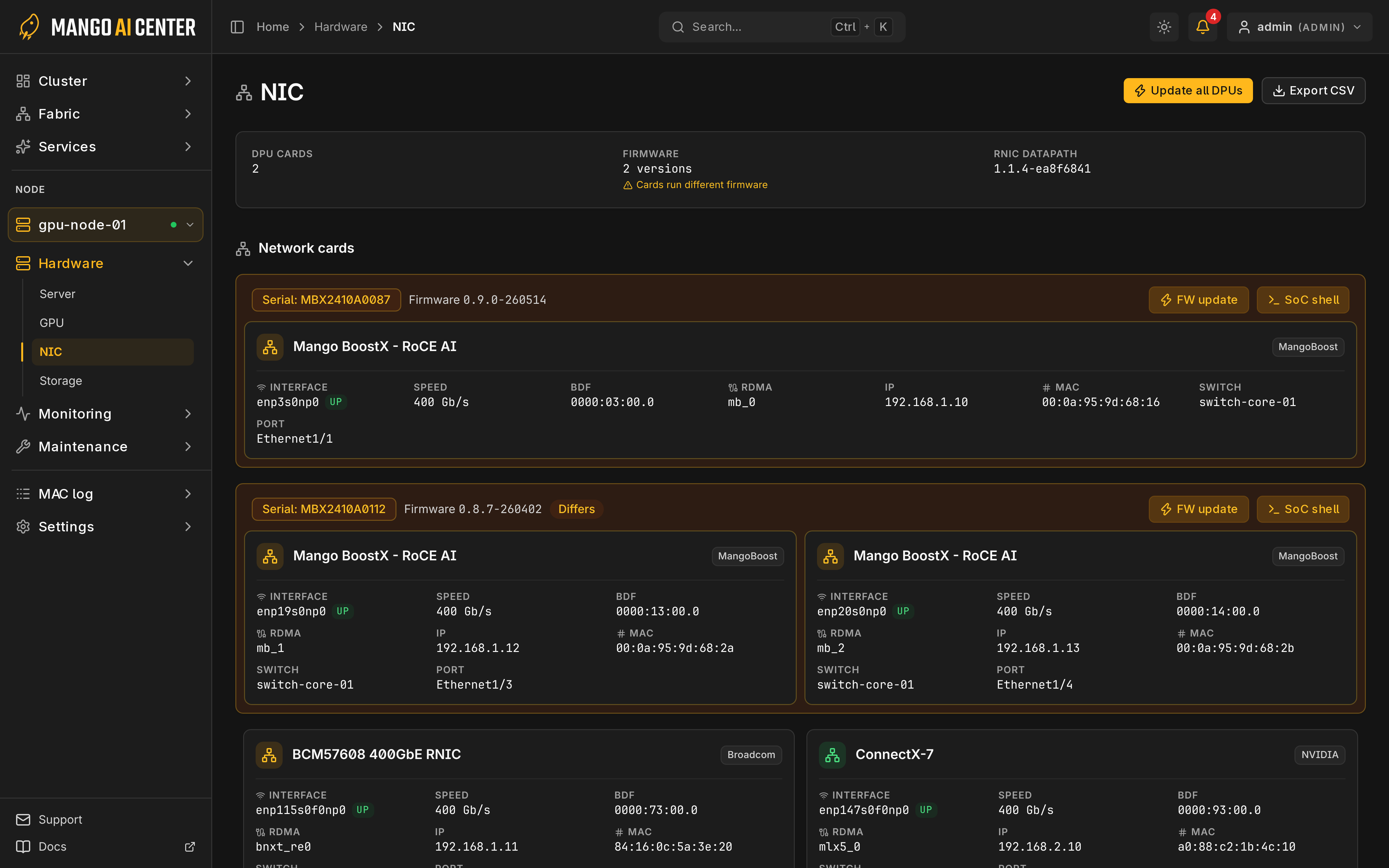
Each card shows its firmware version. Differs marks cards not on the most common version.
Update DPU Firmware
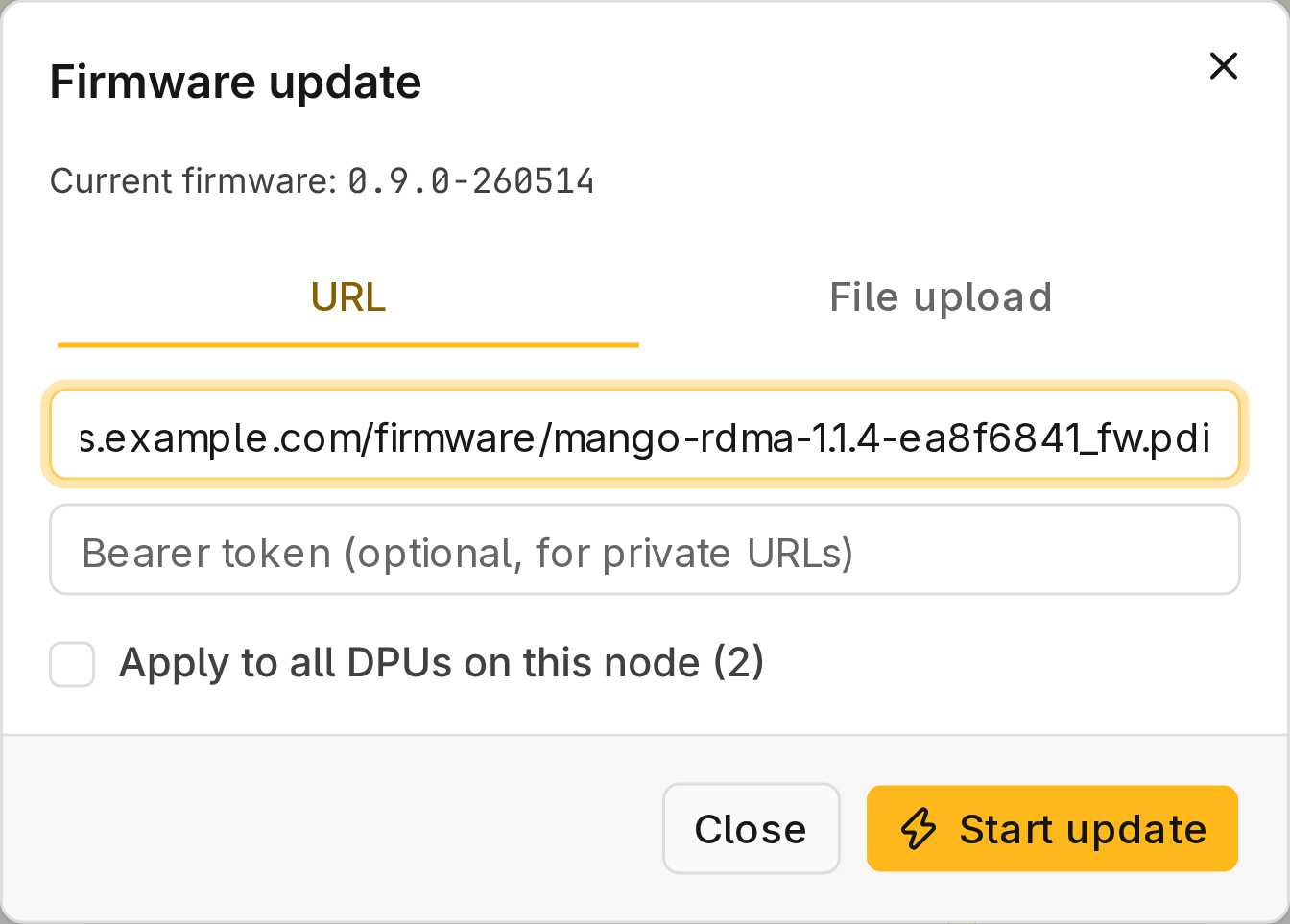
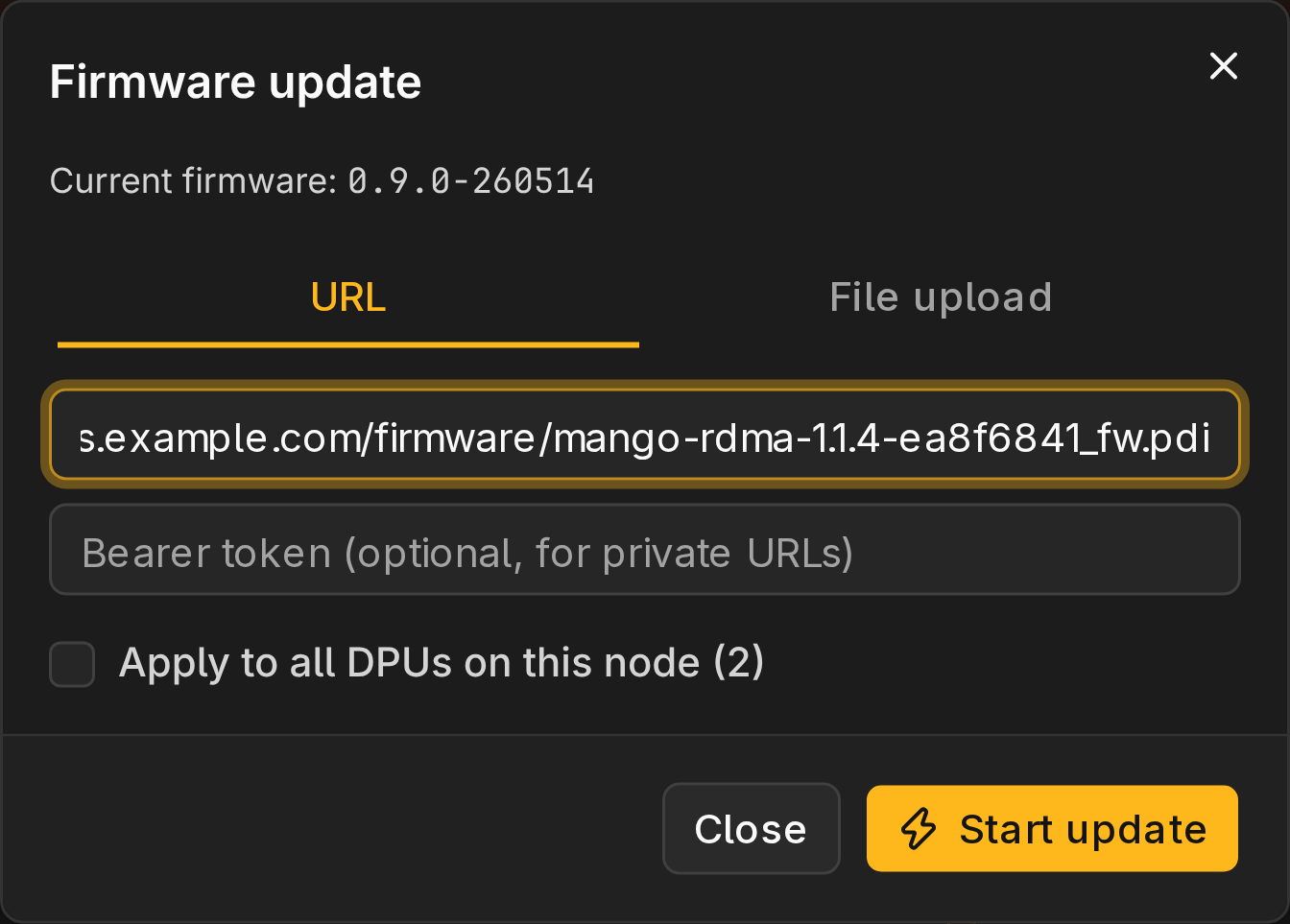
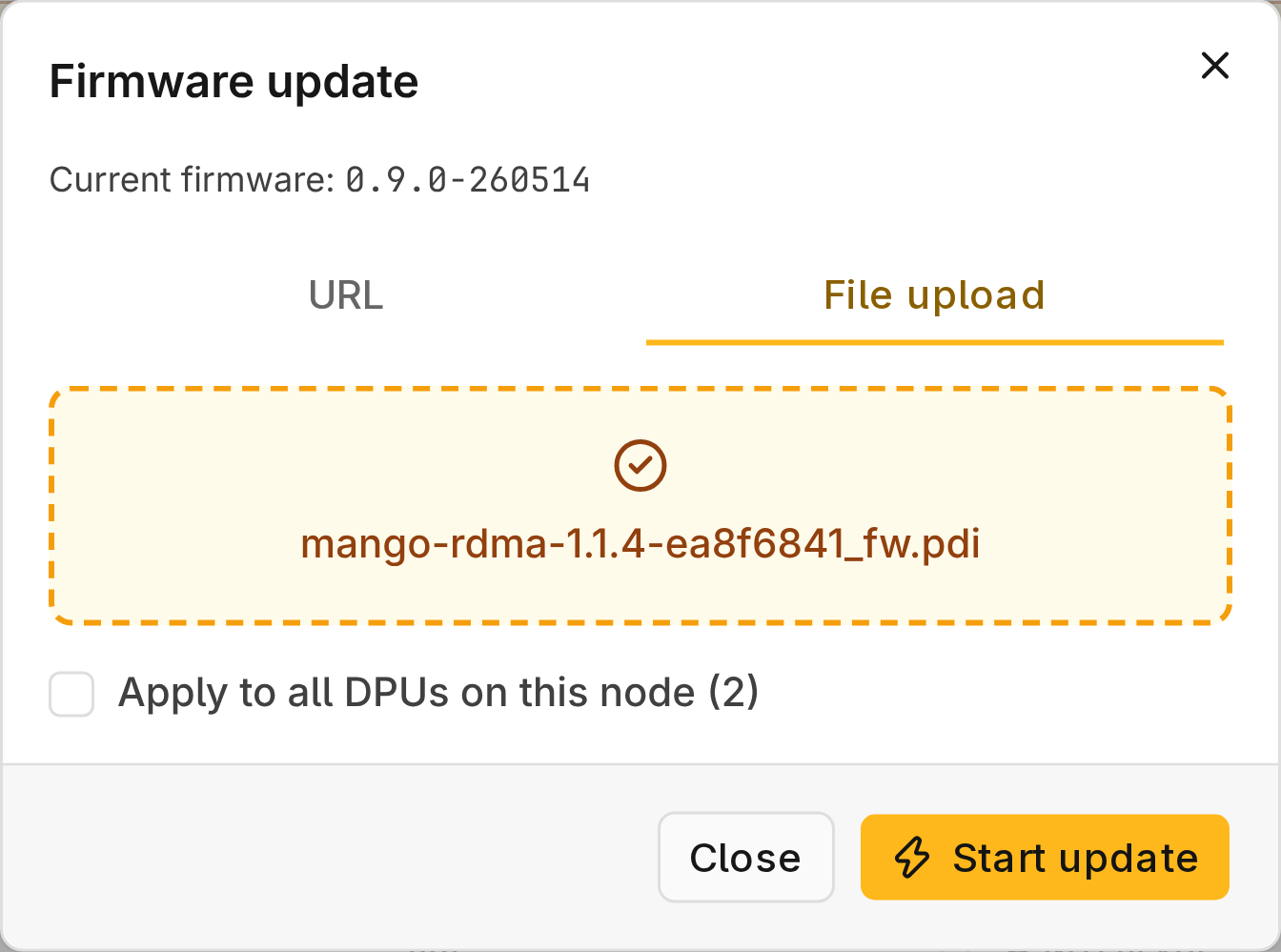
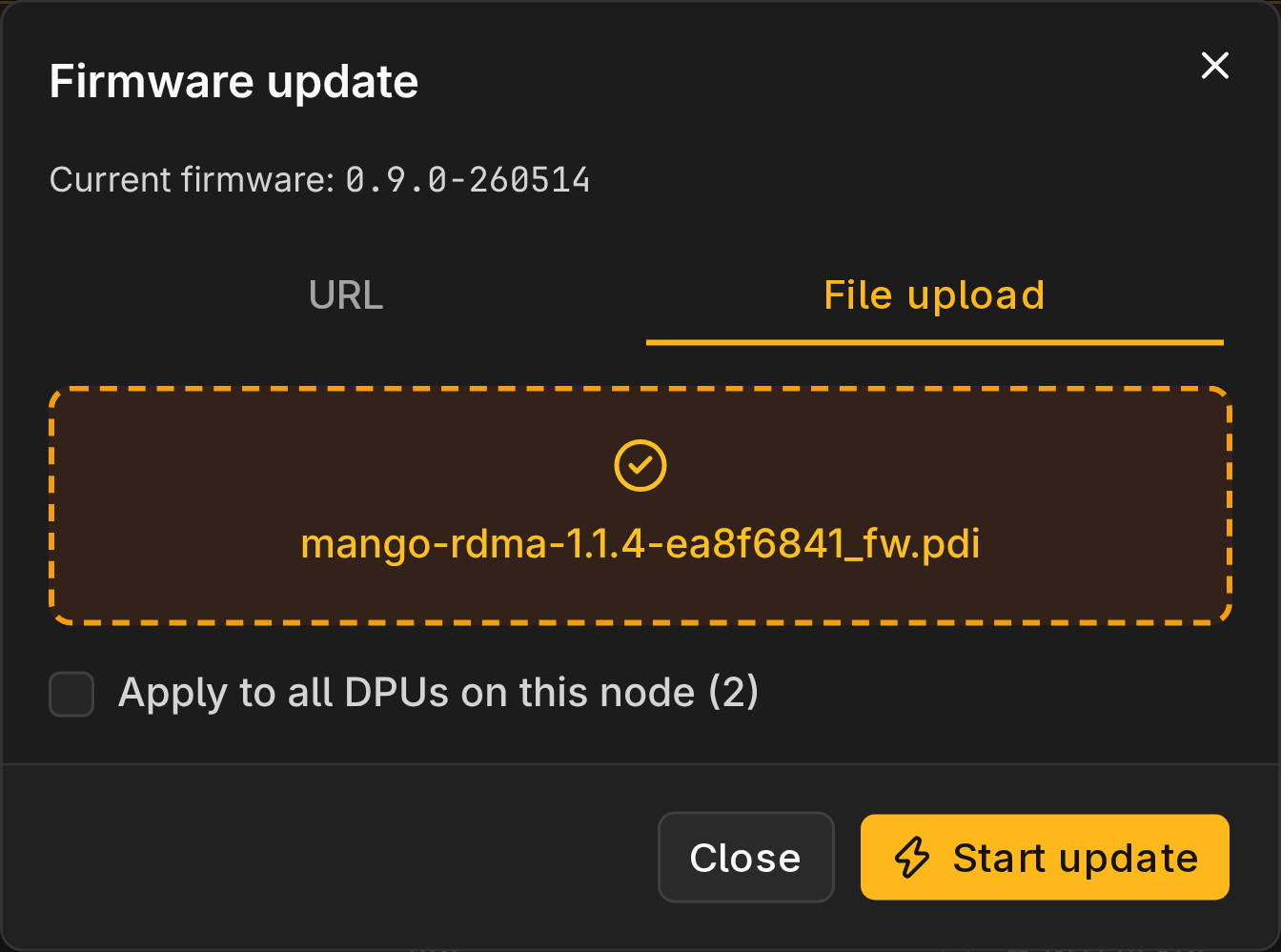
Use a .pdi card image or a .tgz card OS bundle. Provide it in one of two ways:
- URL: the node downloads the image over HTTP(S). Put any token in Bearer token, never in the URL; the Audit log records URLs but hides bearer tokens.
- File upload: choose or drop the file when the node cannot reach a URL.
Update One DPU Card
- Open Hardware → NIC and select the node.
- Select FW update on the card.
- Provide the image and select Start update.
- Select the card's Updating… status to follow progress until Completed.
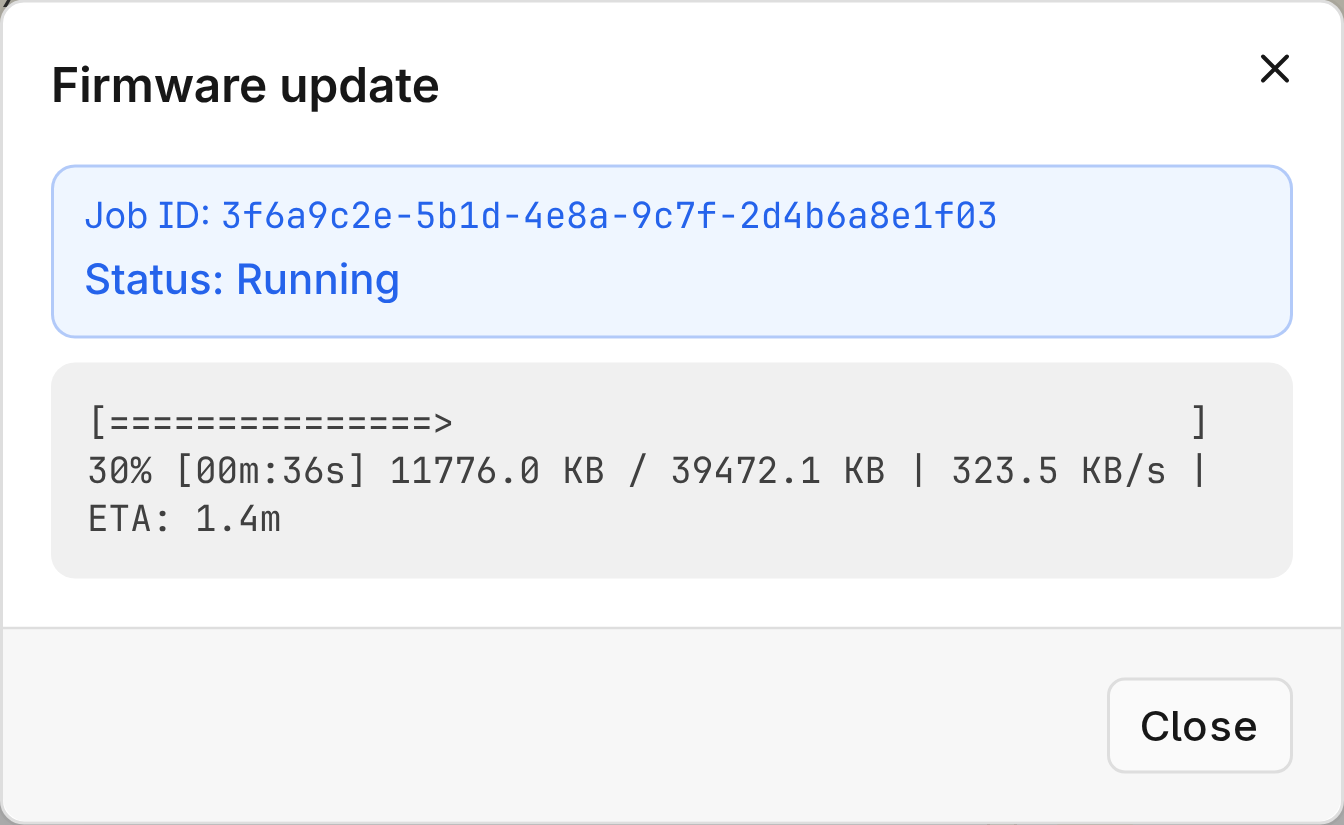
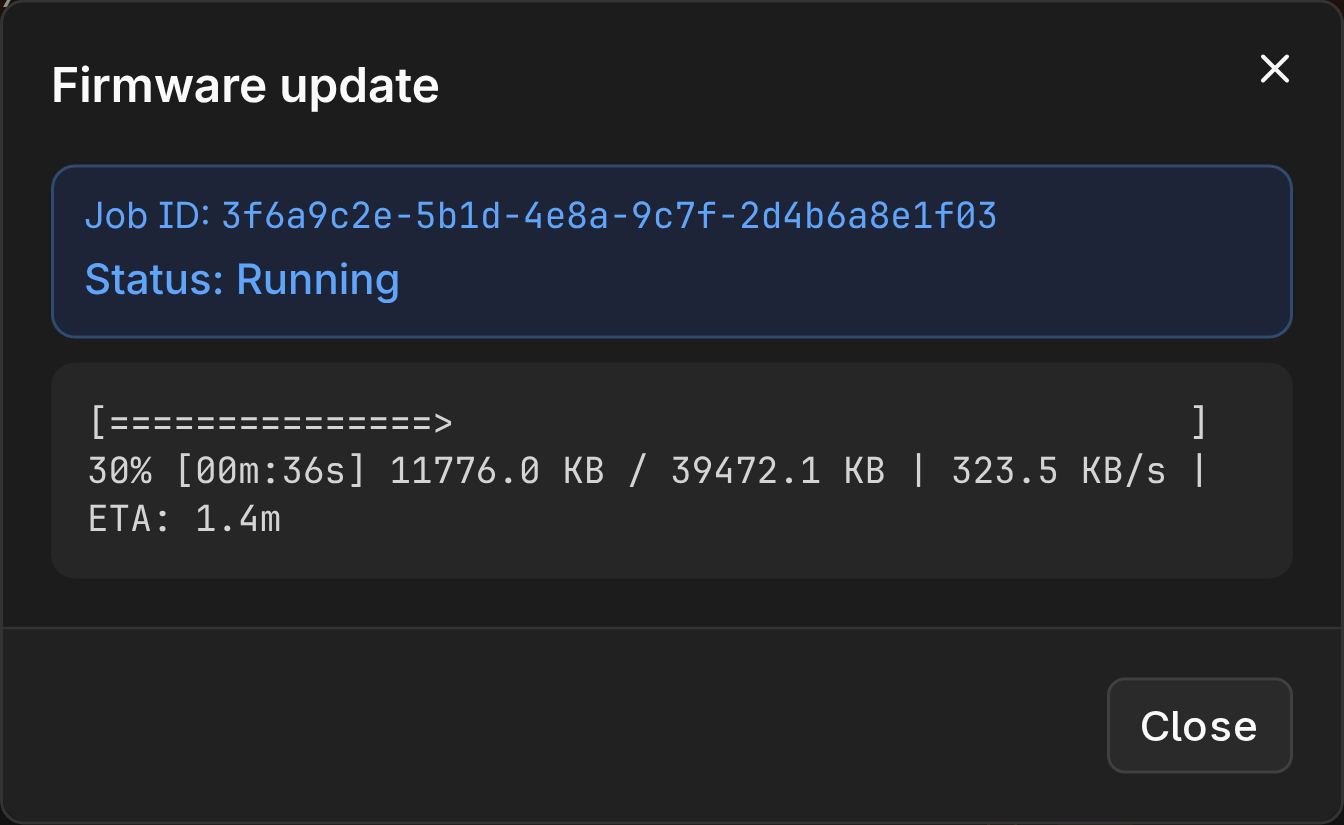
The update continues if you close the browser. If the job shows Failed with "Job no longer trackable" or "Status polling timed out", check the card's firmware version before retrying; the update may have finished.
Keep MAC and the node running and powered until the update finishes. Interrupting a write can leave the card without a bootable image.
Update Multiple DPU Cards in Multiple Servers
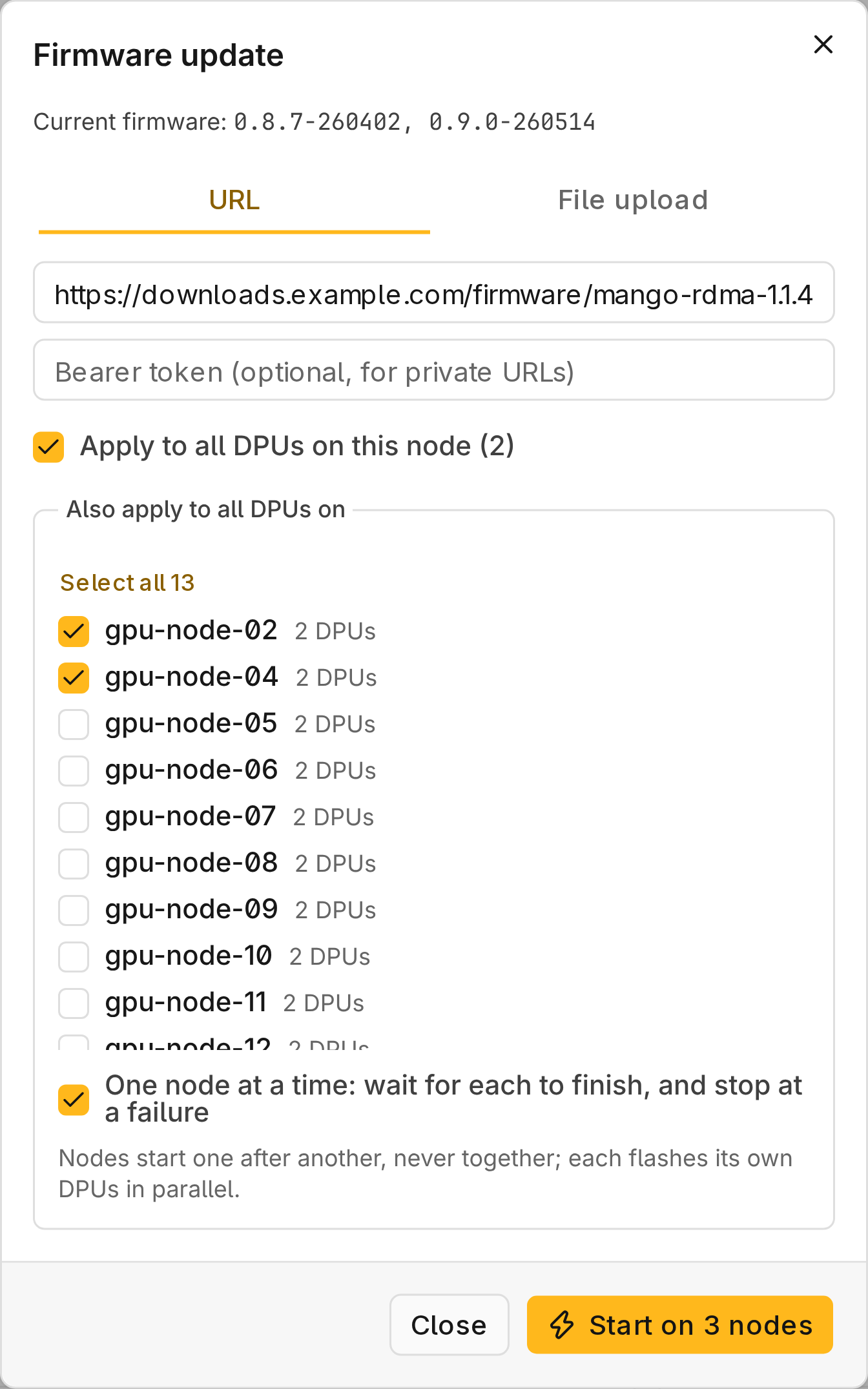
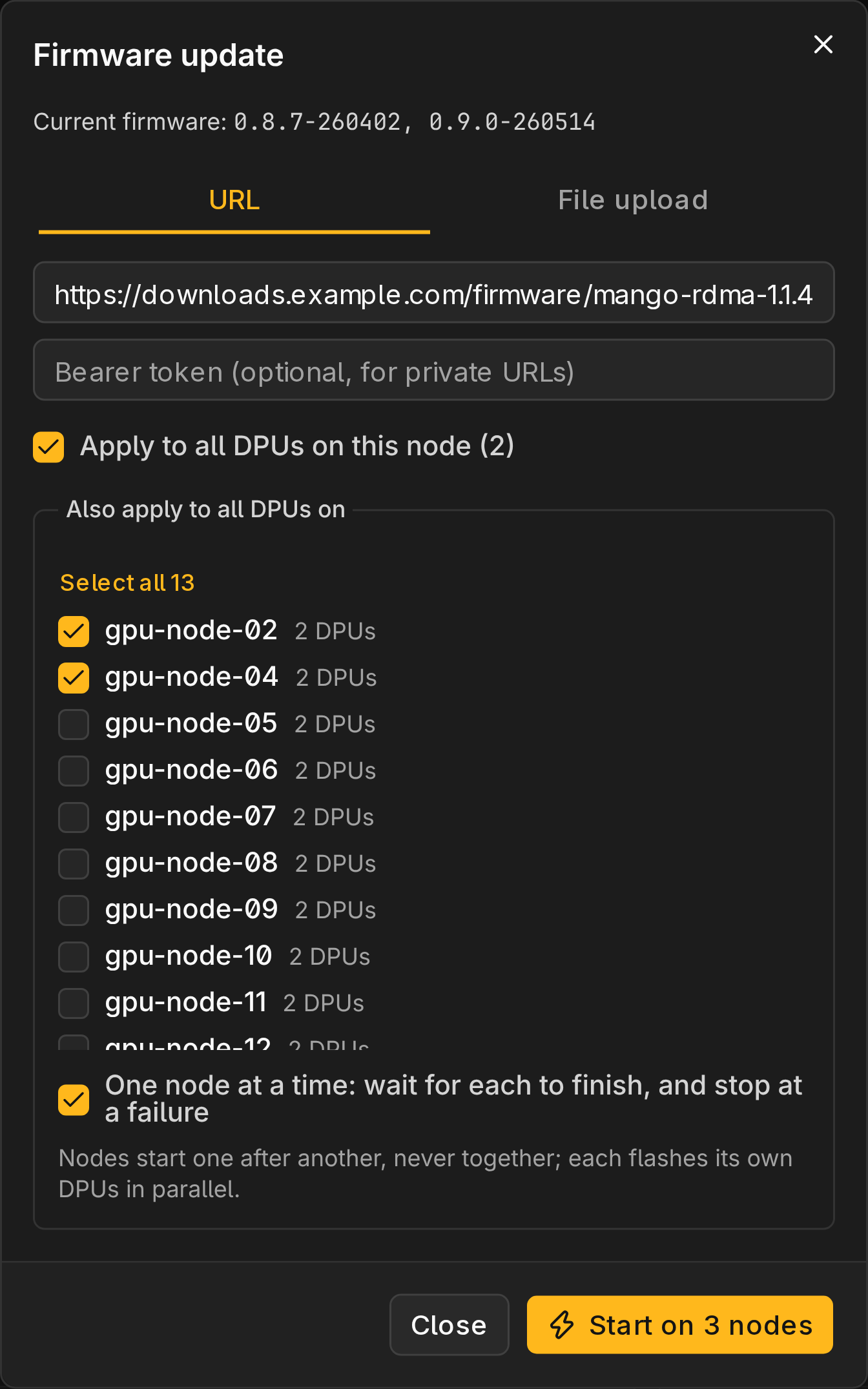
- On the NIC page, select Update all DPUs to update every card on the node.
- To include other nodes, select them under Also apply to all DPUs on.
- Provide the image and select Start on N nodes.
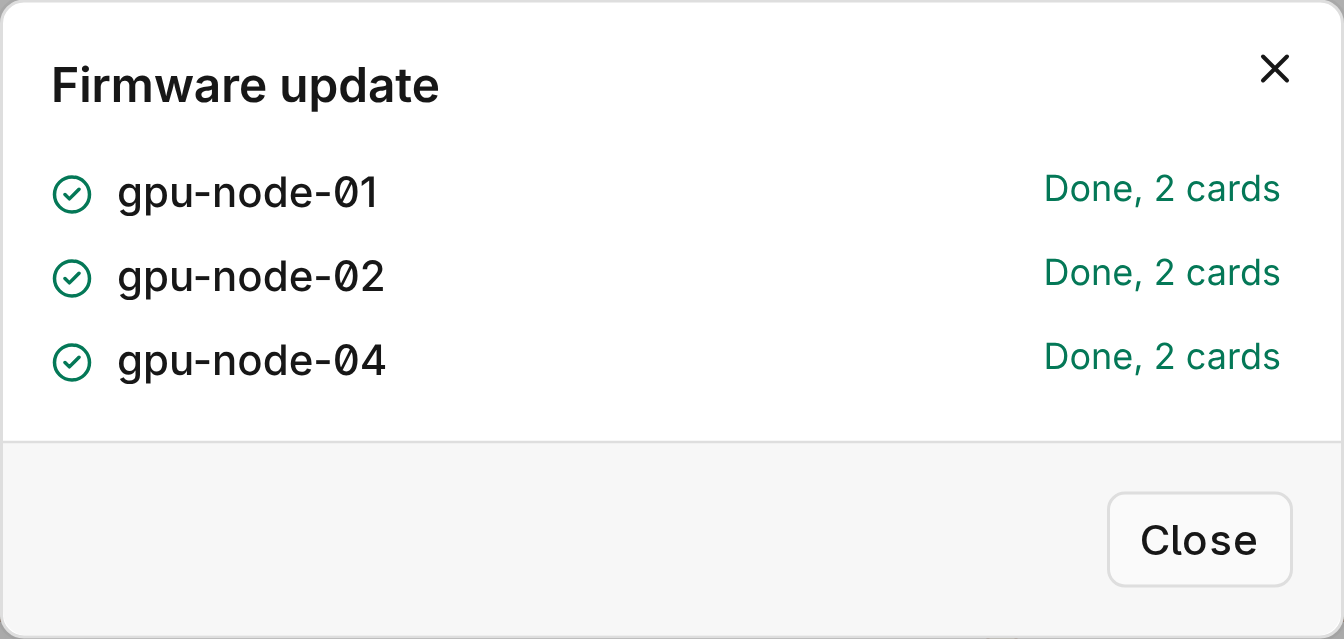
- Keep the page open until every node has started.
With One node at a time, a failure leaves the remaining nodes Not started. Stop remaining nodes skips nodes that have not started.
Check the Result
- Wait a minute, then reload the NIC page.
- Confirm each card's Firmware shows the intended version.
- If the version is unchanged or the card's function changed (such as base NIC to RDMA), power-cycle the server. A warm reboot does not reload the image.
- Reapply runtime network settings such as IP address or MTU if your configuration does not, and verify links in Performance.
Troubleshooting
| Message | Action |
|---|---|
Download or write failed: … | Check the URL and Bearer token, or upload the file. |
Error: the image is not a PDI, invalid image file size or Missing expected file in archive | Get the correct image file. |
An error ending in ; reflash it | Verification failed and the card was not reset. Update it again before any reset or power cycle. |