Containers
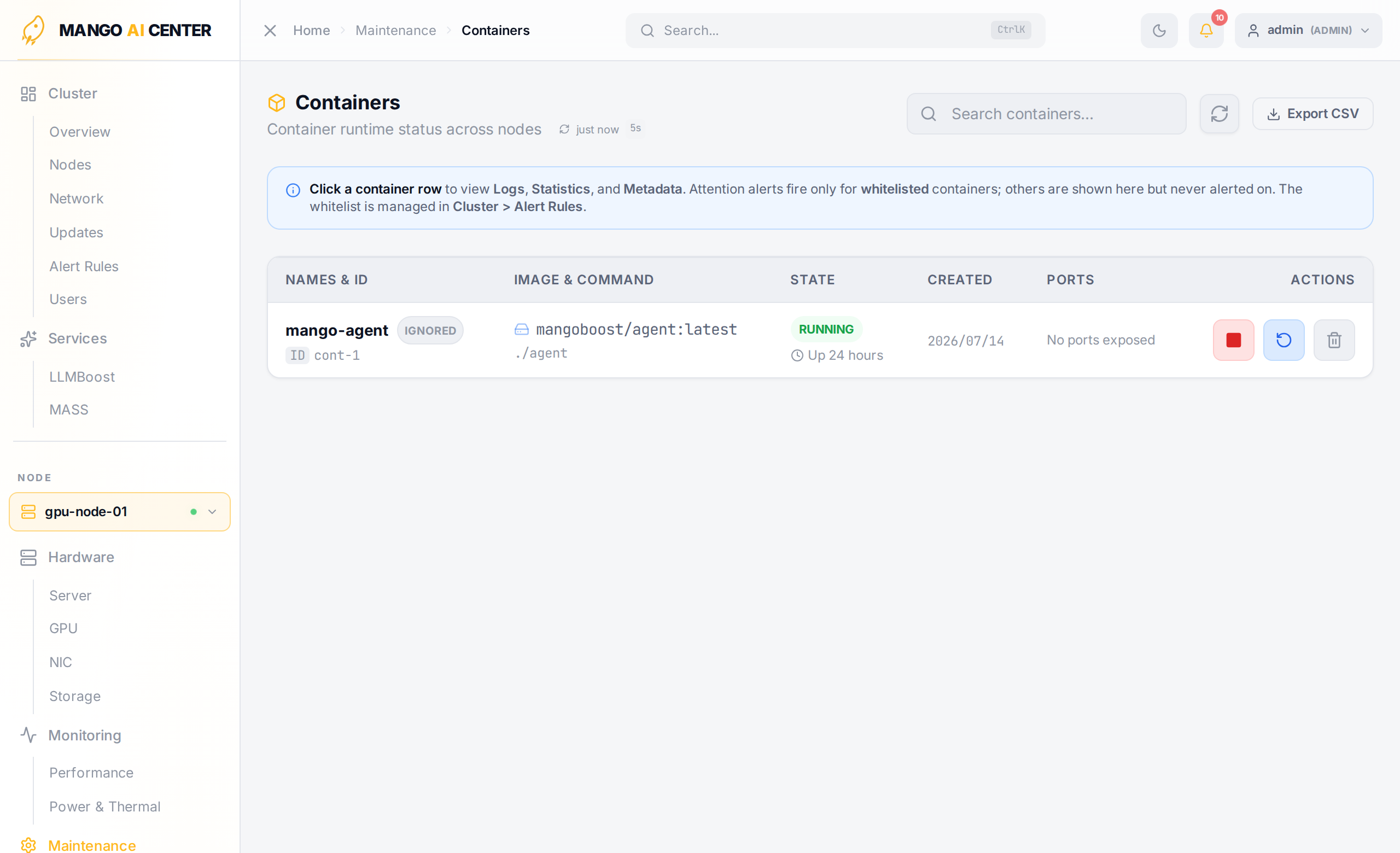
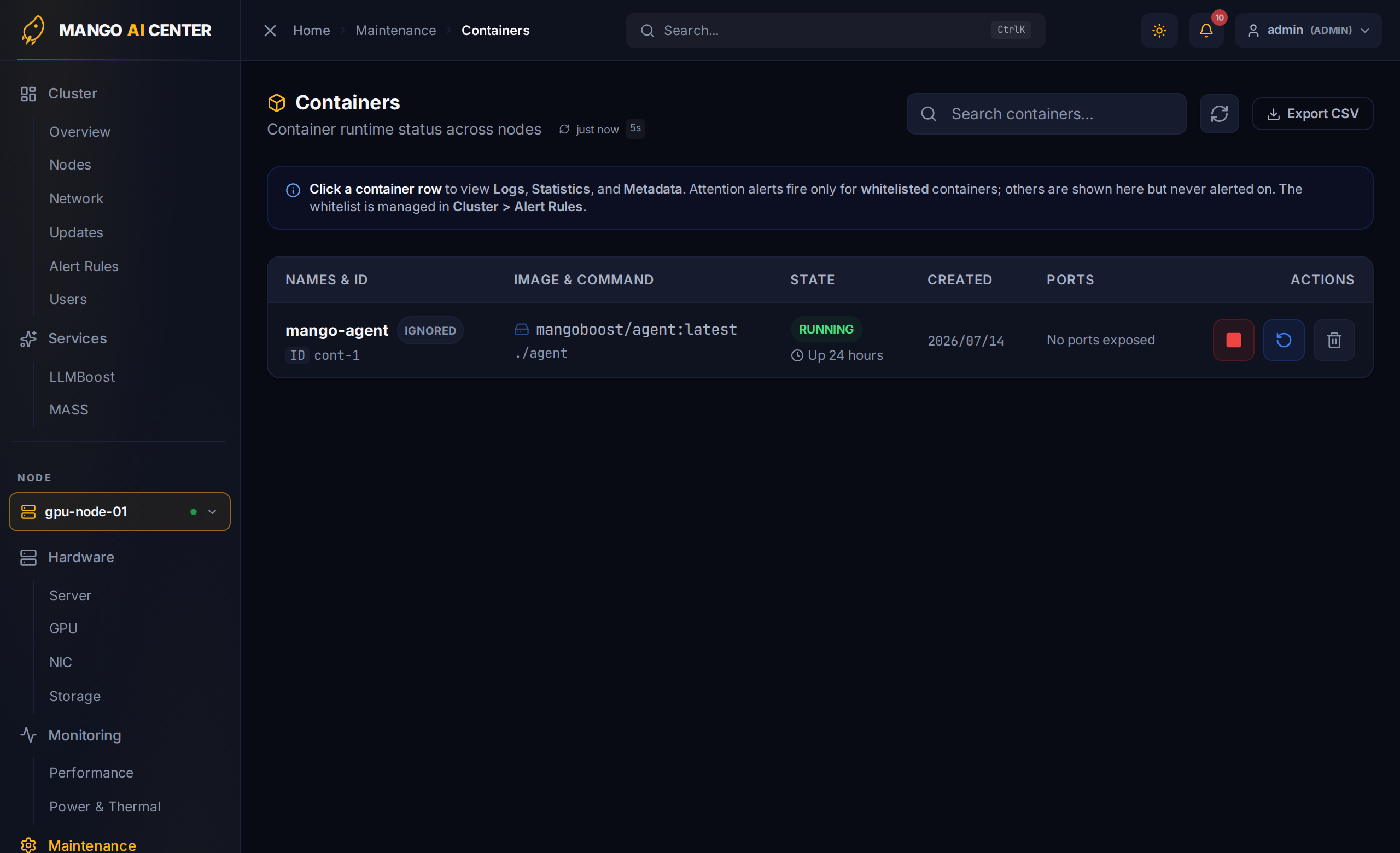
A docker-ps view of the picked node: every container with row-level actions and a click-to-expand drawer for logs, statistics, and metadata.
Fleet-wide MAC version upgrades moved to the Cluster → Updates page. This page is now scoped to inspecting and controlling the containers on one node.
Container Table
The page shows every container running on the picked node.
| Column | Notes |
|---|---|
| Names & ID | Container name and the truncated Docker ID |
| Image & Command | Image reference and the entrypoint command |
| State | RUNNING / EXITED / RESTARTING … with Docker's Up … summary |
| Created | Date the container was created |
| Ports | Published ports, or No ports exposed |
| Actions | Per-row action menu (start / stop / restart / remove) |
Click any row to expand a drawer with Logs, Statistics, and Metadata tabs for that container.
Use the Export CSV button in the upper right to dump the current table for a support ticket or post-mortem.
Container Whitelist Awareness
When the Container Whitelist alert rule is enabled (see
Alert Rules), the container-state alerts fire only for
containers whose names match the whitelist glob patterns (default mac-*). This page
reflects that scope: a banner notes that Attention alerts fire only for whitelisted
containers, while non-whitelisted containers are still listed here but never alerted on.
The whitelist itself is read-only on this page — it is edited in Cluster → Alert
Rules.