First-Time Setup
After Deployment, MAC is up but still using its factory defaults. This page covers the post-install checklist: change the admin password, create operator accounts, hook up switches, and (optionally) wire in a LLMBoost cluster.
Default Login
Open http://<master-ip>:23000 and sign in:
- Username:
admin - Password:
admin
Change the default password immediately on production deployments. You can pre-set a custom initial password before the first start with:
~$ mac env set MAC_ADMIN_PASSWORD=<strong-password>
~$ mac start master
Roles and User Management
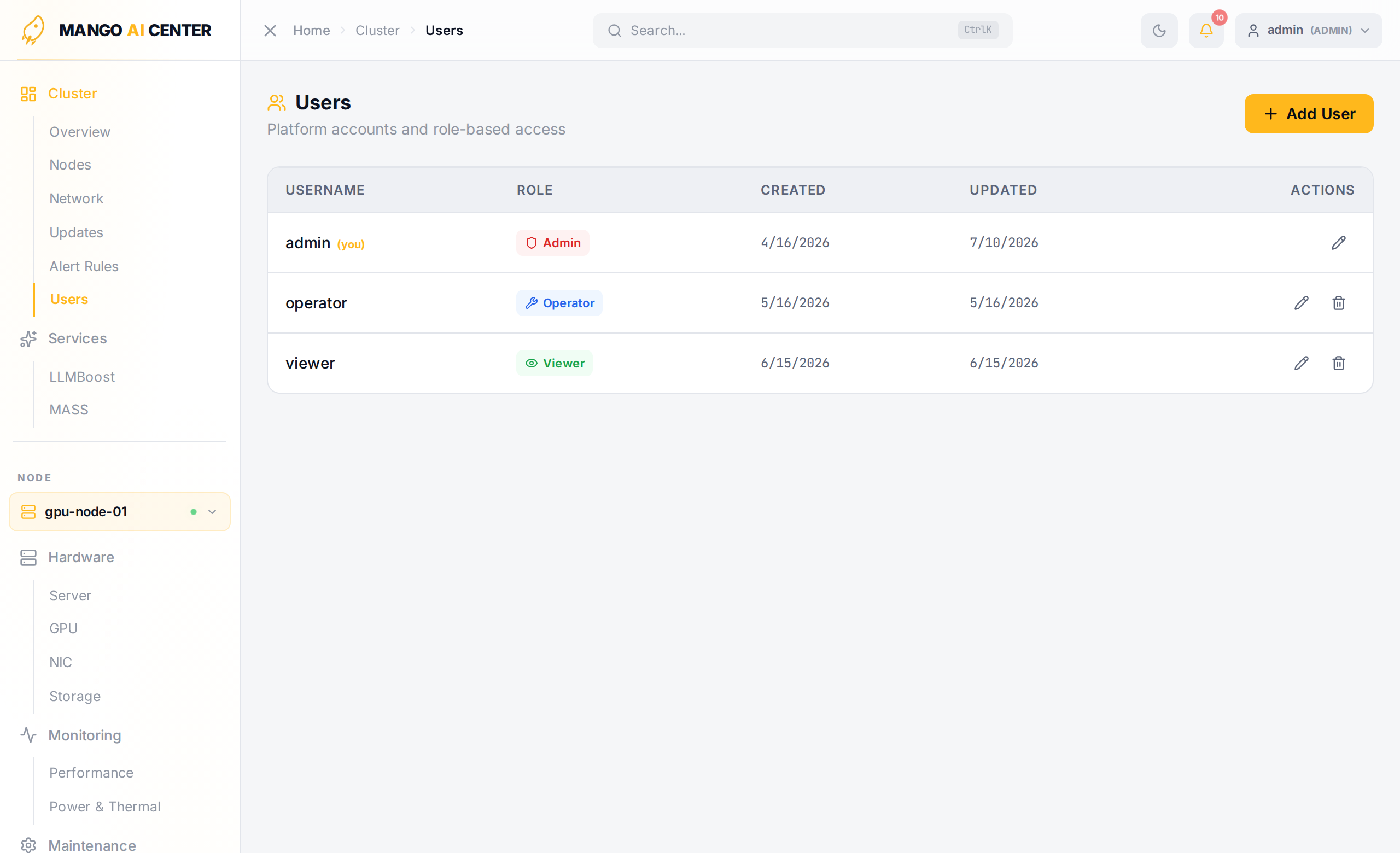
MAC ships with three built-in roles:
| Role | Permissions |
|---|---|
admin | Full access — user management, power control, all configuration changes |
operator | Read + write (container actions, software install, switch config) |
viewer | Read-only access to all monitoring data |
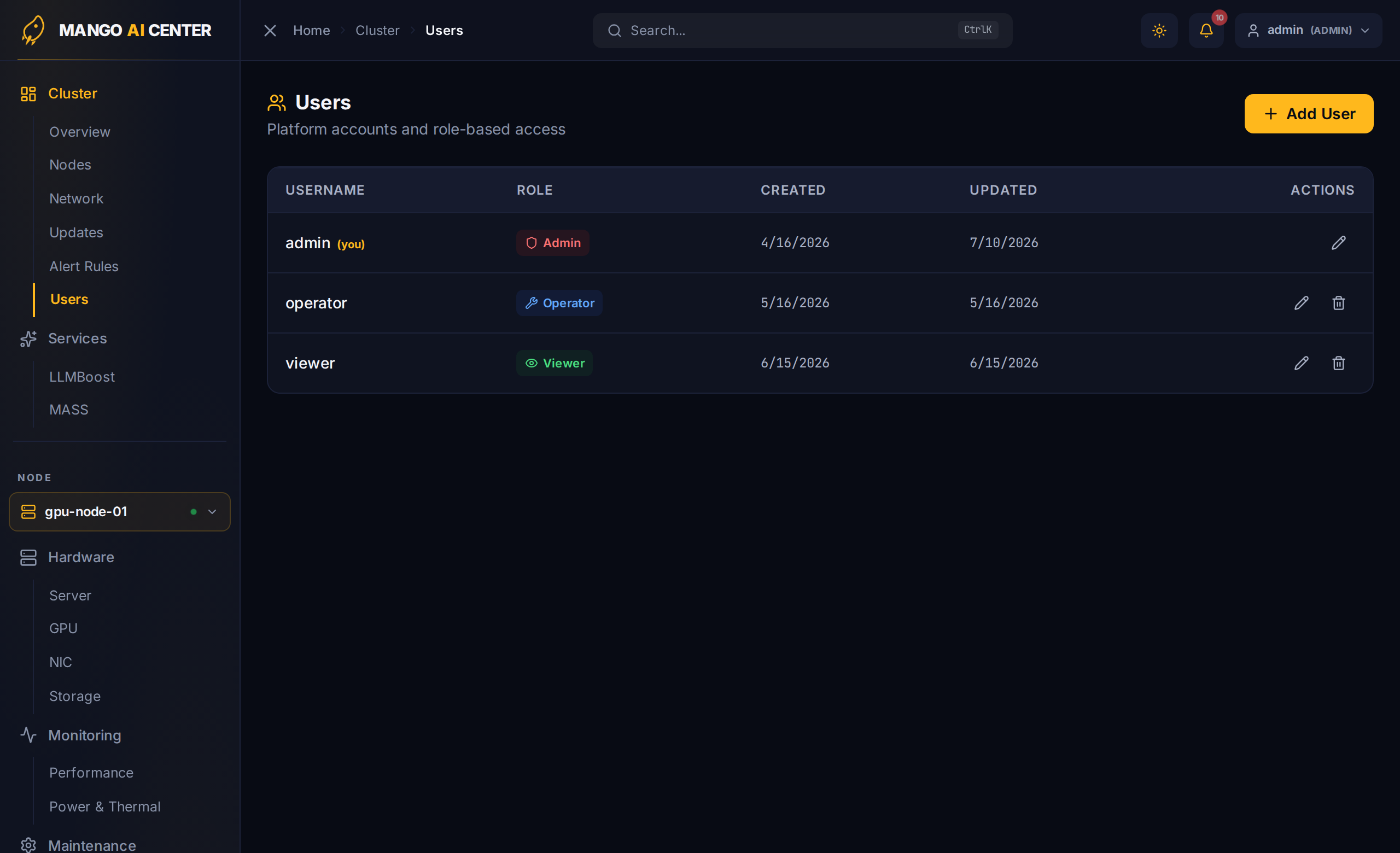
Create additional users from Cluster → Users in the web UI:
Disabling Authentication (Lab Only)
For air-gapped lab environments you can skip authentication entirely. Always use
mac env set (not a shell-prefix) so the value is recorded in ~/.mac/env and propagated
into the api-server container on every restart:
~$ mac env set MAC_AUTH_ENABLED=false
~$ mac restart master
Do not do this on networks reachable from outside the lab.
Configuring Switch Access
Set switch SSH credentials once on the master:
~$ mac env set SWITCH_USER=admin
~$ mac env set SWITCH_PASSWD_LIST=password1,password2
~$ mac restart master
SWITCH_PASSWD_LIST is comma-separated; MAC tries each entry in order and caches the one
that worked per switch — useful in fleets that mix vendor-default credentials.
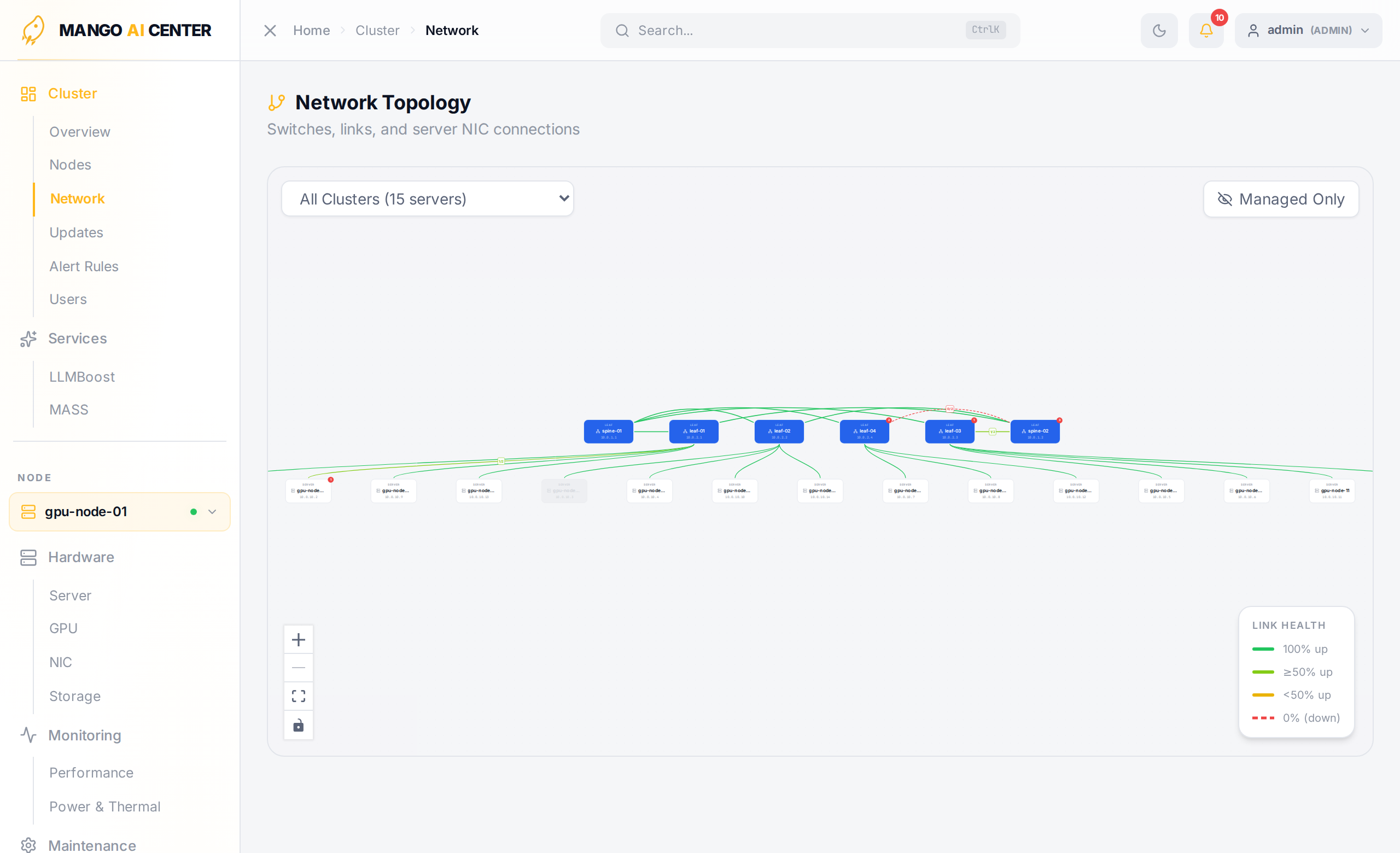
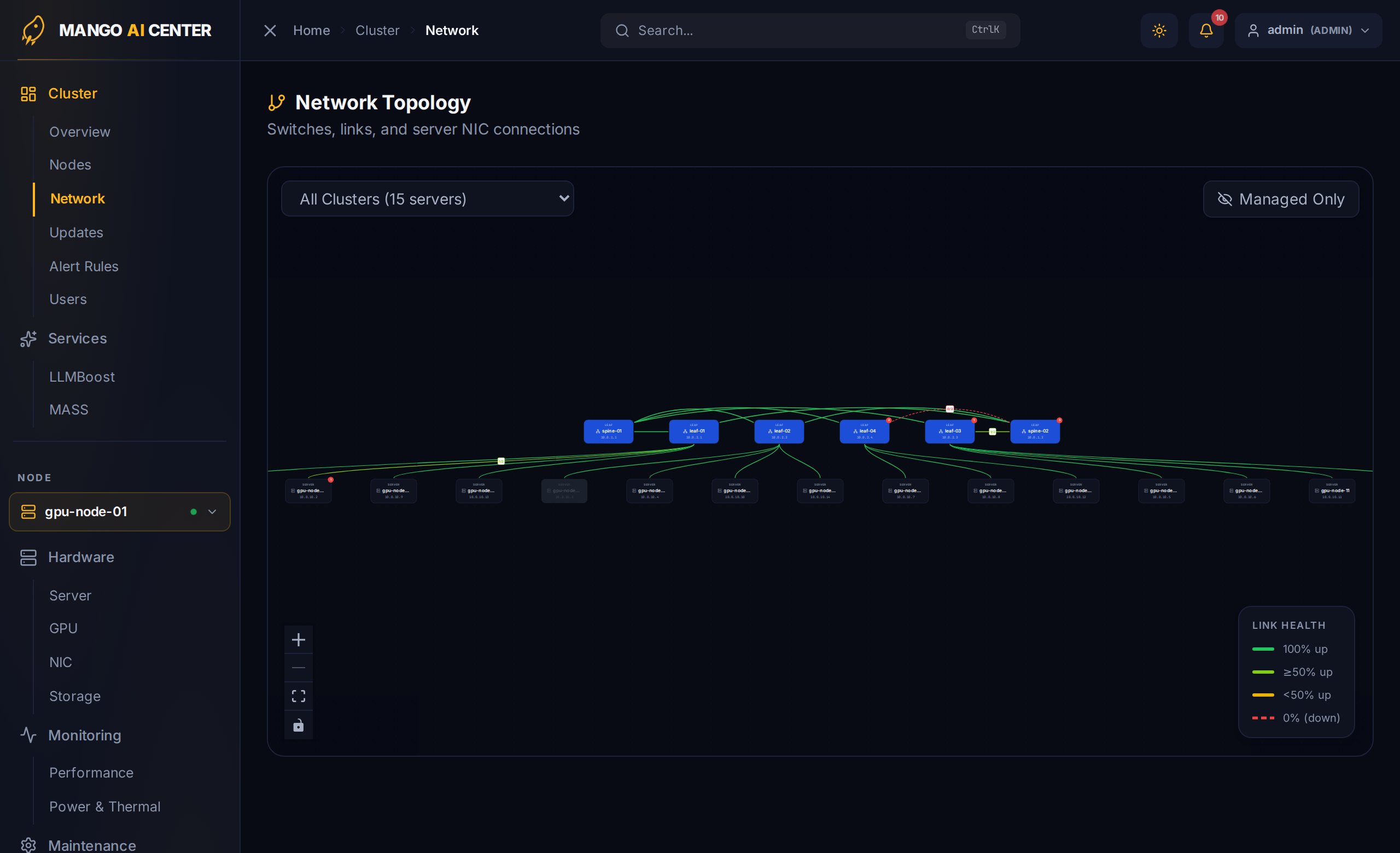
Switches do not need to be added manually — they are auto-discovered from LLDP data reported by registered agents and appear on the Network Topology page:
Streaming Telemetry (gNMI)
By default, switch-exporter streams counters and oper state over gNMI (TCP 8080) from
SONiC switches running sonic-gnmi, and falls back to SNMP for Dell OS10 and non-gNMI
SONiC — the transport is chosen per switch automatically, so no configuration is required
for the common case. To tune or disable it, set the GNMI_* variables (e.g.
mac env set GNMI_ENABLED=false to force SNMP-only) — see
Environment → gNMI Streaming Telemetry
for the full list, and make sure the master can reach TCP 8080 on the switch management
IPs.
Hardening Switch SSH (Optional)
By default MAC does not verify switch SSH host keys. To enforce strict host-key checking,
point MAC_SSH_KNOWN_HOSTS at an OpenSSH known_hosts file:
~$ mac env set MAC_SSH_KNOWN_HOSTS=/etc/mango/mac/known_hosts
~$ mac restart master
Browser Access Control (Optional)
By default the API accepts requests from any origin without credentials. To restrict
credentialed cross-origin access to a known set of browser origins, set
MAC_ALLOWED_ORIGINS (comma-separated):
~$ mac env set MAC_ALLOWED_ORIGINS=https://mac.example.com,https://ops.example.com
~$ mac restart master
Timezone
Container timestamps follow the TZ variable. If you leave it unset, the mac CLI
auto-detects the host timezone (from /etc/timezone or /etc/localtime) when starting
services, falling back to Asia/Seoul if detection fails. Set it explicitly to override:
~$ mac env set TZ=UTC
~$ mac restart all
LLMBoost Auto-Discovery (Optional)
If any of your registered agents is also a node in a LLMBoost
model-serving cluster, the Services → LLMBoost page lights up automatically: the
api-server probes every registered agent's IP on port 30080 for a cluster exposing the
management UI at :30080/manage/ (the :30080/api layout) and connects to it. No token
or extra setup is needed — the dashboard is read-only.
Auto-discovery only finds that management layout. A standalone engine serving the
OpenAI API at the root (:30080/v1/models, no /manage/), or a cluster on a subnet the
agents can't reach, must be configured explicitly. Either paste the endpoint into the
connection card at the top of the LLMBoost page (admin only; kept in memory until the
next master restart), or persist it:
~$ mac env set LLMBOOST_API_ENDPOINT=http://<node-ip>:30080        # standalone (root)
# OR, for the Helm-chart layout that serves under /api:
~$ mac env set LLMBOOST_API_ENDPOINT=http://<node-ip>:30080/api
~$ mac restart master
You're Ready
Continue to the User Guide for a page-by-page walkthrough of the dashboard.