Containers
Two unrelated tools live on this page:
- Cluster Update Panel — at the top: drives a fleet-wide MAC version upgrade.
- Container list — below: a docker-ps view of the picked node, with row-level actions and a click-to-expand drawer for logs, stats, and metadata.
Cluster Update Panel
A collapsible card at the top of the page that orchestrates a coordinated MAC version
upgrade across every registered agent. The header shows the current target version and
the last completed job's status (e.g. v0.4.0 — Completed). The job:
- Pulls the new image set on each agent in parallel
- Restarts the agent containers in a rolling fashion
- Reports per-node progress (
pending/pulling/updating/health_check/updated/failed/rolled_back)
If a node fails the health check, the update job marks it rolled_back (the node stays on the previous version) so a partial failure does not break your entire fleet.
Container Table
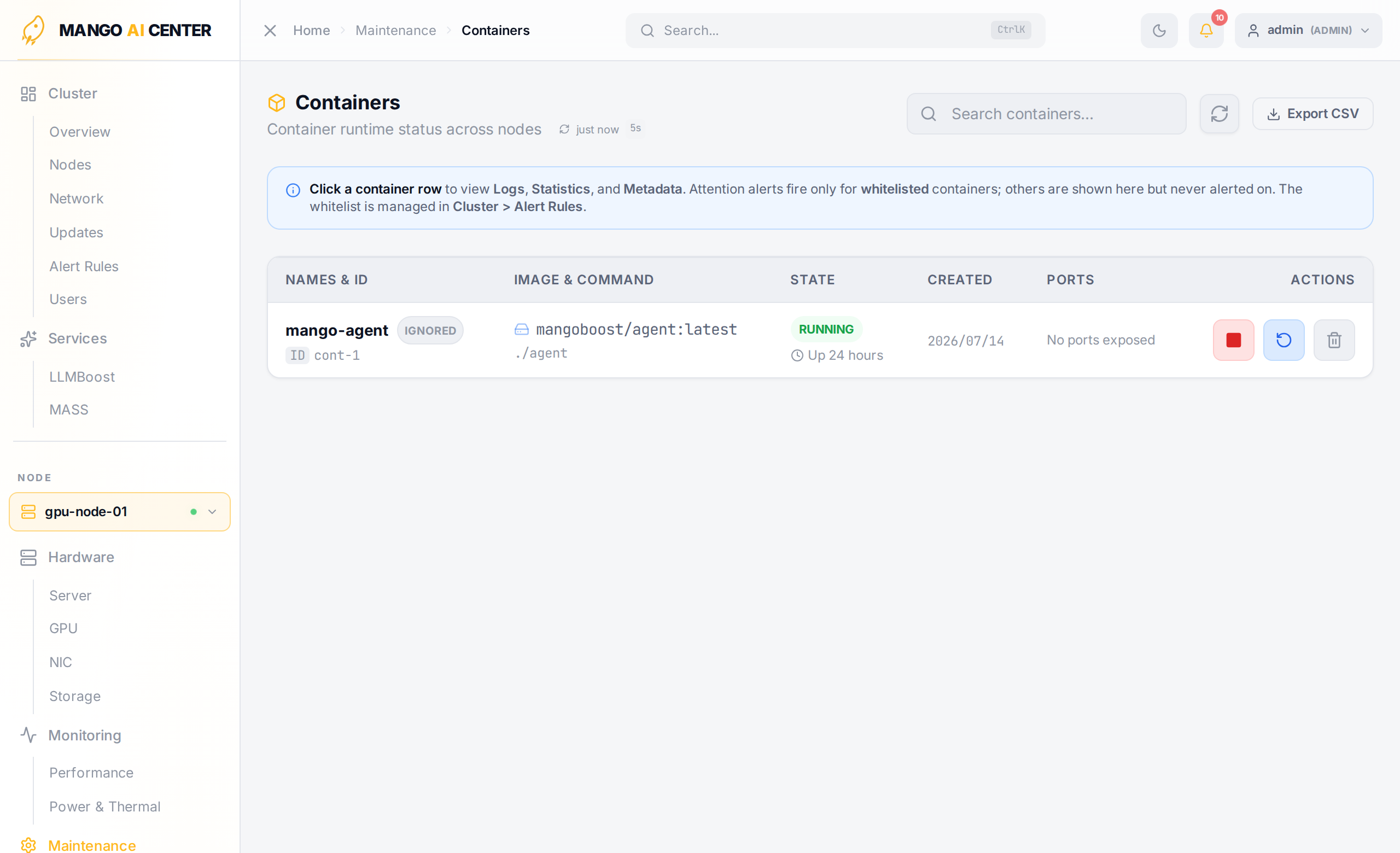
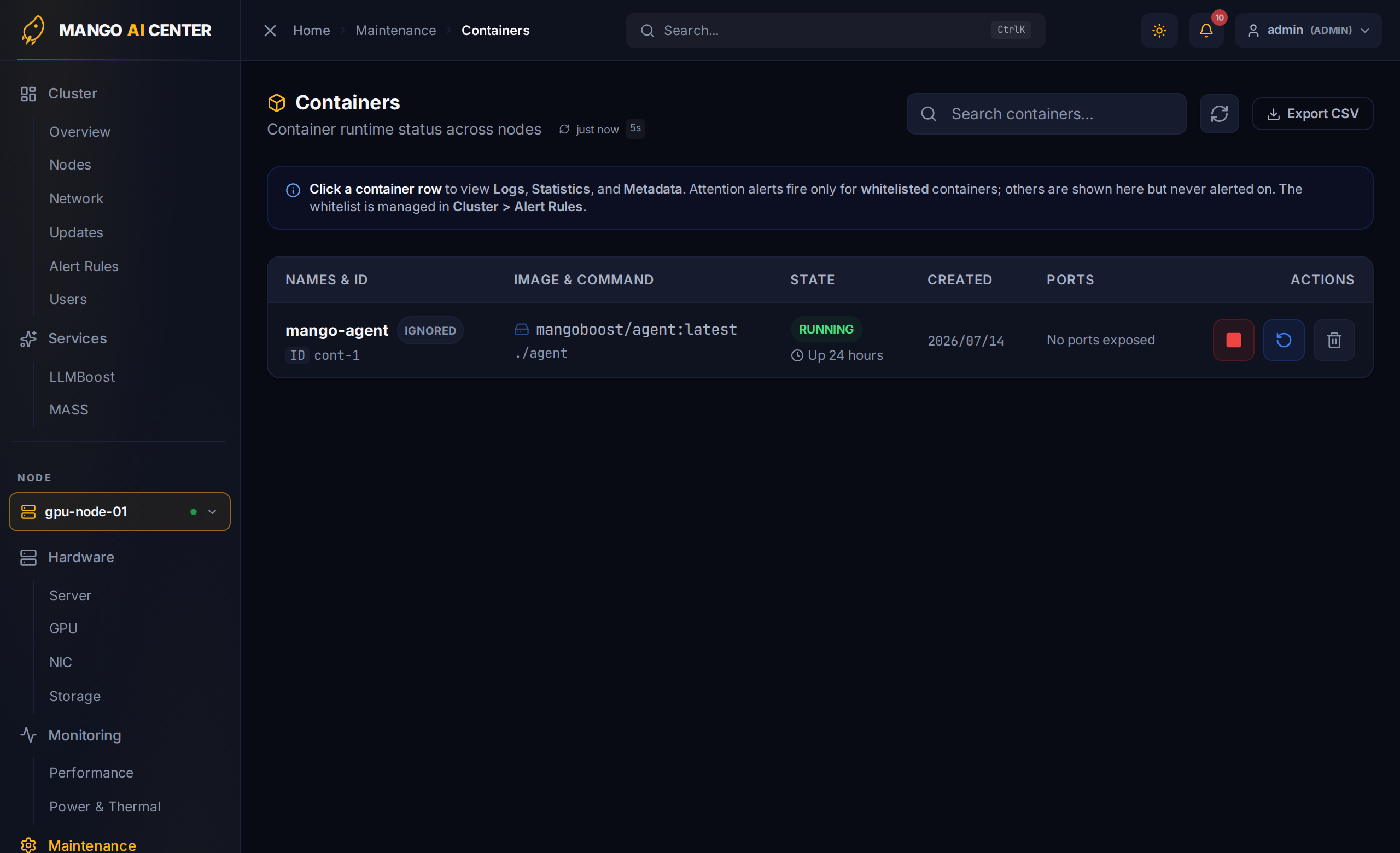
Below the update panel, the page shows every container running on the picked node.
| Column | Notes |
|---|---|
| Names & ID | Container name and the truncated Docker ID |
| Image & Command | Image reference and the entrypoint command |
| State | RUNNING / EXITED / RESTARTING … with Docker's Up … summary |
| Created | Date the container was created |
| Ports | Published ports, or No ports exposed |
| Actions | Per-row action menu (start / stop / restart / remove) |
Click any row to expand a drawer with Logs, Statistics, and Metadata tabs for that container.
Use the Export CSV button in the upper right to dump the current table for a support ticket or post-mortem.
Why Both Tools Are on the Same Page
A cluster update is itself a container restart at scale — every agent gets
docker compose down && docker compose up -d with new image tags. The update panel and
the per-container actions are the two pieces operators reach for in the same maintenance
window.