Software
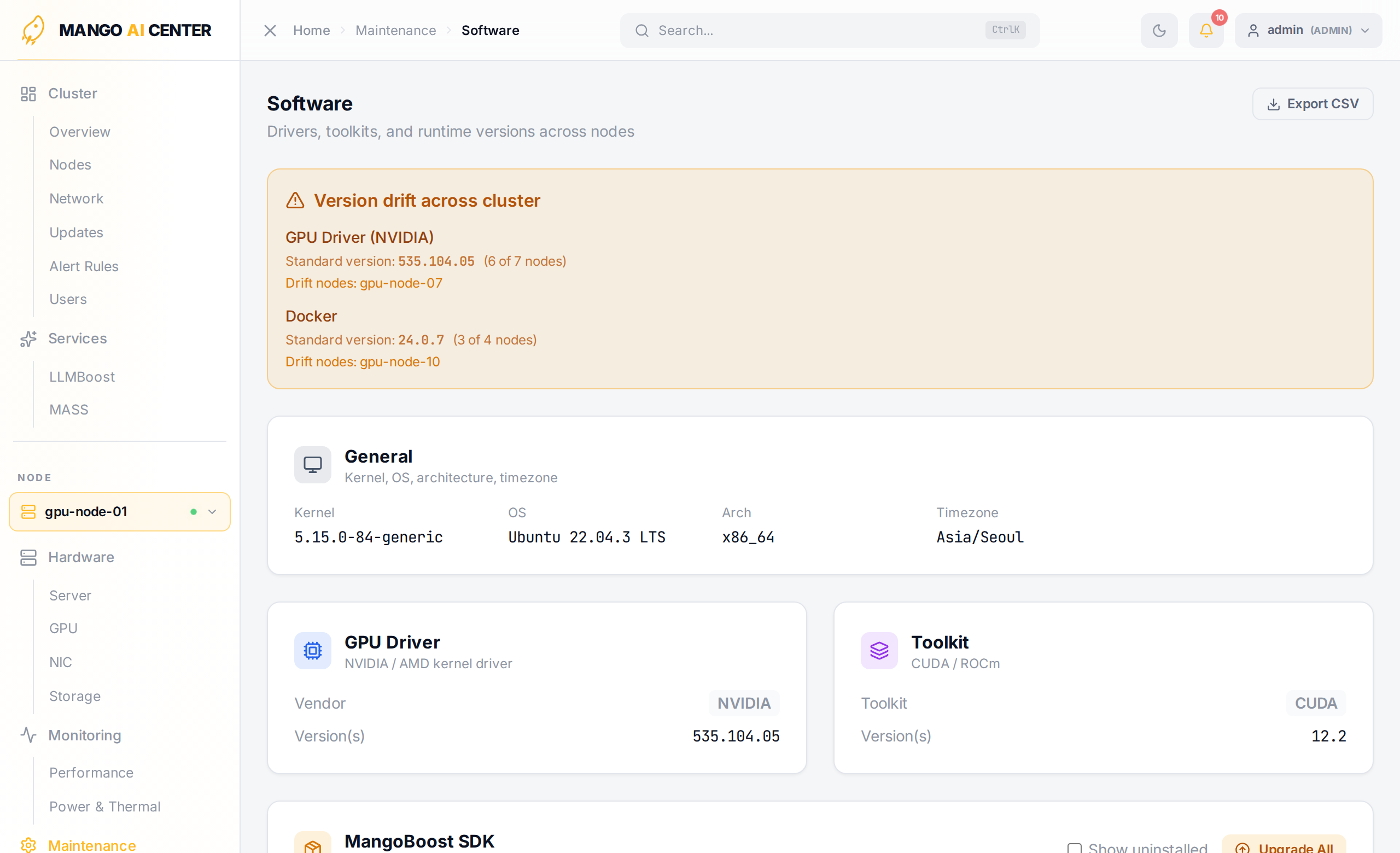
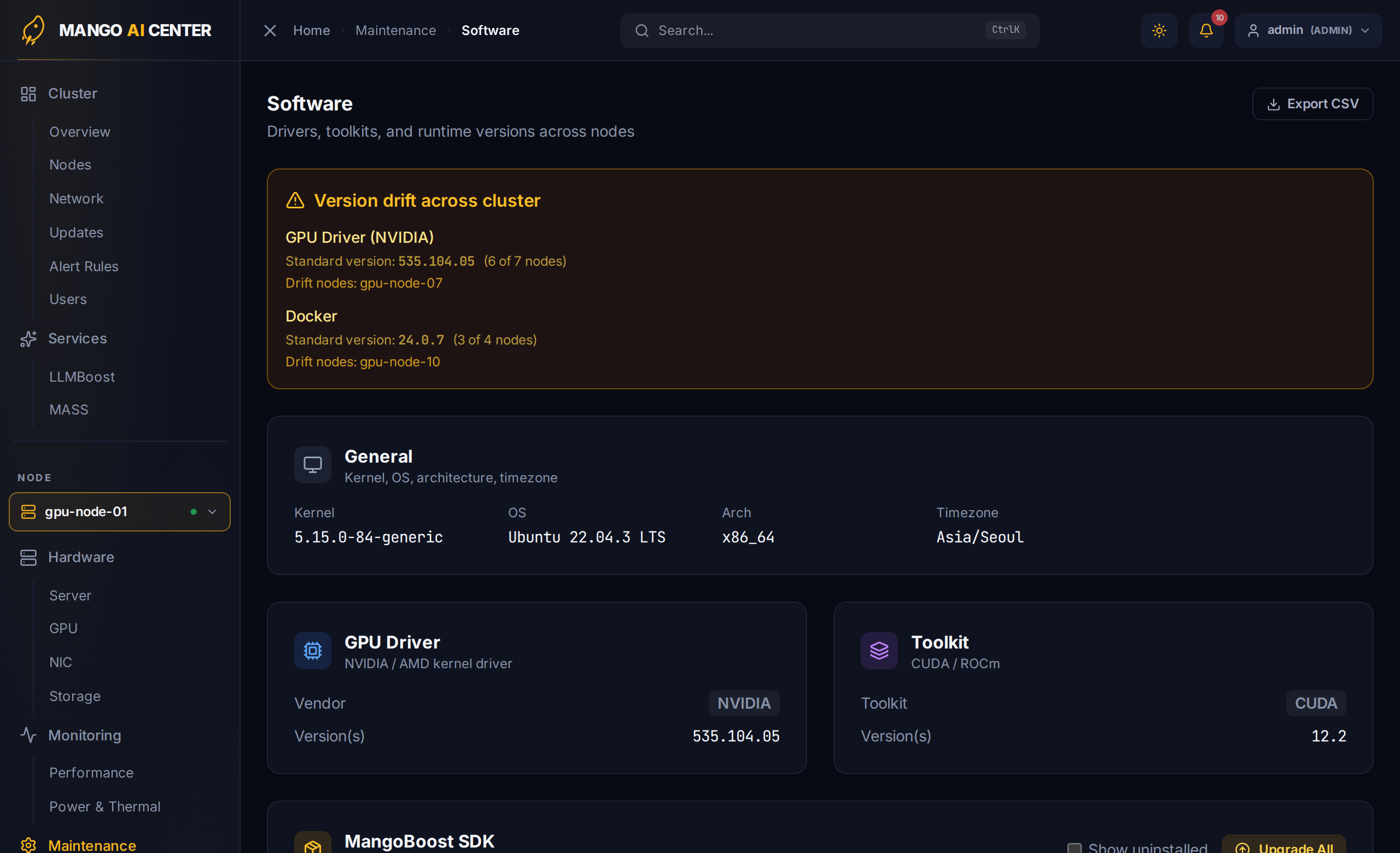
A single page that surfaces every software version MAC tracks — across the cluster and for the picked node — plus the controls for upgrading MangoBoost SDK packages.
MAC Versions (cluster-scoped)
A table at the top lists every registered node with its role (master / agent), its container image version, and its CLI version side-by-side. The Status column flags drift between the two, missing CLI installs, and unreachable agents — useful right after rolling a fleet upgrade.
Version Drift Across Cluster (cluster-scoped)
For every tracked component (gpu_driver, mango_driver, docker, containerd, …),
MAC computes a "standard" version (the most common value across the fleet) and lists the
nodes that diverge from it. This is the same data that powers the Software Version Drift alert and the Needs Attention card on the Cluster Overview.
Per-Node Sections
The rest of the page is scoped to the picked node and broken into cards:
- General — Kernel, OS, Arch, Timezone
- GPU Driver — Vendor and installed version(s)
- Toolkit — CUDA / ROCm version(s)
- MangoBoost SDK — installed packages from the configured APT source, with Upgrade All and per-package install / upgrade actions (see below)
- Container Runtime — Docker and containerd versions
MangoBoost SDK Packages
The SDK card lists the packages discovered on the agent (e.g. mango-cli, libmango0,
mango-drivers-header, mango-drivers-spdk, mango-bsp, mango-pcc, rdma-core,
ibverbs-providers), each annotated with its installed version. The header shows the
configured APT source path (e.g.
https://repo.mangoboost.io/artifactory/public-debian / jammy) and the
X / Y installed count.
Controls in the card:
- Show uninstalled — toggle the list to also include packages available in the source but not yet installed on this node
- Upgrade All — kick off a job that upgrades every installed package
- Per-package install / upgrade / remove (when the row is in a state that supports it)
Every action dispatches an async job on the agent (via the mango-sdk-agent
container). Progress is reflected in the row as the job runs.
DPU Firmware (FW Update)
DPU firmware updates are launched from the NIC Inventory card group header — they support multi-node parallel updates (pick the bundle, select the target nodes, watch progress for each in real time).
Export
The Export CSV button in the upper right dumps the per-node software inventory for documentation and audits.