Nodes
The Nodes page lists every registered agent with one row per node and a live snapshot of its health.
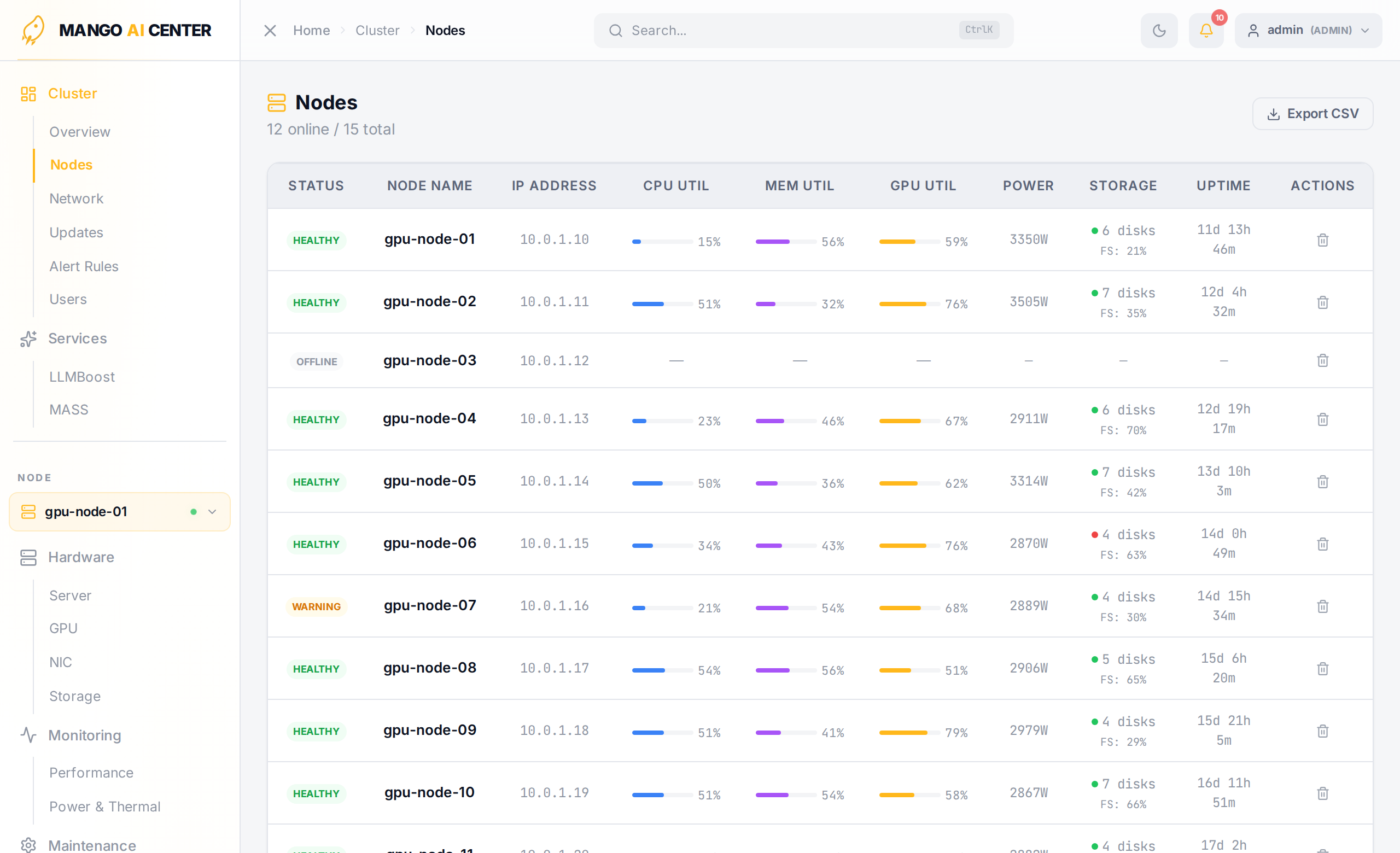
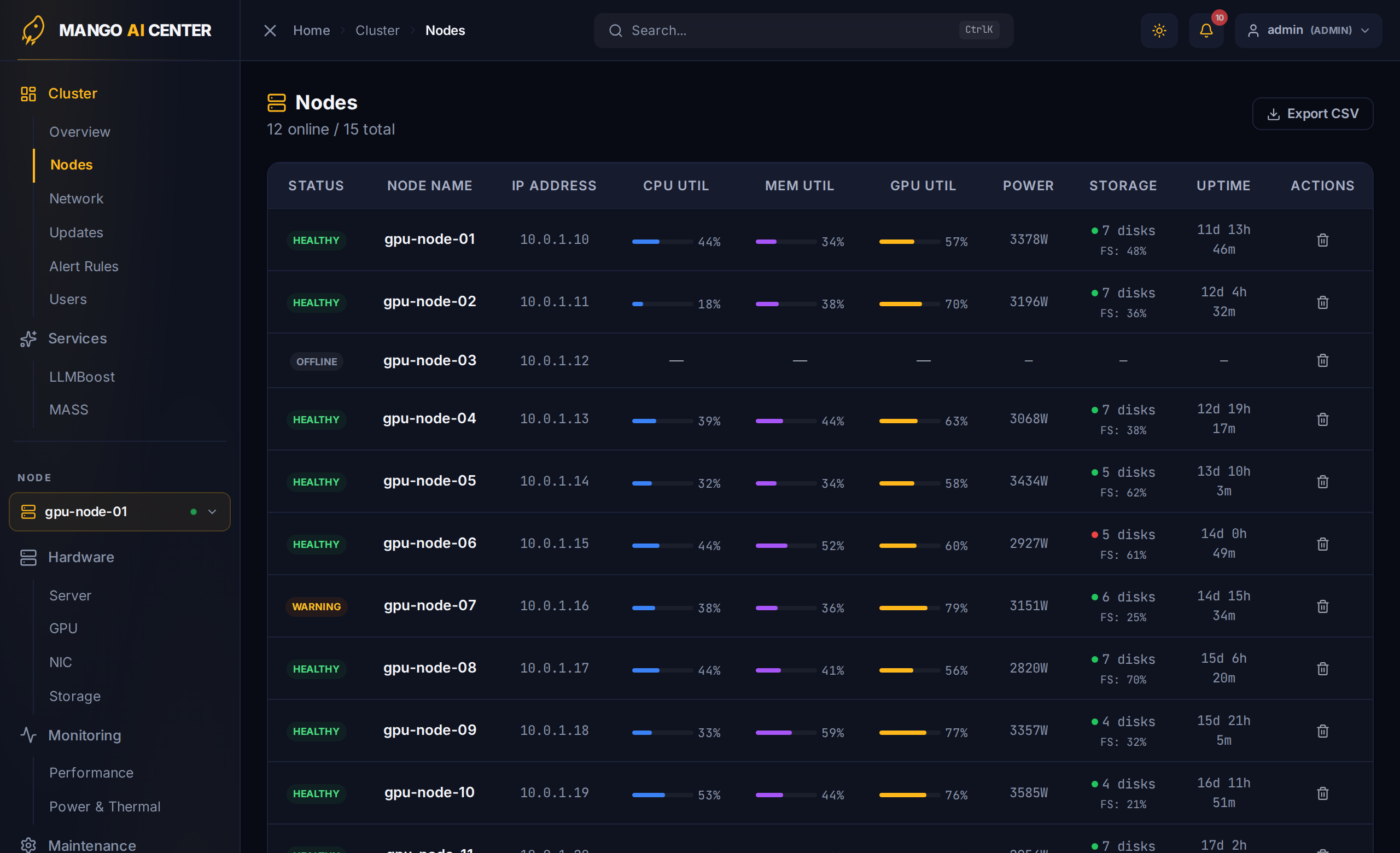
Columns
| Column | Notes |
|---|---|
| Status | WARNING / OFFLINE / etc., colored chip |
| Node Name | Hostname reported by the agent |
| IP Address | Address used by the master to reach the agent |
| CPU Util | Current host CPU utilization (%) |
| Mem Util | Current host memory utilization (%) |
| GPU Util | Average GPU utilization, or — if no GPU |
| Power | Latest BMC power reading (W) |
| Storage | Disk count and root-filesystem usage |
| Uptime | Time since last boot |
| Actions | Per-row action menu (e.g. node-scoped controls) |
Use Export CSV in the upper right to download the table for spreadsheets.
When Is This Page Useful?
- Capacity planning — sort by GPU count to see which racks have headroom.
- Onboarding audit — sanity-check that every host you booted is in the list and
reporting
Online. - Decommission — pick a node and run
mac stop agenton it; refresh this page to confirm it disappeared.
The Nodes list is the cluster-scoped twin of Hardware → Server, which shows deep detail for the currently picked node.