First-Time Setup
After Deployment, MAC is up but still using its factory defaults. This page covers the post-install checklist: change the admin password, create operator accounts, hook up switches, and (optionally) wire in a LLMBoost cluster.
Default Login
Open http://<master-ip>:23000 and sign in:
- Username:
admin - Password:
admin
Change the default password immediately on production deployments. You can pre-set a custom initial password before the first start with:
~$ mac env set MAC_ADMIN_PASSWORD=<strong-password>
~$ mac start master
Roles and User Management
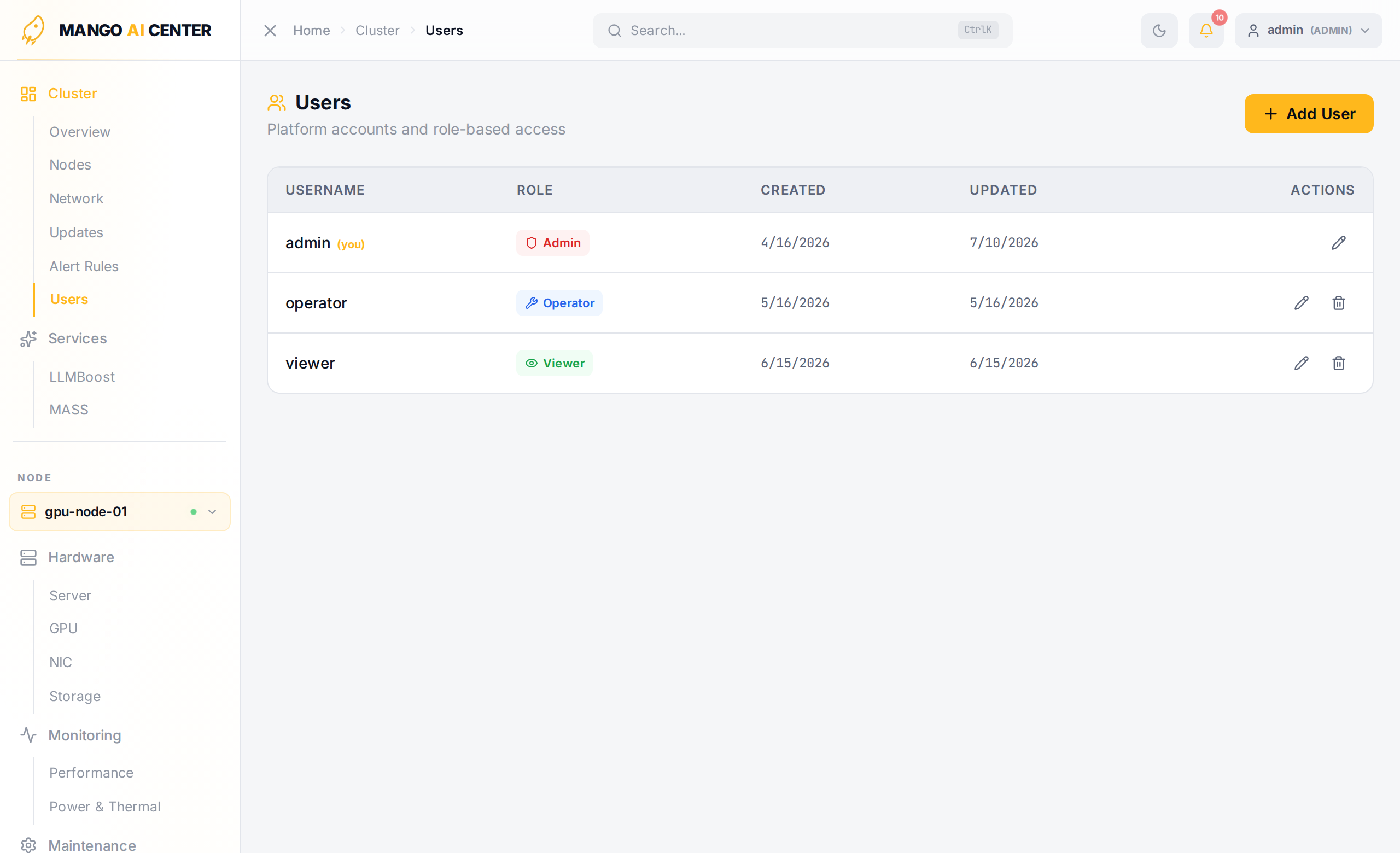
MAC ships with three built-in roles:
| Role | Permissions |
|---|---|
admin | Full access — user management, power control, all configuration changes |
operator | Read + write (container actions, software install, switch config) |
viewer | Read-only access to all monitoring data |
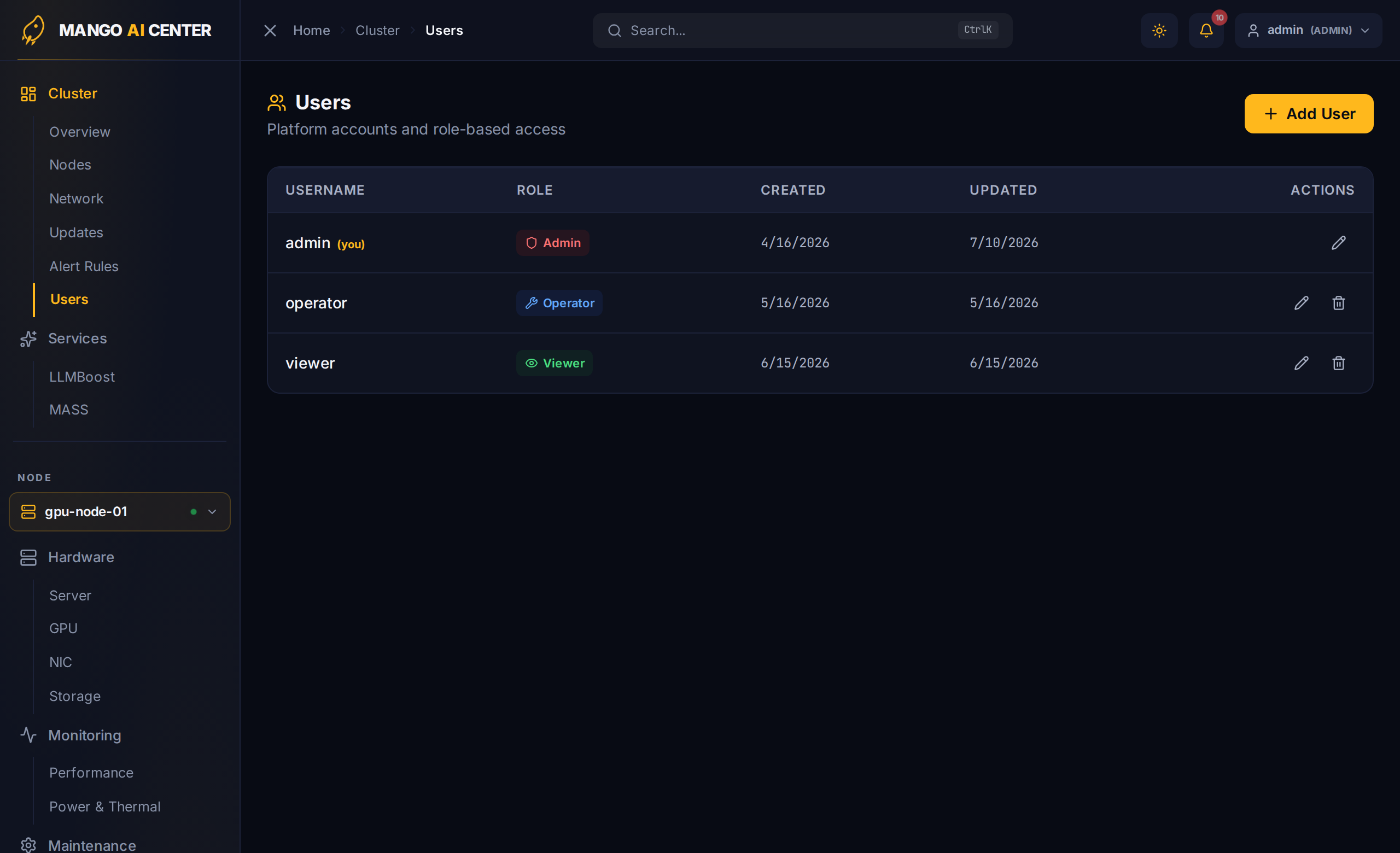
Create additional users from Cluster → Users in the web UI:
Disabling Authentication (Lab Only)
For air-gapped lab environments you can skip authentication entirely. Always use
mac env set (not a shell-prefix) so the value is recorded in ~/.mac/env and propagated
into the api-server container on every restart:
~$ mac env set MAC_AUTH_ENABLED=false
~$ mac restart master
Do not do this on networks reachable from outside the lab.
Configuring Switch Access
Set switch SSH credentials once on the master:
~$ mac env set SWITCH_USER=admin
~$ mac env set SWITCH_PASSWD_LIST=password1,password2
~$ mac restart master
SWITCH_PASSWD_LIST is comma-separated; MAC tries each entry in order and caches the one
that worked per switch — useful in fleets that mix vendor-default credentials.
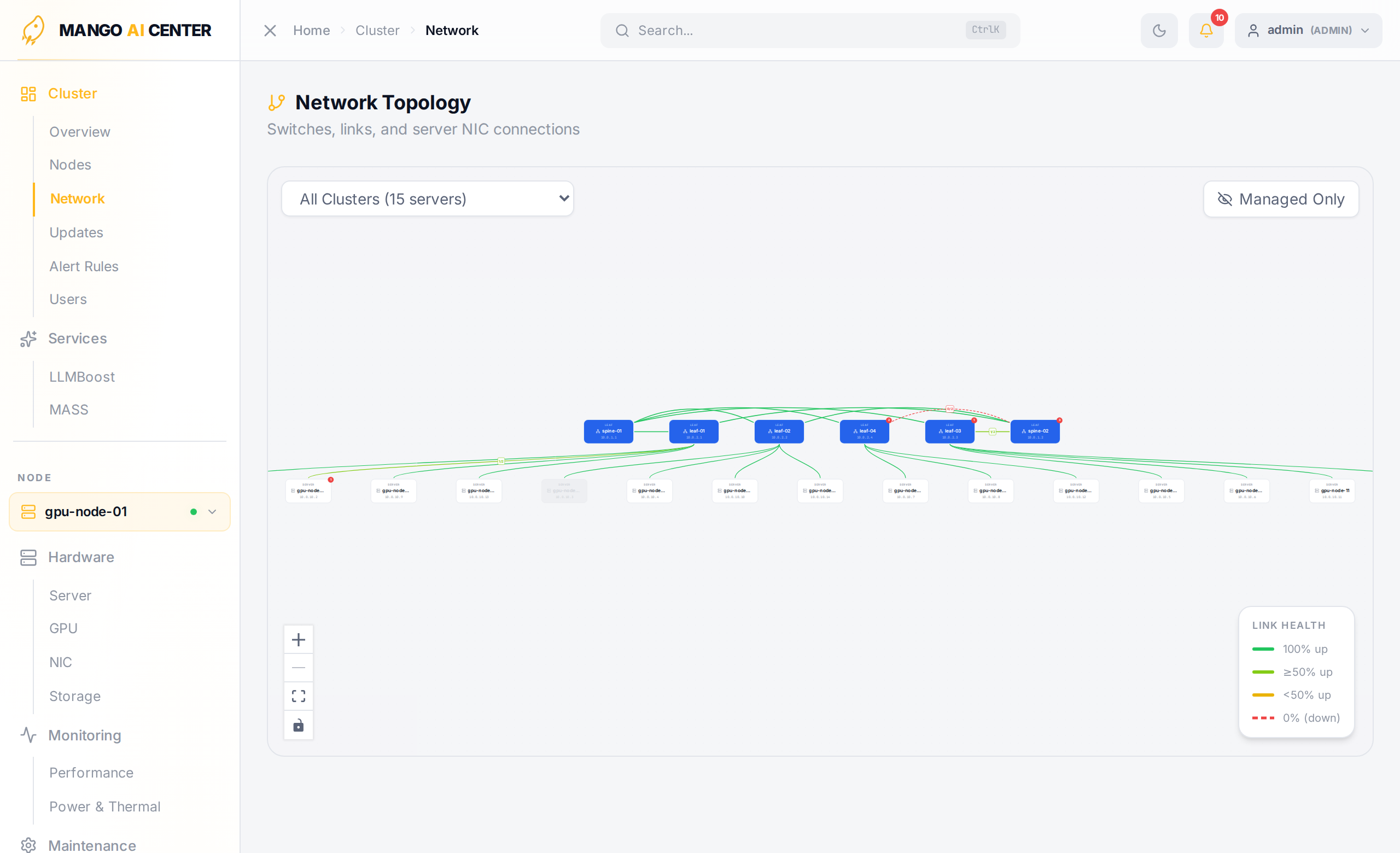
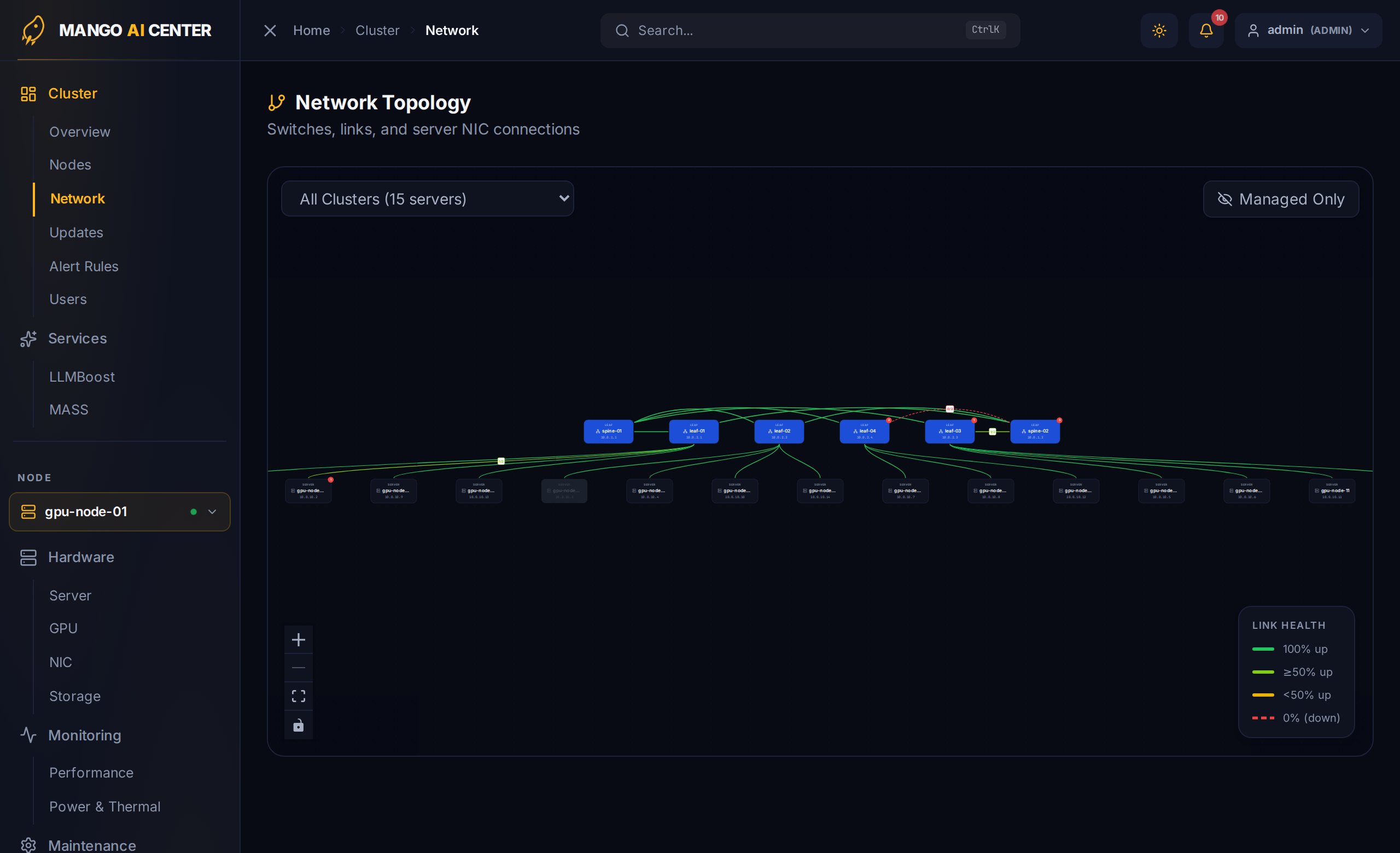
Switches do not need to be added manually — they are auto-discovered from LLDP data reported by registered agents and appear on the Network Topology page:
LLMBoost Auto-Discovery (Optional)
If any of your registered agents is also a node in a LLMBoost Kubernetes cluster, the Services → LLMBoost page lights up automatically. To see deployments and pod placement (not just models), provision a read-only K8s service-account token:
# On the K8s control-plane node:
~$ kubectl create serviceaccount mac-reader -n llmboost
~$ kubectl create clusterrolebinding mac-reader \
       --clusterrole=view \
       --serviceaccount=llmboost:mac-reader
~$ kubectl create token mac-reader -n llmboost --duration=8760h
Then on the MAC master:
~$ mac env set LLMBOOST_K8S_TOKEN=<paste-token-here>
~$ mac restart master
If your K8s nodes live on a different subnet from the agents, set the endpoints explicitly:
~$ mac env set LLMBOOST_API_ENDPOINT=http://<k8s-ip>:30080/api
~$ mac env set LLMBOOST_K8S_API_URL=https://<k8s-ip>:6443
~$ mac env set LLMBOOST_DASHBOARD_URL=http://<k8s-ip>:30080/manage/
You're Ready
Continue to the User Guide for a page-by-page walkthrough of the dashboard.