Storage
Block devices on the picked node — NVMe, SAS, and SATA — with model, capacity, current utilization, and SMART health status.
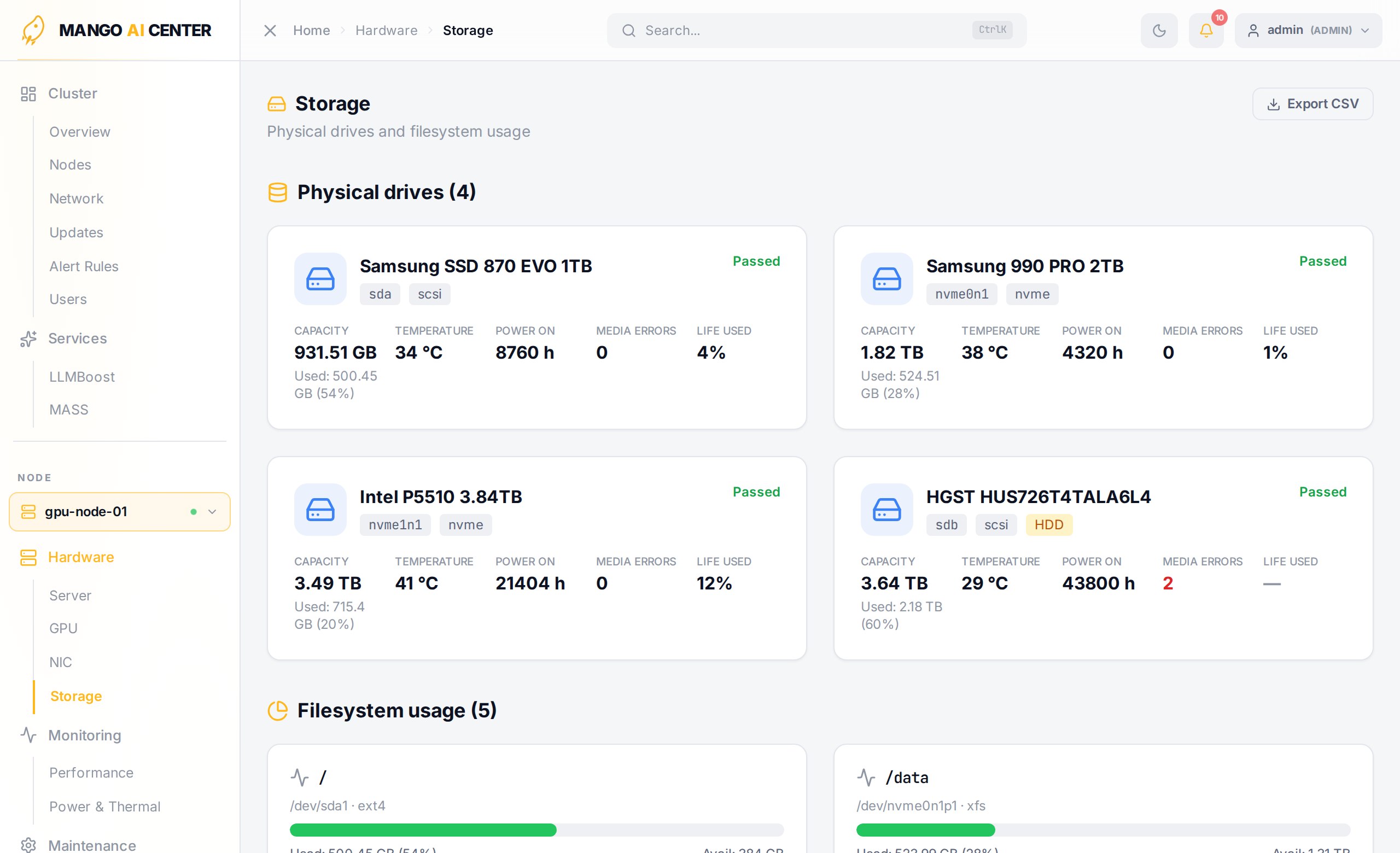
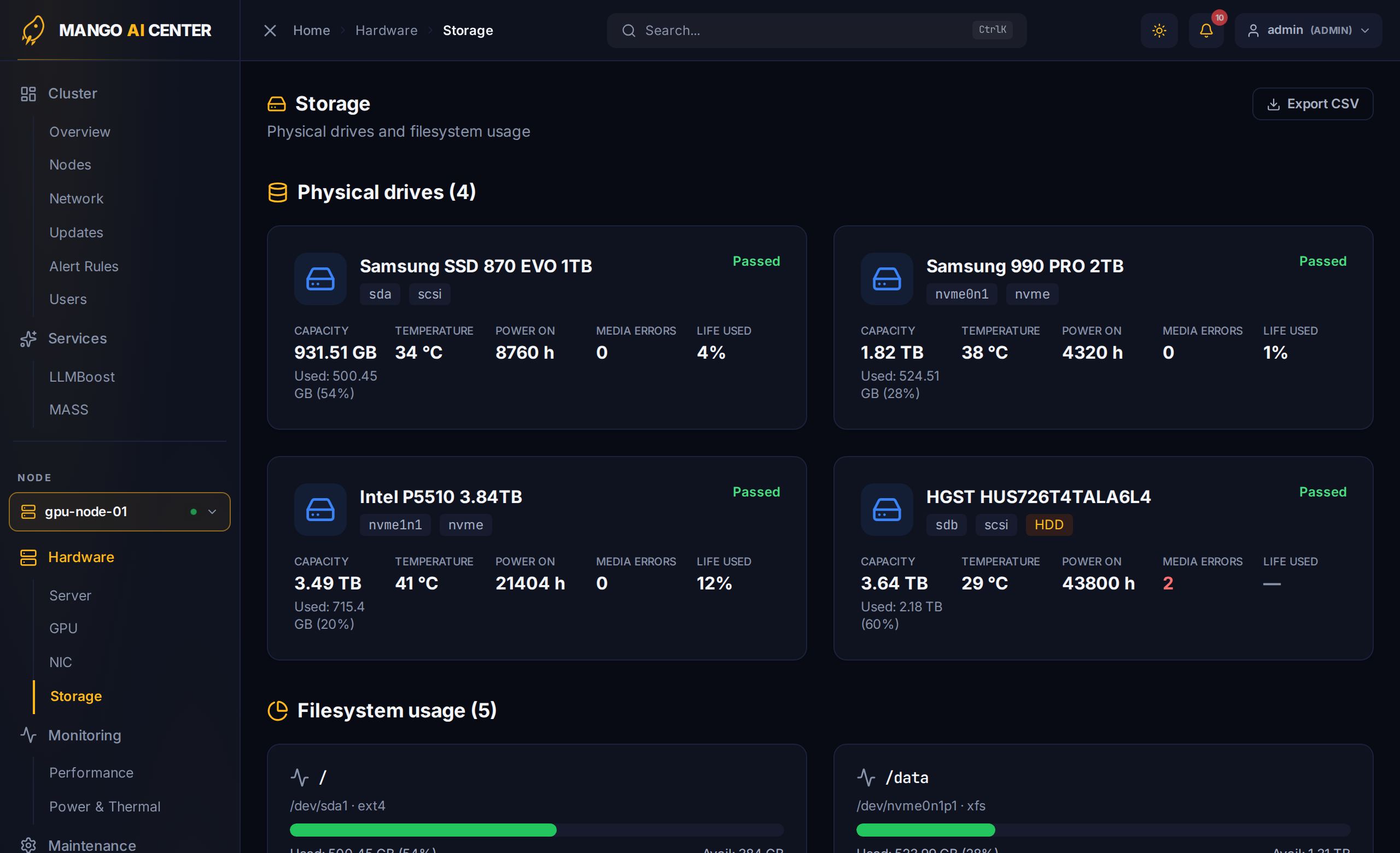
Per-Device Fields
| Field | Notes |
|---|---|
| Device | /dev/nvme0n1, /dev/sda, … |
| Model | Vendor model string |
| Capacity | Total raw capacity |
| Used / Free | Space currently consumed by the mounted filesystem |
| Type | NVMe / SATA SSD / SAS HDD |
| SMART | Pass / Fail / Warning (from the agent's smartmontools reading) |
| Temperature | NVMe controller / drive temperature |
| Power-On Hours | Cumulative powered-on time (NVMe and SATA) |
| Media Errors | Uncorrectable error count from the controller |
| Life Used | SSD endurance consumed, as a percentage |
When It Matters
- Pre-flight — confirm the OS disk has enough free space before triggering a kernel upgrade from Software.
- Capacity — quickly find the worst-utilization disks across a node group.
- Failure prediction — SMART warnings show up here long before a drive fails outright.
Per-Device IO Trends
Read / write throughput and IOPS over time live on the Performance page (Storage I/O section).