NIC
RDMA-capable NICs on the picked node — MangoBoost GPUBoost, NVIDIA BlueField / Mellanox, and Broadcom Thor2 — grouped by physical card.
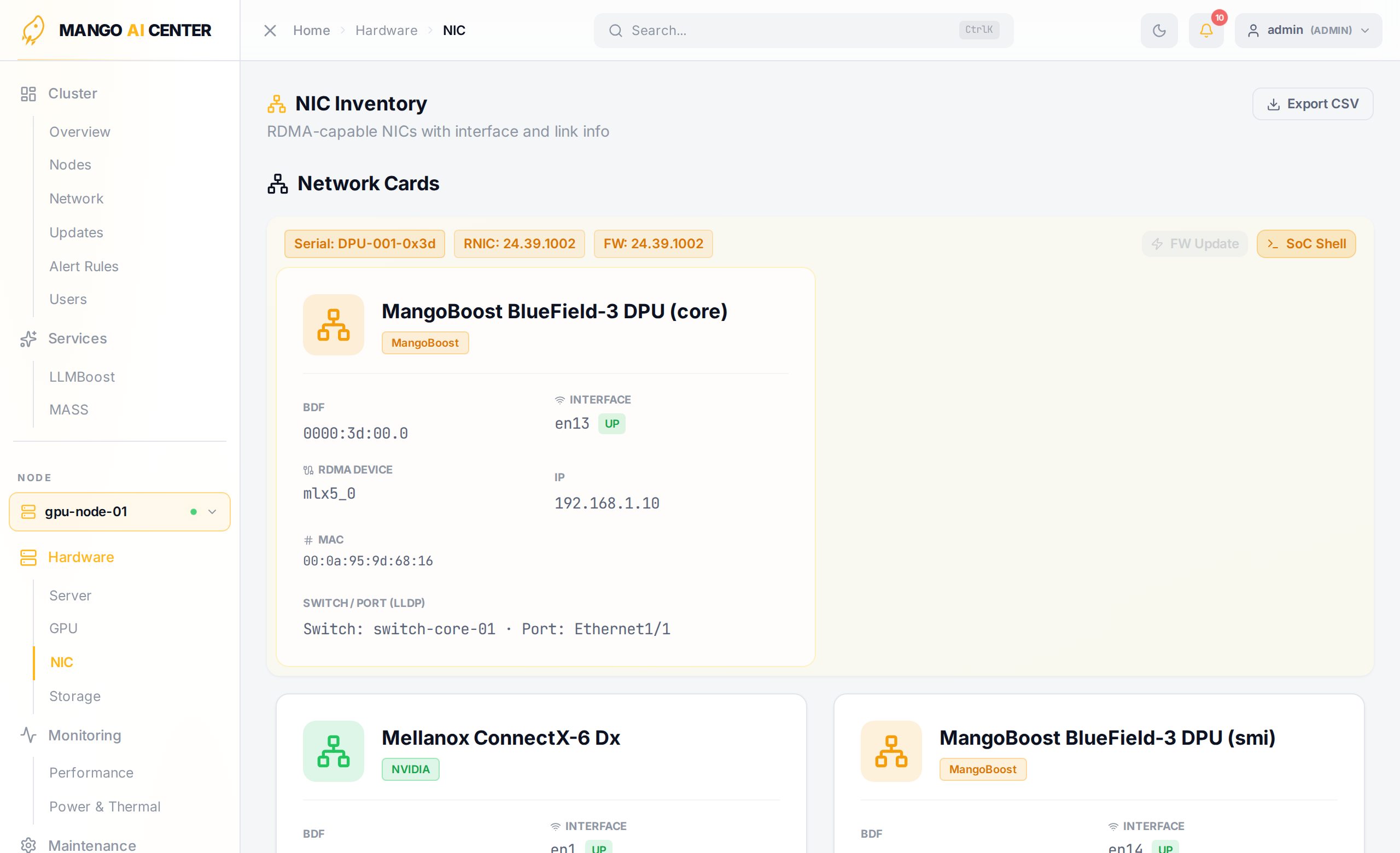
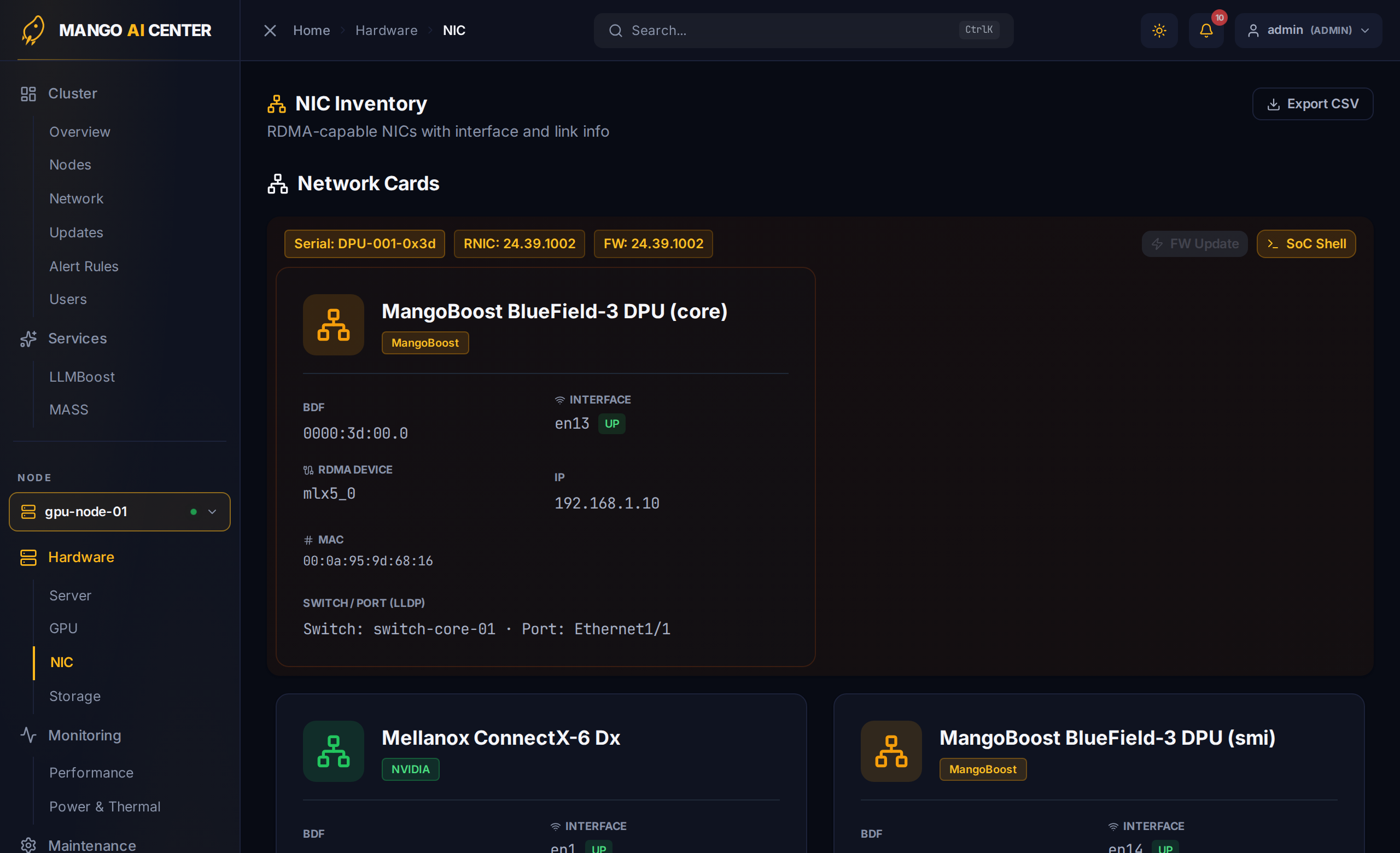
Card Group Header
Each card group spans the per-card metadata — Serial, RNIC ID, and current firmware version. Two buttons live in the header:
- FW Update — opens the parallel firmware-update modal (multi-node) for the card model
- SoC Shell — opens an SoC-side SSH shell for cards that expose one (MangoBoost only)
Per-Port Fields
For every port the card exposes, the page shows:
| Field | Notes |
|---|---|
| BDF | PCIe Bus / Device / Function (e.g. 0000:17:00.0) |
| Interface | Kernel netdev name (ens255f0np0); pill shows current link state |
| RDMA device | rocep23s0f0, mlx5_0, bnxt_re0, … |
| IP | Configured IPv4 / IPv6 |
| MAC | Burned-in MAC address |
| Switch / Port (LLDP) | Far-end switch chassis-ID and port name (when LLDP is up) |
Why It's Grouped
Multi-port RNICs (most production cards have two ports) almost always share serial, firmware, and management state. Grouping prevents duplicate fields and lets you do card-scoped actions (FW update, SoC shell) once per card instead of once per port.
Live Bandwidth
Bandwidth charts for each port live on the Performance page — the inventory page is intentionally state-focused so the hot path renders fast.