Deployment Modes
Choose the deployment shape that matches your environment:
- All-in-One — Master and Agent run on the same server. Best for evaluation, lab use, or single-server installations.
- Multi-Node — One Master server plus one Agent per GPU server. Recommended for production fleets.
- Hybrid — A single server runs Master and Agent locally, while additional Agents on remote GPU servers also report to it. Useful when the management host itself has GPUs.
All-in-One Deployment
The simplest deployment — Master and Agent services run on the same host.
mac pull all
mac start all
Once the containers are up, open the web dashboard at http://<this-host-ip>:23000.
Multi-Node Deployment
Step 1 — Start the Master
On the management server (no GPUs needed):
mac pull master
mac start master
The CLI prints the dashboard, API, and Prometheus URLs when services come up.
Step 2 — Register Each Agent
On every GPU server, point the agent at the master and start it:
mac env set MASTER_IP=<master-ip>
mac pull agent
mac start agent
The agent picks up the hostname as NODE_NAME (overridable) and registers with the
master, which assigns a NODE_ID and updates the Prometheus scrape config.
Deregistering Agents
To deregister an agent permanently (e.g. when retiring a server):
mac stop agent
mac stop agent notifies the master to remove this node from the inventory. Agents that
simply go offline (e.g. for a maintenance reboot) remain registered — your inventory
survives long maintenance windows.
Hybrid Deployment
If your management host also has GPUs, run mac start all on it and mac start agent on
the remote GPU servers (after pointing them to this same MASTER_IP).
Verifying the Installation
Run mac status to confirm the containers are running, then run mac test for a
one-shot health check of every MAC service on the node plus the core cluster API — it
prints a [PASS]/[FAIL]/[SKIP] table and exits 0 when everything is healthy (see
mac test). Then open the web dashboard: the
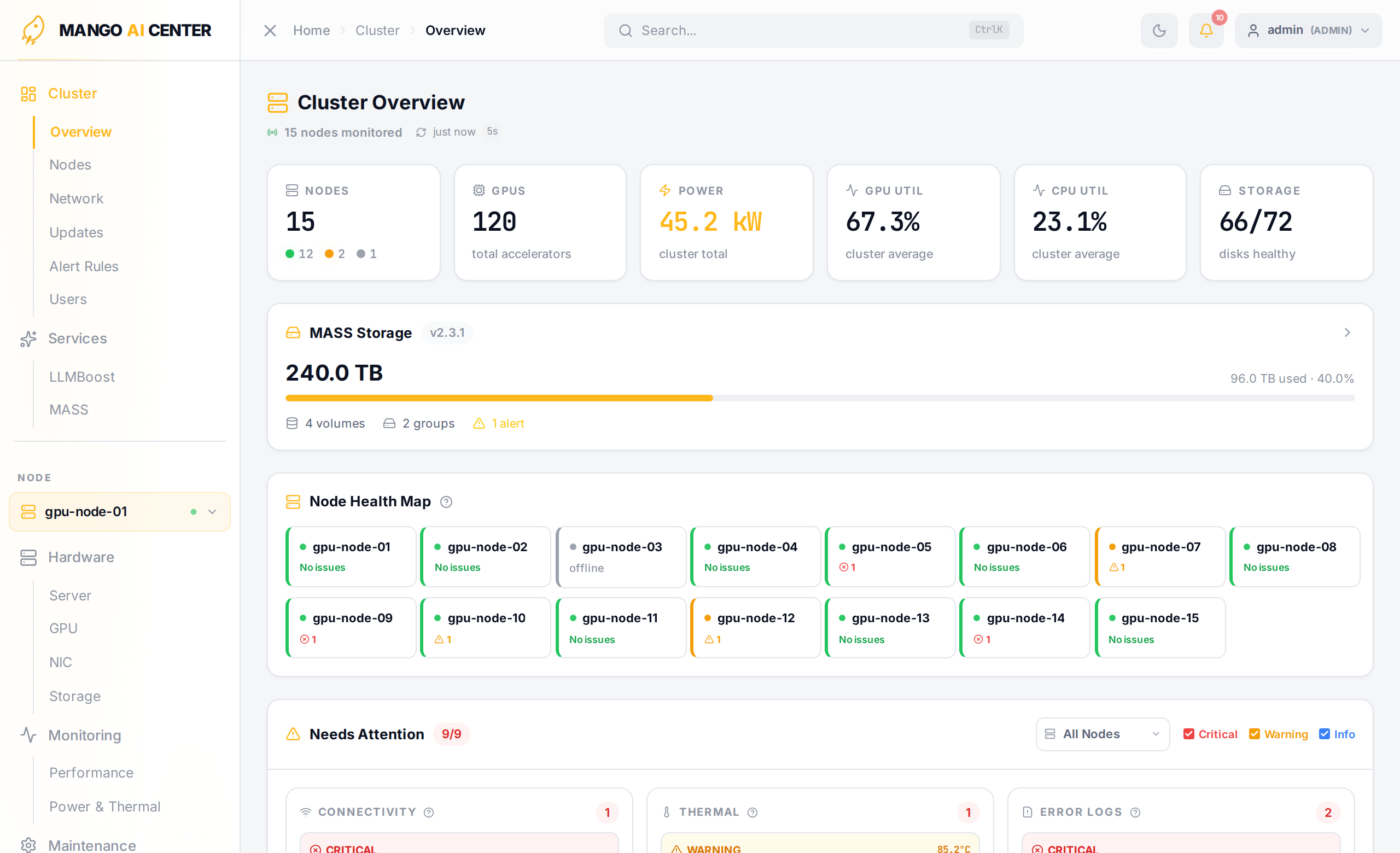
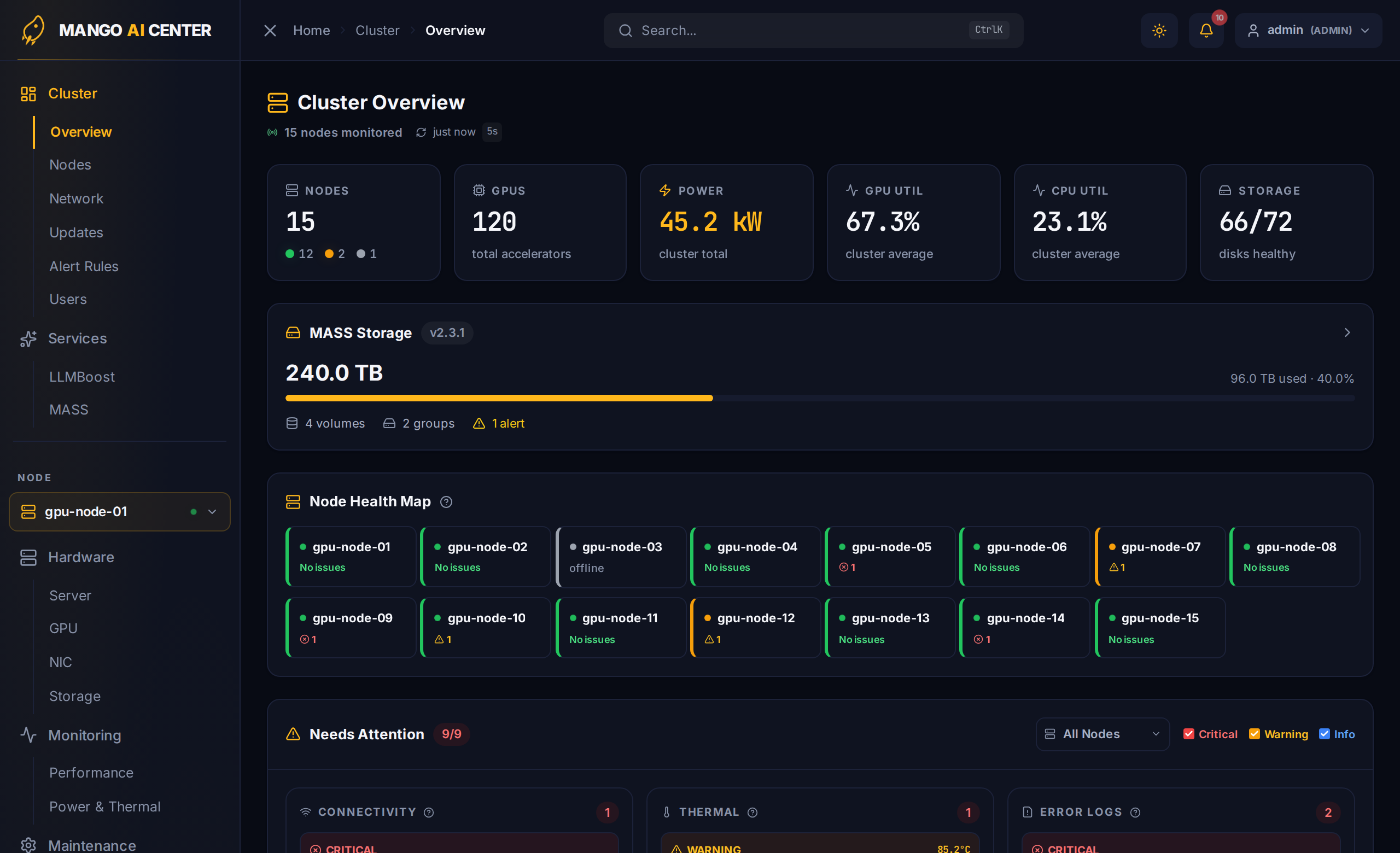
Cluster Overview page should show one tile per agent, green when metrics are flowing.
Upgrading
To upgrade MAC to a new release:
sudo apt update
sudo apt install --only-upgrade mango-ai-center
mac pull all              # or master / agent on each host
mac restart all
If you installed from a standalone .deb instead of the APT repo, run
sudo dpkg -i mango-ai-center_<new-version>_amd64.deb in place of the two apt commands
above.
Prometheus data, registered agents, and user accounts are preserved across upgrades.
Uninstalling
mac stop all
mac clean        # removes containers, volumes, networks, and locally-built images
sudo apt remove mango-ai-center      # or: sudo dpkg -r mango-ai-center
mac clean is destructive — it deletes the Prometheus time-series database and all log
history. Back up Prometheus volumes if you need historical metrics.