Users
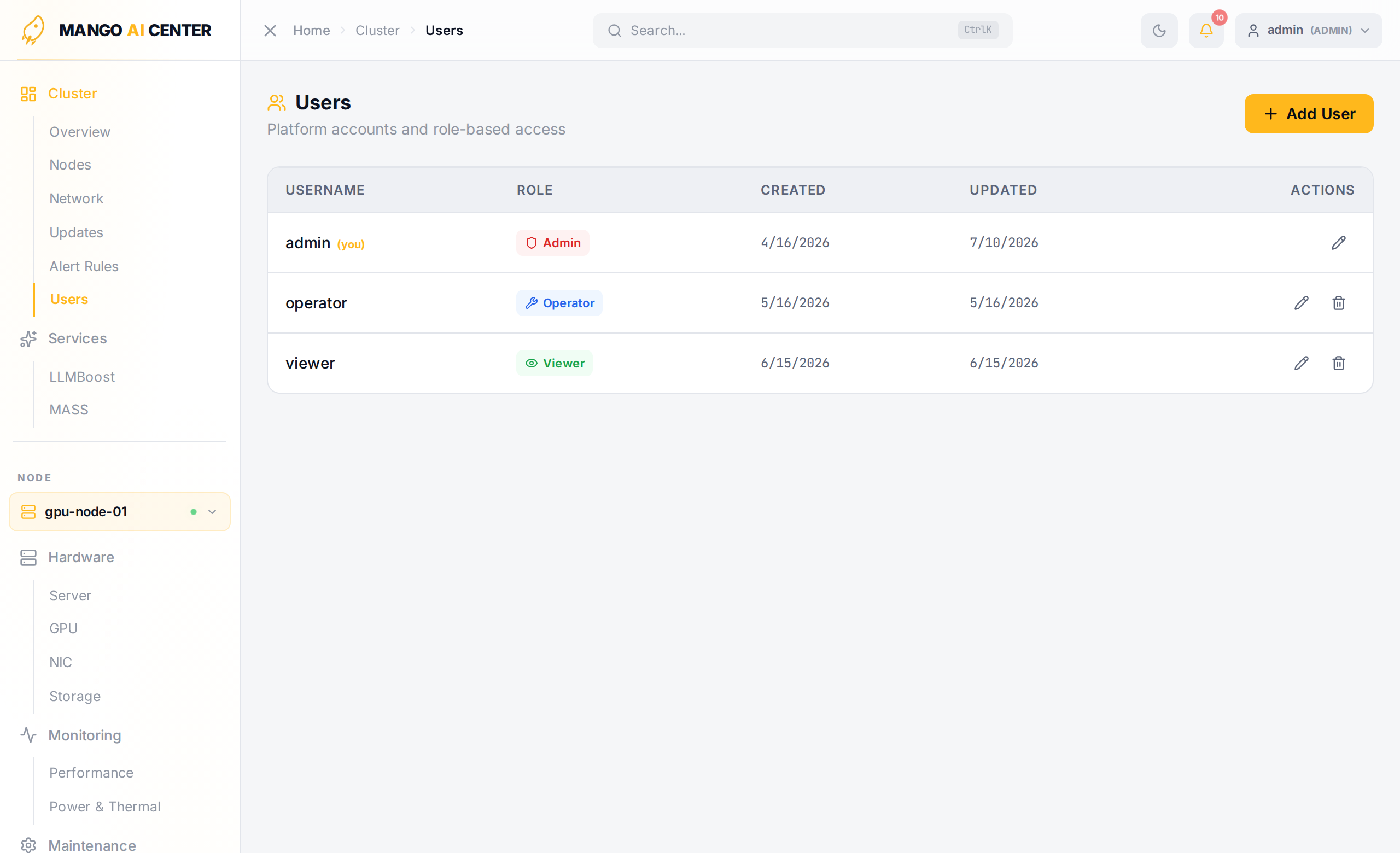
Manage accounts and role assignments for the dashboard. Visible to admin users only.
What You Can Do
- Create users with username, password, and one of
admin/operator/viewer - Reset a user's password without disabling their account
- Disable / Enable an account (preserves all audit log entries)
- Delete an account (audit log entries are retained but de-linked from the active account)
Roles
| Role | Permissions |
|---|---|
admin | Full access — user management, power control, all configuration changes |
operator | Read + write (container actions, software install, switch config) |
viewer | Read-only access to all monitoring data |
The role gates API endpoints as well as UI sections — a viewer calling
PUT /switches/.../interfaces/... over the REST API gets an HTTP 403, exactly as if they
clicked the disabled button.
Best Practices
- Disable the default
adminuser once you have a named admin account. - Use
operatorfor daily-driver accounts; reserveadminfor break-glass. - The Audit Log (Maintenance → Audit Log) records every privileged action with the actor's username — meaningful only if your operators have individual accounts.