Users
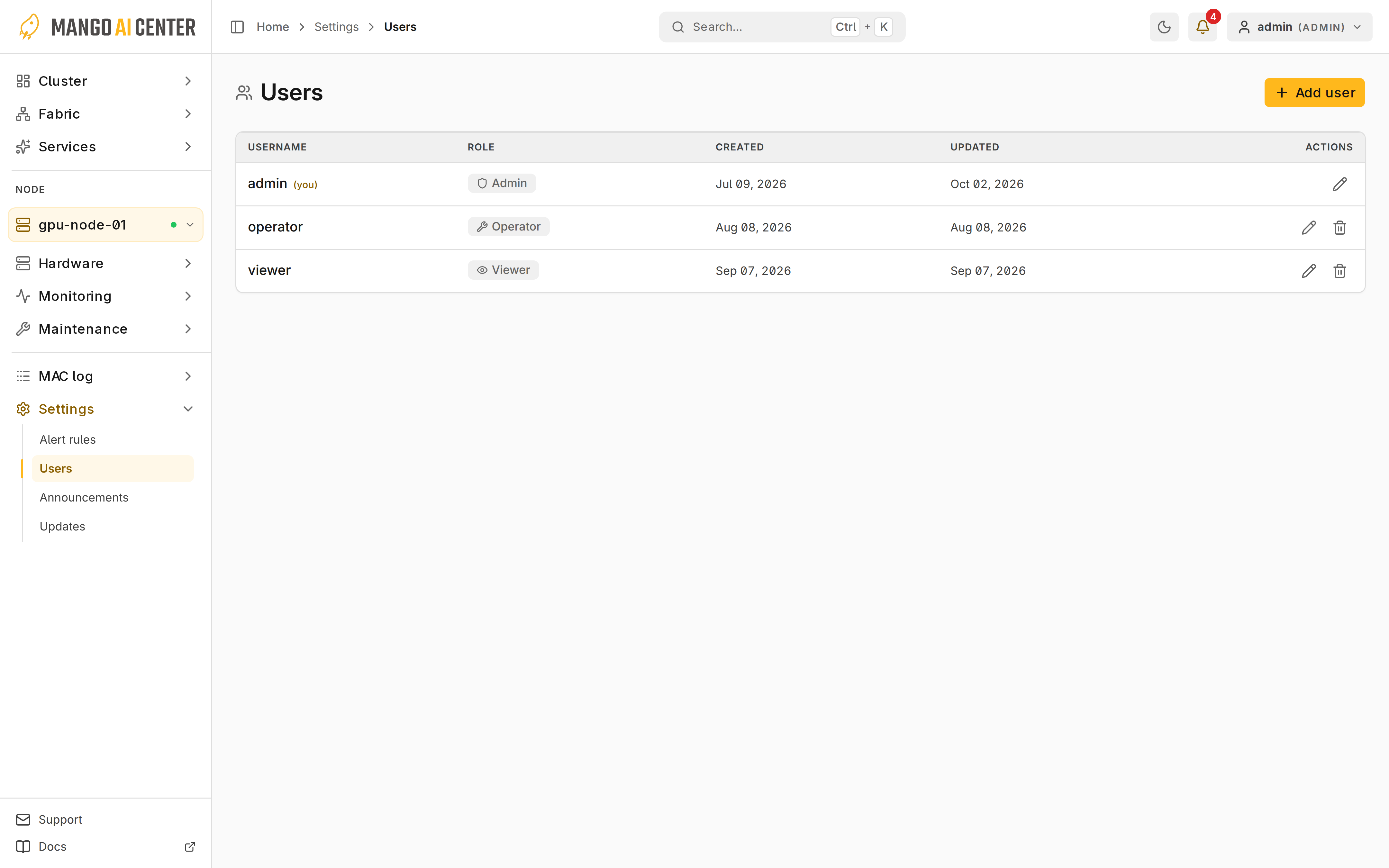
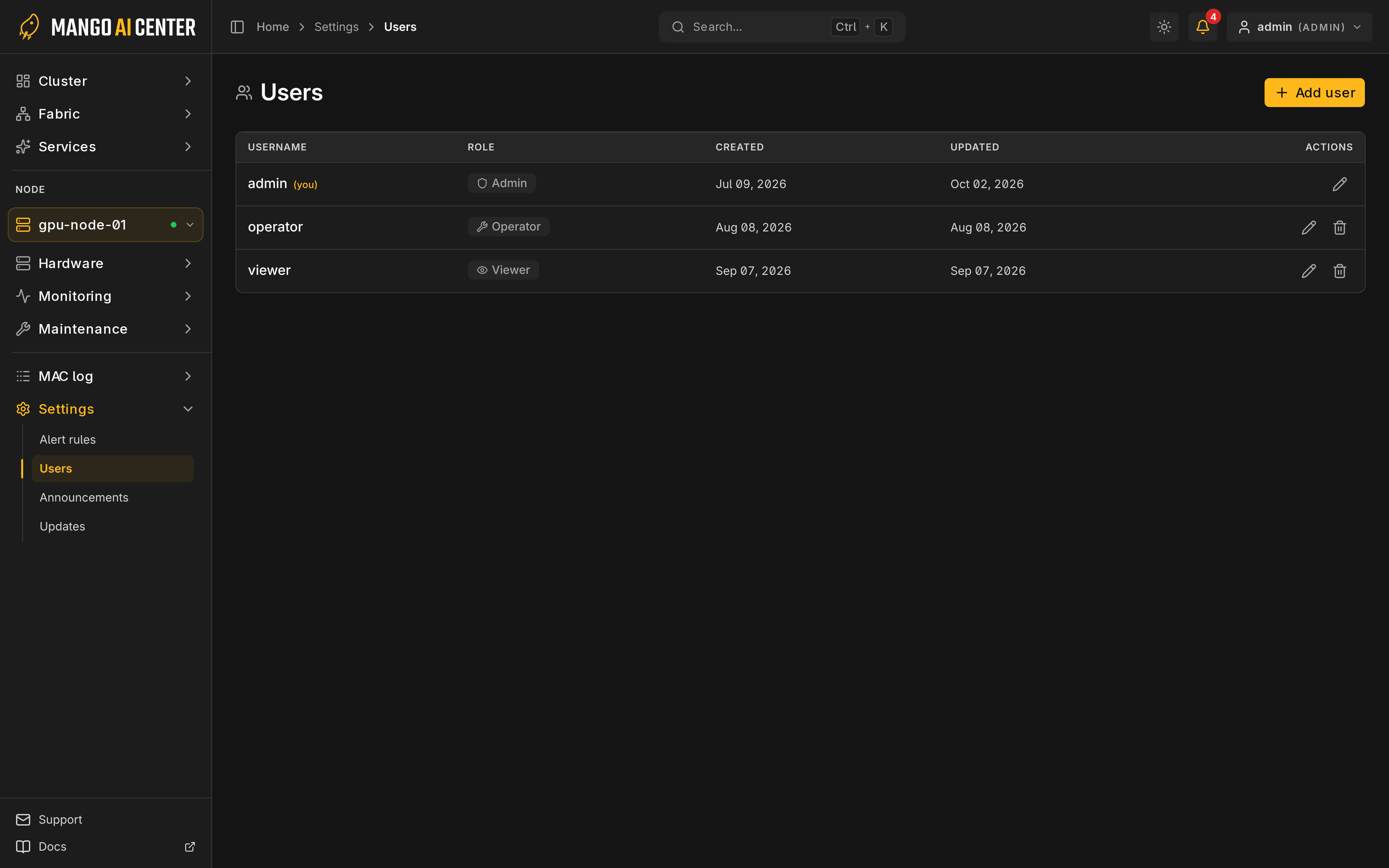
Administrators manage accounts in Settings → Users.
Accounts and Sessions
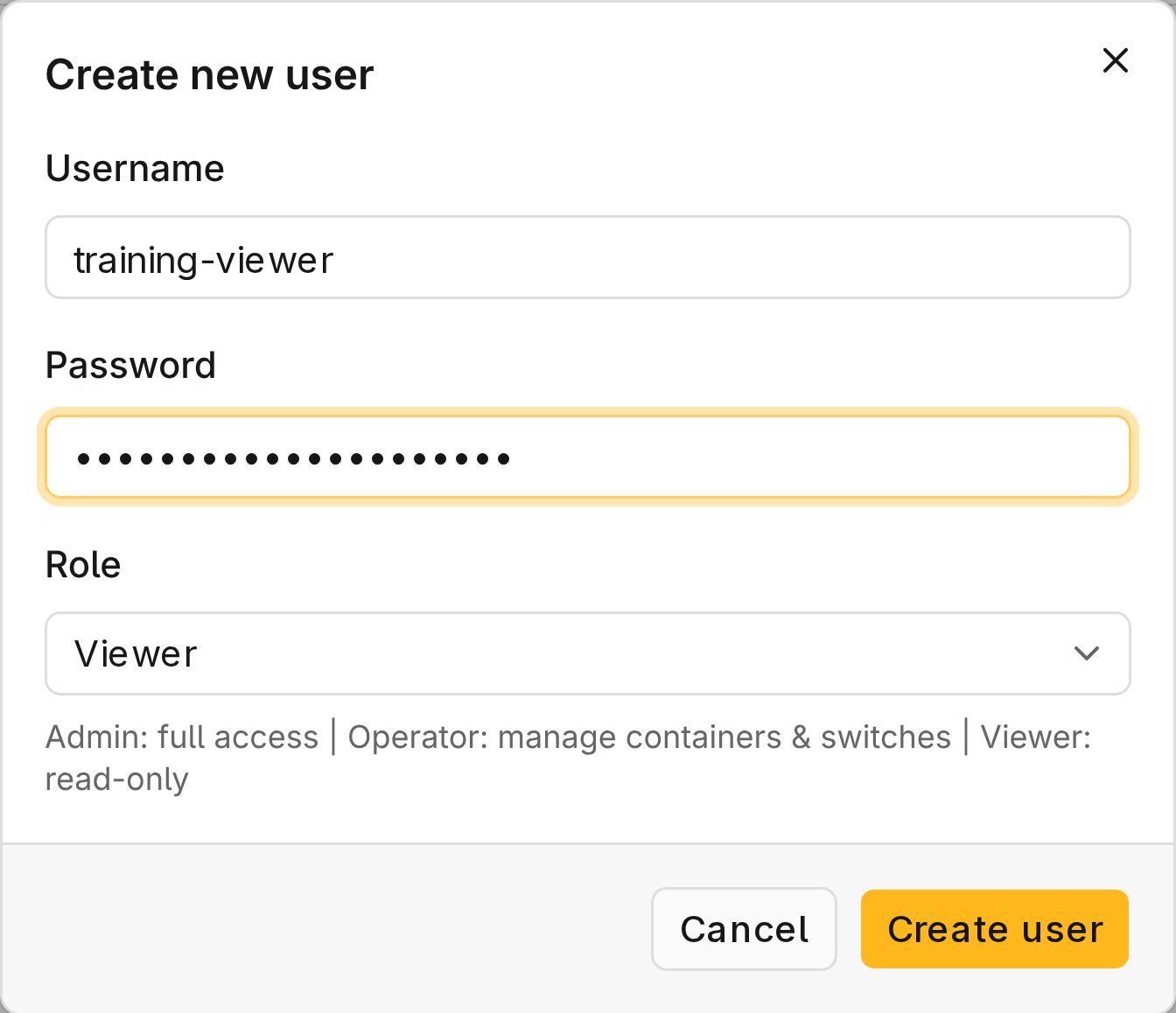
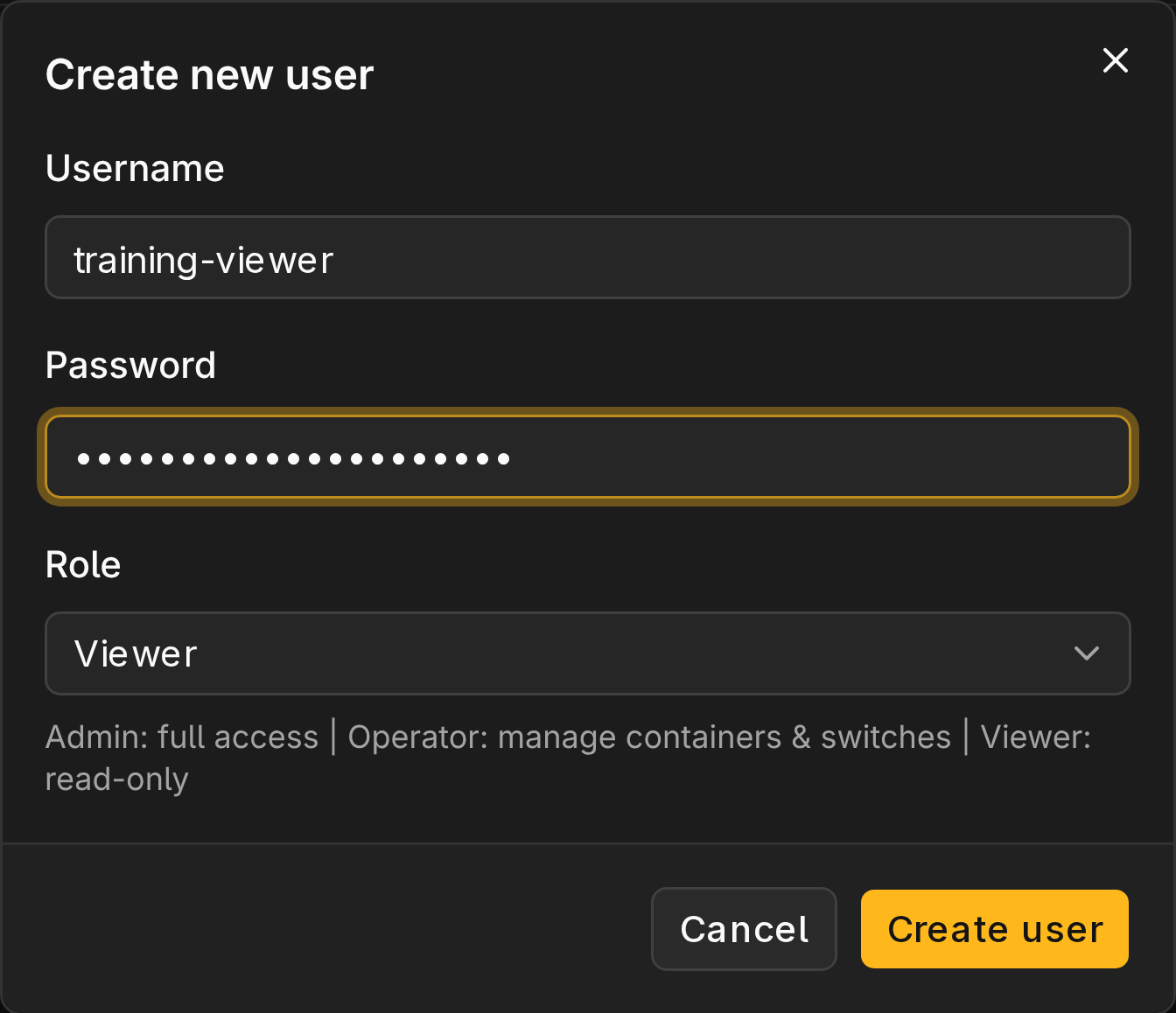
- Choose Add user.
- Enter a username, a role, and a password of at least eight characters (at most 72 bytes).
To change a role or password, choose Edit; a blank password keeps the current one.
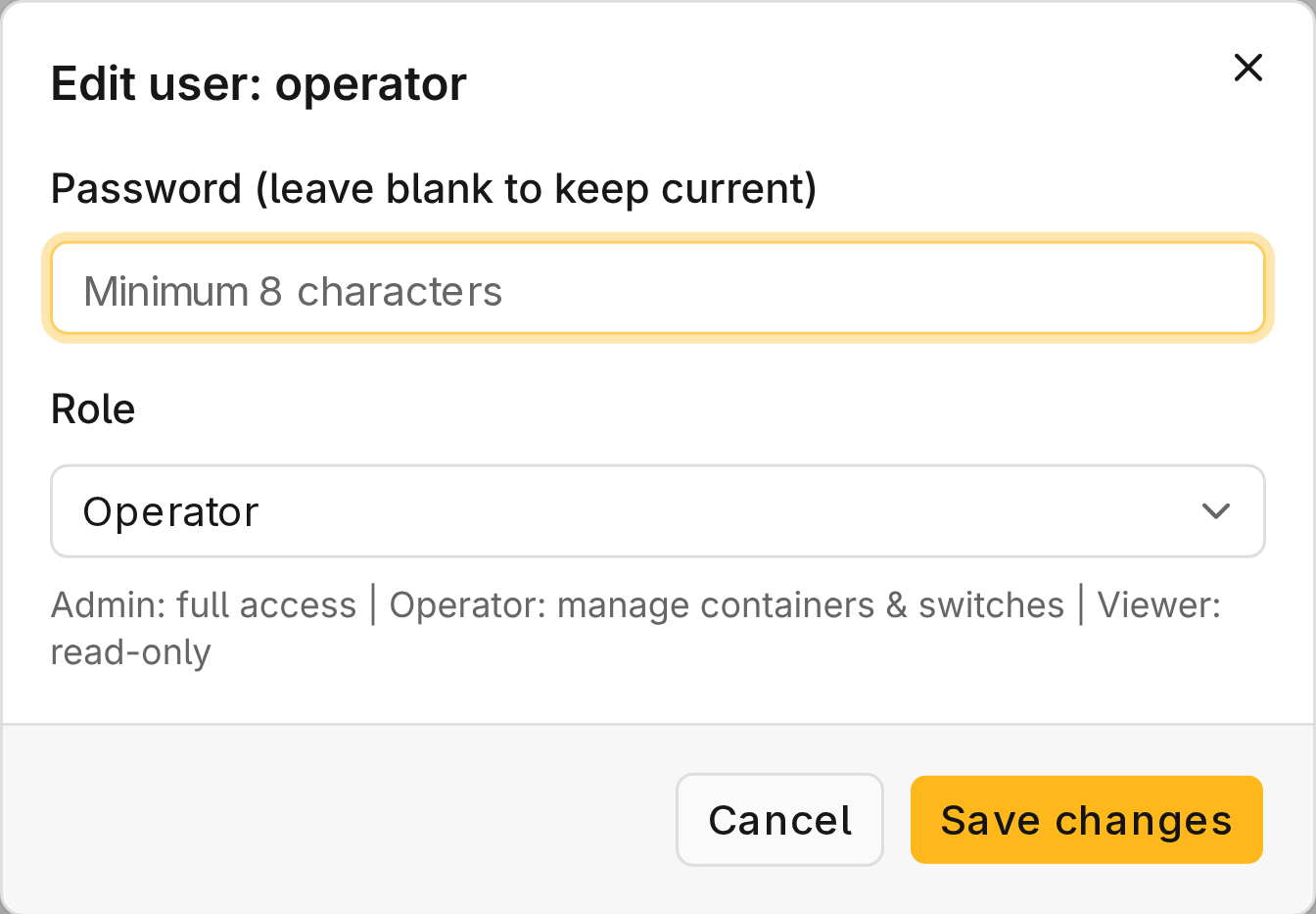
Changing a password or role signs out that user's sessions. The last admin cannot be deleted or demoted. Repeated wrong passwords block sign-in (HTTP 429) for a while.
Roles
| Role | Access |
|---|---|
admin | Everything, including users, announcements, audit, power and integration credentials |
operator | Monitoring, container/SDK actions, switch configuration, BMC console, host/service logs, storage provisioning |
viewer | Monitoring and dashboards only |
Lost Administrator Password
Recover on the master with mac user reset-password.