Cluster nodes
Cluster → Nodes lists registered agents and their health.
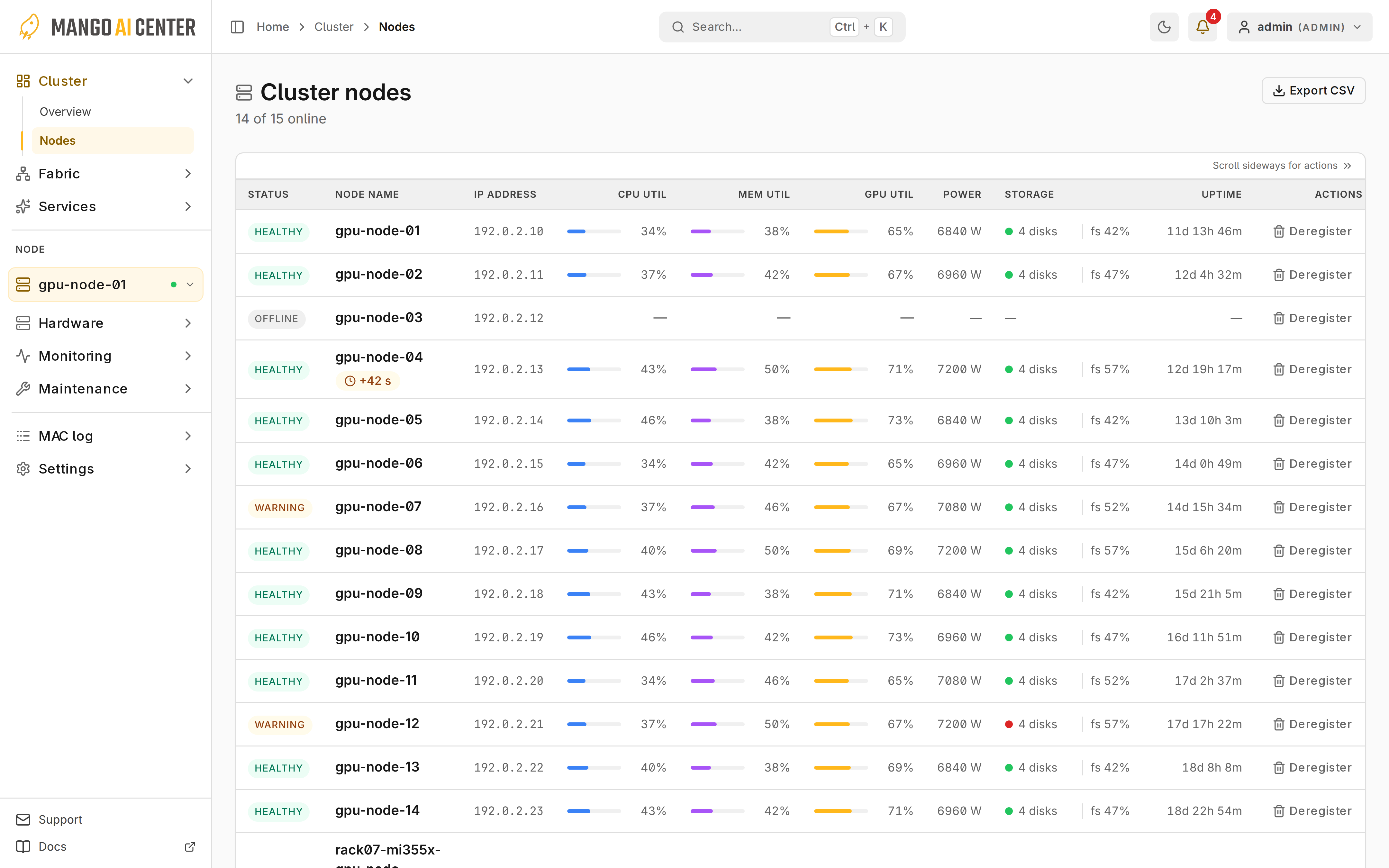
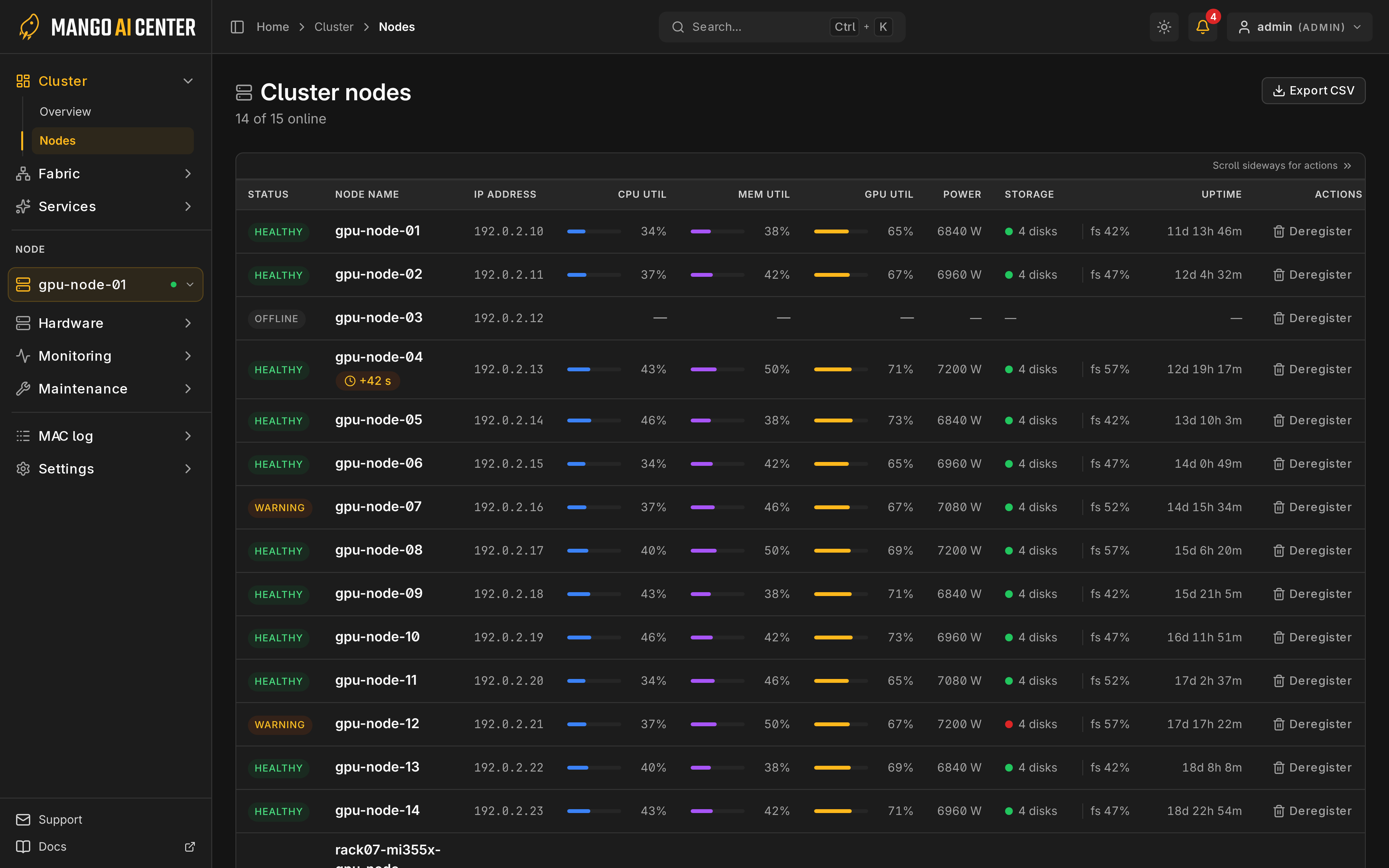
Columns
Rows show status, address, utilization, power, storage and uptime; dashes mean no reading. Click a row to open Hardware → Server.
Enrollment and Removal
Register new agents as in Register Each Agent.
To remove a node (administrators only):
- Select Deregister on its row and confirm.
- If the agent still runs on the host, stop it with
mac stop agent; otherwise it can enroll again. See Service Control.
Deregistration does not power off the host.