Server
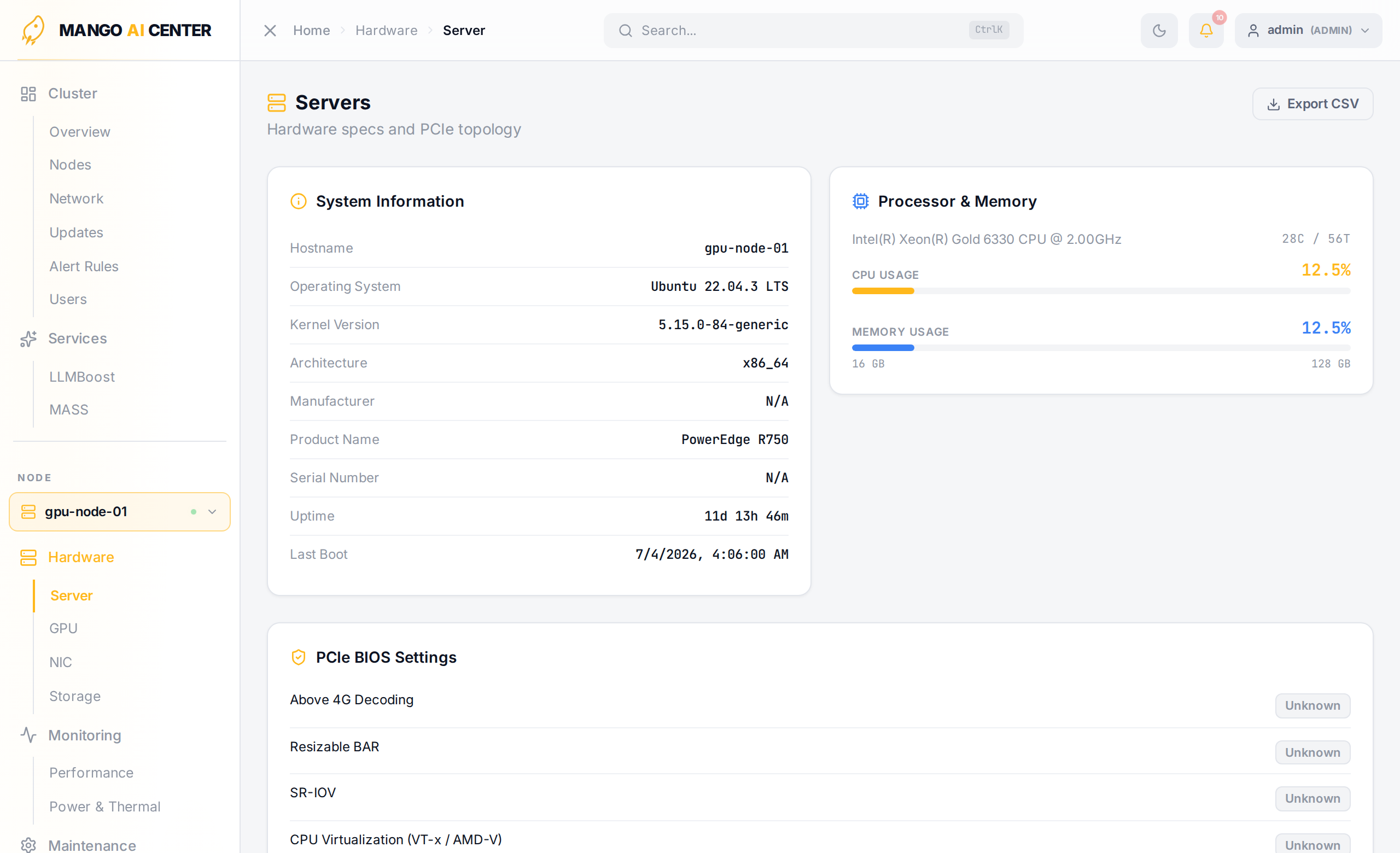
The Server page shows deep detail for the currently picked node — system specs, GPU/DPU/NIC composition, BIOS, kernel, and PCIe topology. Pick the active node from the sidebar's node switcher.
Sections
System Information
Hostname, OS, kernel, architecture, manufacturer, product name, serial, uptime, and last boot time — useful when filing a support ticket.
Processor & Memory
CPU model, core/thread count, live CPU and memory usage, and total installed memory.
PCIe Devices
A combined view of every GPU and NIC the agent discovered. Four tabs share the section header:
-
Device List — flat table with type, name, BDF, NUMA node, and the PCIe path from root complex to the device.
-
Physical Slots — chassis's physical PCIe slot inventory derived from the agent's
dmidecode+lspcidata (no BMC required). Slots whose SMBIOS labels collide are disambiguated as(×N)or#Nso each row maps unambiguously to a single endpoint. -
PCIe Tree — hierarchical view of the host's PCI tree with every GPU and NIC labeled.
-
Hop Heatmap — GPU ↔ NIC hop-distance matrix, invaluable for tuning GPUDirect RDMA:
hops = 1— GPU and NIC share a PCIe switch (best)hops = 2— both attach to the same root complex but cross the CPUhops ≥ 3— traffic crosses inter-CPU links (slowest)
Pin RDMA streams to the closest NIC for each GPU using this map.
Storage Health
A summary strip with disk count, used capacity, worst SSD life-used, and total media errors. Drill into Hardware → Storage for per-device SMART data.
Cluster-Wide View
The Server page is per-node. For the whole-fleet list, see Cluster → Nodes.